
Introduction
Ever wanted to make your home automated? Wanted to control the lights, fan and other appliances from your smartphone? Or wanted a tutorial about connected devices and getting started with it? Android Home Automation will show you how to make your home automated using an Android smartphone. This requires you to have no experience of Android programming at all, as a free application is included for you to develop. Using this Android application you will be able to control your lights, air conditioning, door locks, etc all from your smartphone. This system uses Bluetooth to connect with your device and control the various appliances in your home. Have fun with this tutorial!
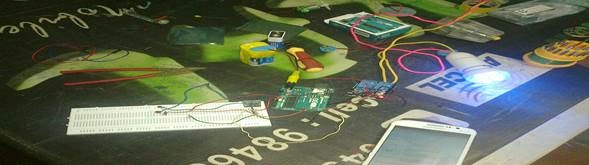
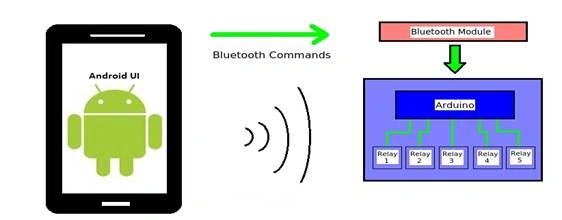 Step 1: Tools and Materials
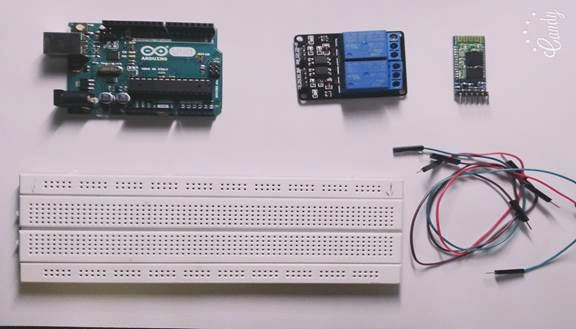 Hardware
- Arduino / Arduino Clone
- A 5v TTL -UART Bluetooth module like JY-MCU BT_BOARD (Cheaper) or Bluesmirf Gold/Silver.
- Five 5V SPDT relays like: 5V relayPrototype board or breadboard.
- Connecting wires.
Software
- Arduino IDE
- DIY smart home Android App
Step 2: Hardware Assembly
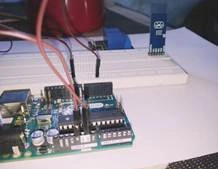
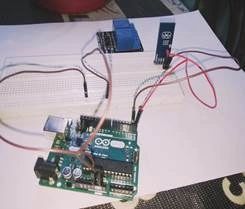
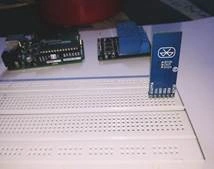
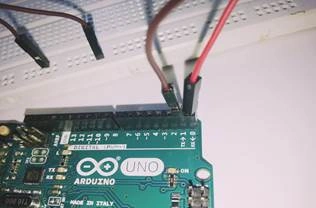
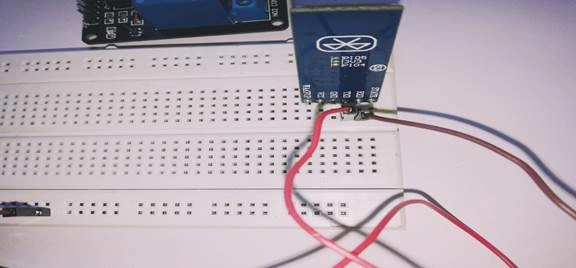
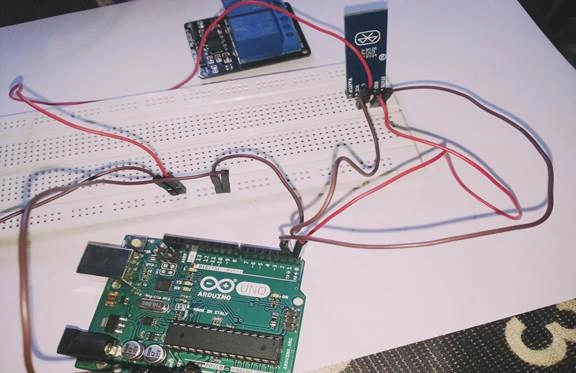
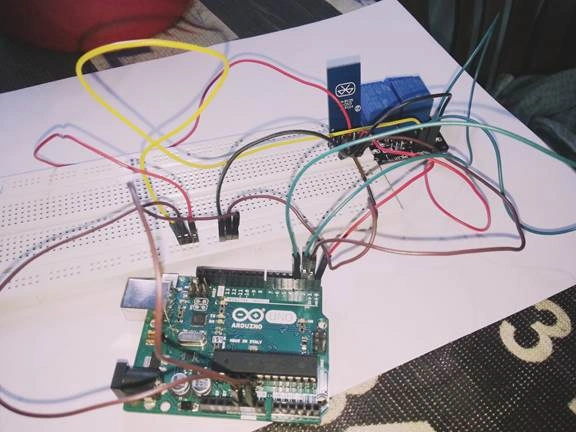
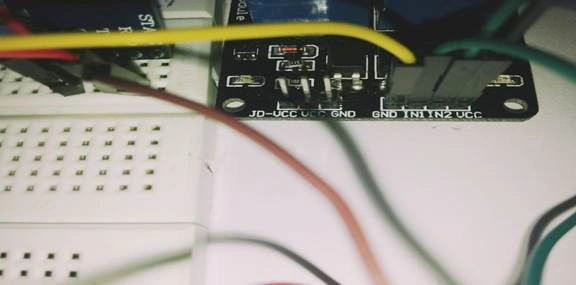
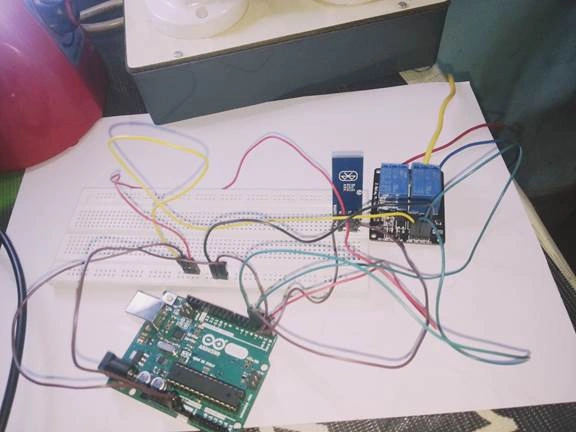
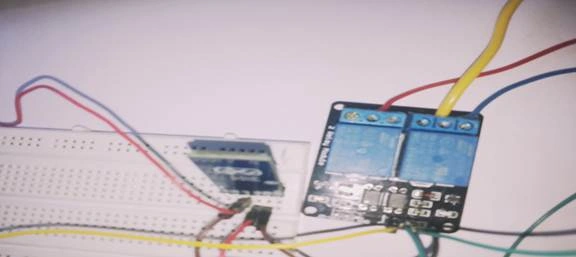
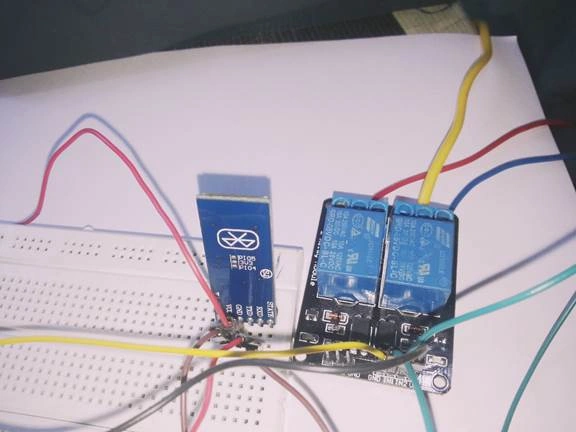
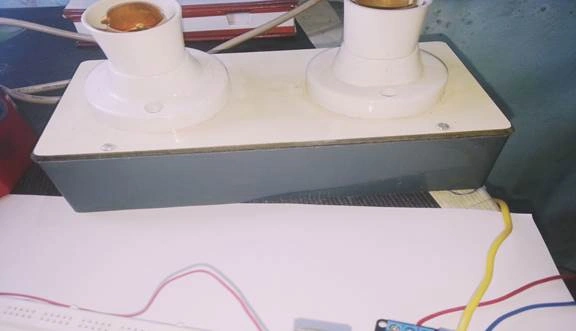
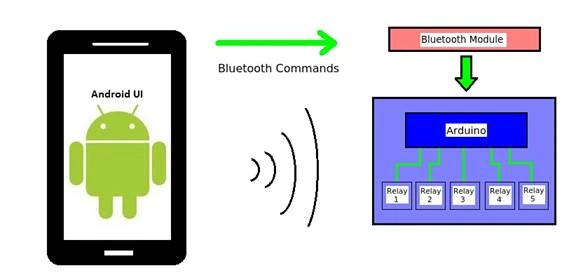
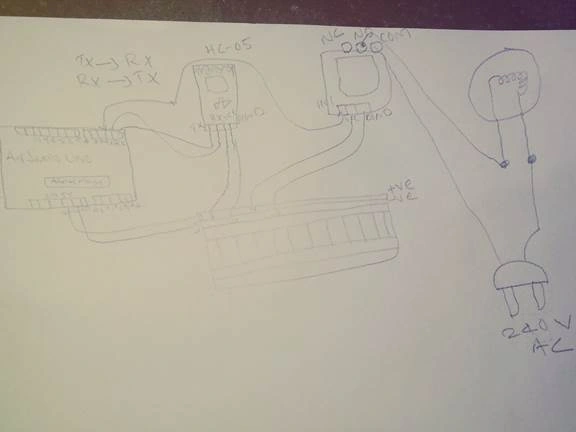
- Bluetooth TX pin to Arduino RX pin.
- Bluetooth RX pin to Arduino TX pin
- VCC pin to 5v GND to GND Arduino
- Relay IN1 pin to Arduino D2 (Digital Pin 2)
Step 4: Programming the Arduino
 Arduino
If you are new to the Arduino, it is a small board, fully assembled with a AVR microcontroller. It is well suited for hacking and interacting with your environment. Many things that are hard with microcontrollers are rather easy with Arduino. Some of the advantages:
- No need for a separate programming device (programmer).
- Comes with an integrated development environment (IDE) runs on any platform, Windows, Mac, Linux. easy connection to your PC with USB hardware is an open source (but the name Arduino is not) has a great community More information can be found at the official Arduino website.
- Connect your Arduino to Computer
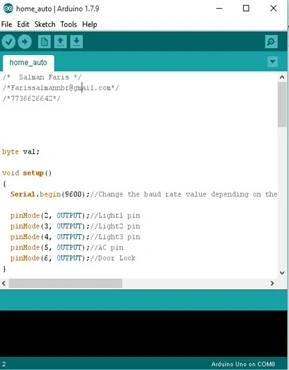
- Copy-paste the Home_auto.ino file or open with the Arduino IDE
- Upload the code to Arduino
Step 5: Install the App
- Connect Arduino to 9v battery or computer
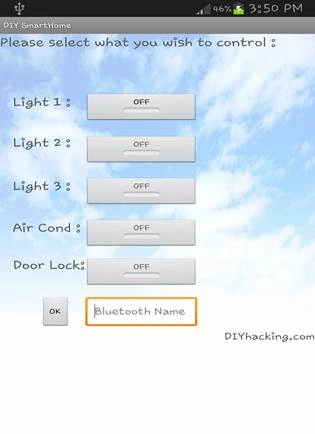
- Install the App in your Phone
- Run the application
- Allow the BT permissions,
- Type Your BT Module name (Normally HC-05)
- Password = 1234
- Pair ok
Step 6: Control Your home Using Your Phone
In this project, I only used One Relay and therefore we can control only one device, also we can add more relay modules and control all of your home.
Note: Be Careful while working with relay since its 240V AC.
The mobile app and Arduino code will be in the Zip file attached.


ANSHUL PATELPosted Jul 18, 2021, 2:18 PM EDT
Can I get some tips for presentation based on this
Salman FarisPosted May 21, 2016, 2:49 AM EDT
https://github.com/salmanfarisvp/Arduino-Smart_Home ==>> full Code
Salman FarisPosted May 21, 2016, 2:48 AM EDT
Santhakumar Munuswamy https://github.com/salmanfarisvp/Arduino-Smart_Home/blob/master/Arduino_code.ino try this
Santhakumar MunuswamyPosted May 20, 2016, 10:16 PM EDT
Appreciate your work. I am requesting you to add credit reference source to here. Also, is it possible add source code?
Prasanna MuraliPosted May 20, 2016, 6:08 AM EDT
Nice one
Gopi ChandPosted May 7, 2016, 8:39 PM EDT
Great initiation :)
Salman FarisPosted May 6, 2016, 8:46 AM EDT
Thanks :-D
Kuppurasu NagarajTOP 100Posted May 6, 2016, 5:17 AM EDT
Nice Sharing..
Sr KarthigaPosted May 5, 2016, 11:41 PM EDT
good one
Anbu ManiPosted May 5, 2016, 10:36 PM EDT
Great
Debasis SahaTOP 100Posted May 5, 2016, 5:40 AM EDT
Good
Vignesh ManiTOP 100Posted May 5, 2016, 4:20 AM EDT
Good one