
- Proceed with Title Sharepoint site is "Team Site"
- Click on "Site Actions" | Site Settings
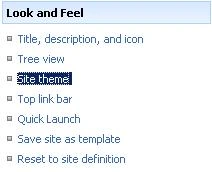
- On the Look and Feel
- Click on " Site theme "
- Choose simple or Classic
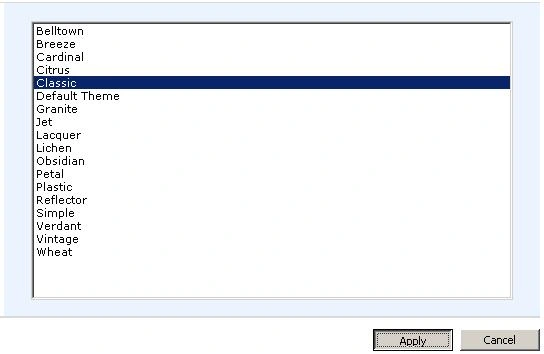
- Click Apply and see the theme change.
- Click on " Site theme "
How to change your site's theme guava in SharePoint
In this exercise we see how to change your site's theme guava in SharePoint.


Dinesh BeniwalTOP 10Posted Apr 25, 2011, 1:00 AM EDT
Useful article..