

Introduction
In this article I will explain how to Embed php code in html page. You can directly applying php code in html page this techniques is one of the main advantage of php language embedding PHP code in HTML page. To embed PHP code in HTML pages we define to outline blocks of PHP code so save the page with the special extension (.php).
Example
<?php
echo "Hello World";
?>
Above I used simple PHP code and this PHP code I will use in HTML page. Such as
<html>
<title>First Application of PHP</title>
<body>
<h3>Here Embed PHP code!</h3>
<?php
echo "hello World";
?>
</body>
</html>
Above example page save as (form.php) and You will get the output on the browser same.
Output
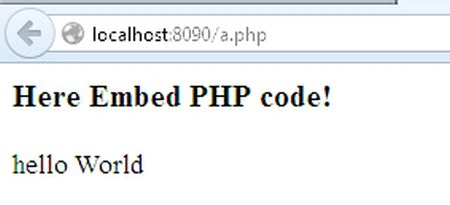
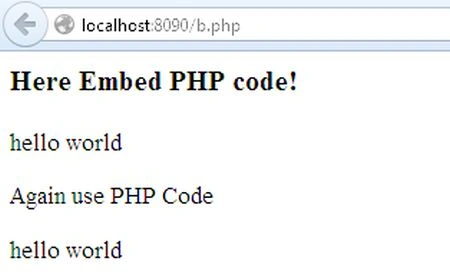
As you can see in the above example, I have very simply embedded the php block code into our HTML page and very important that the php code blocks on a HTML page can be used as many times as you want.
Example
<html>
<title>First Application Of PHP</title>
<body>
<h3>Here Embed PHP code!</h3>
<?php
echo "hello world";
?>
<p>Again use PHP Code</h3></p>
<?php
echo "hello world";
?>
</body>
</html>
Output
Example
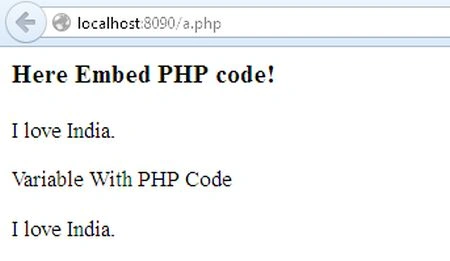
Display data in web browser with echo command. Such as
<html>
<title>First Application of PHP</title>
<body>
<h3>Here Embed PHP code!</h3>
<?php
echo "I love India.";
?>
<p>Variable With PHP Code</p>
<?php
$name = " I love India";
echo " $name.";
?>
</body>
</html>
Output
Join the conversation! Your thoughts help the community grow.