

Step 1 - First Incrementally load the Fact Tables.(Insert data in the fact tables for today)
Step 2 - Make a SSIS package for Cube Refresh
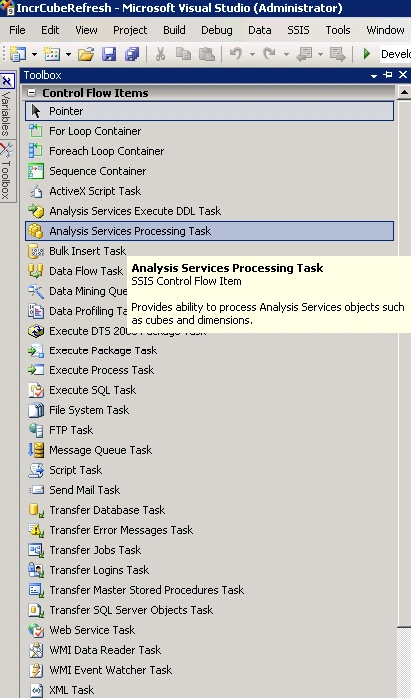
- Add Analysis Services Processing Task in your package
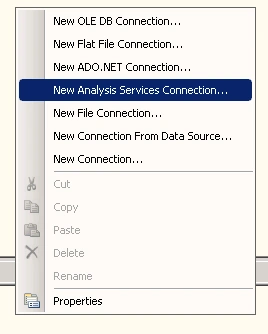
- Right click on the Connection Manager Pane and Select New Analysis Services Connection
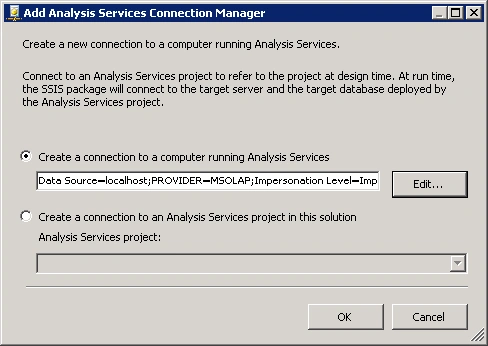
- Click Edit Button
- Give the name or IP of the Analysis Services Server and Select the Database
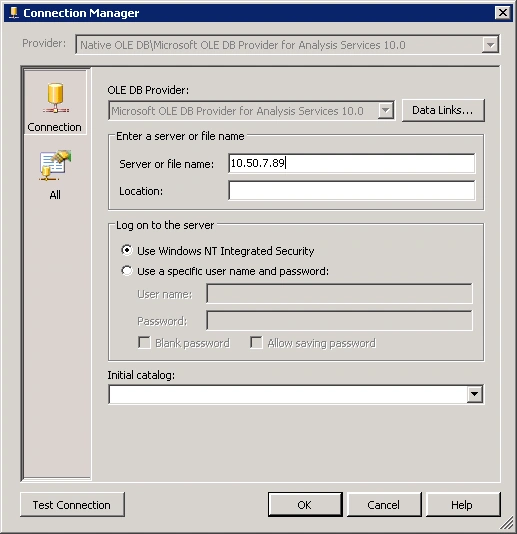
- Test Connection and then click OK.
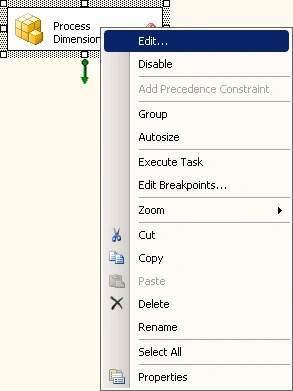
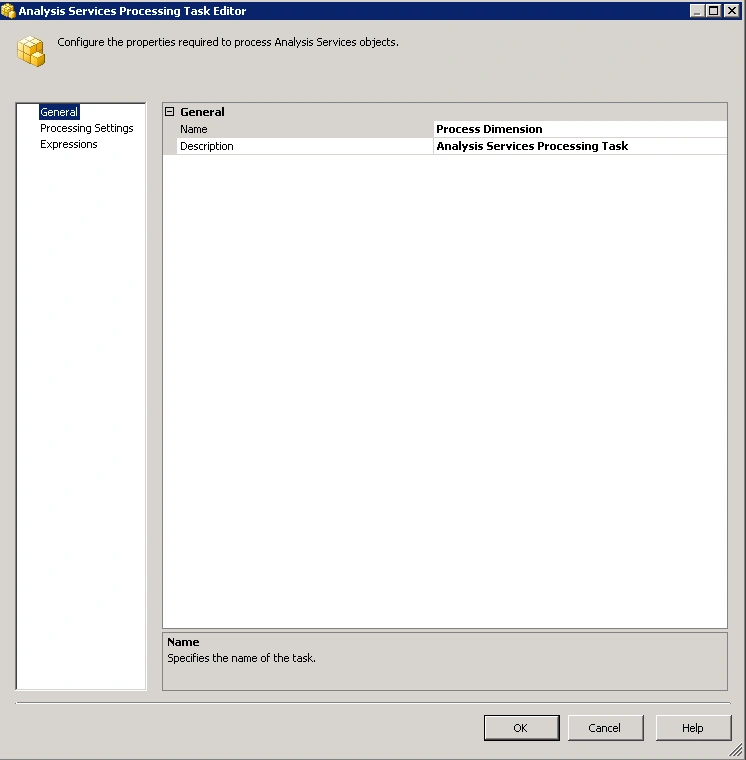
- First rename the analysis Services process Task to Process Dimension. Click Edit
- Go to Processing Settings and then Add all the dimension by clicking add button
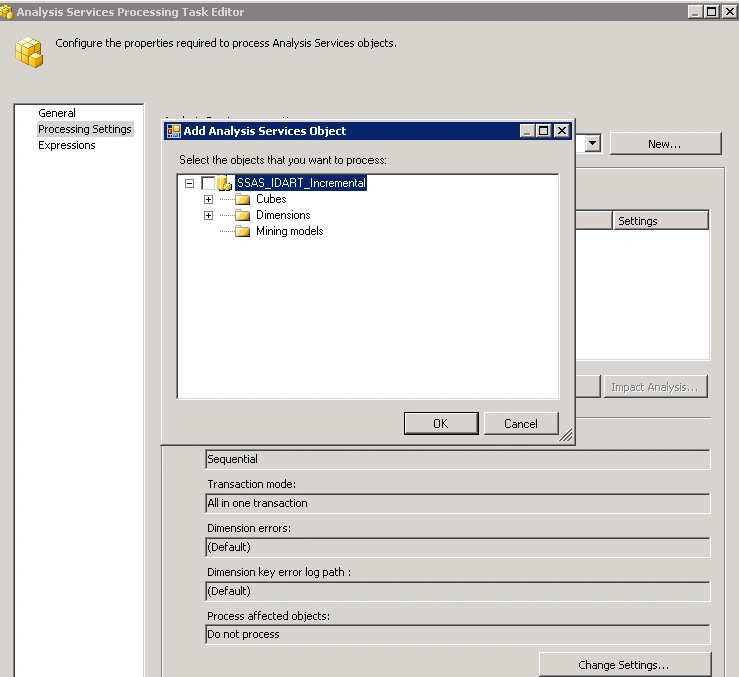
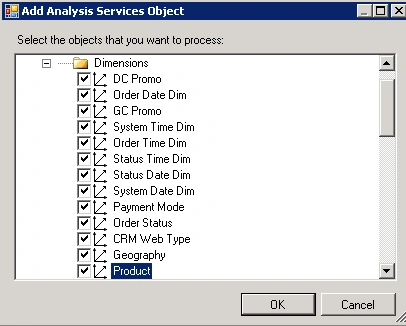
- Click OK
- Keep the Process Options to Update
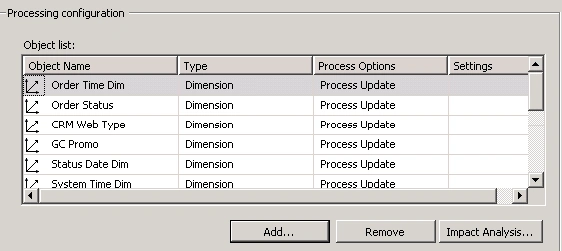
- Click OK
- Now add as many Analysis Services Procession Task to your SSIS package as many cubes you have.
- This time add the Cubes or Measures or Partition you want to process
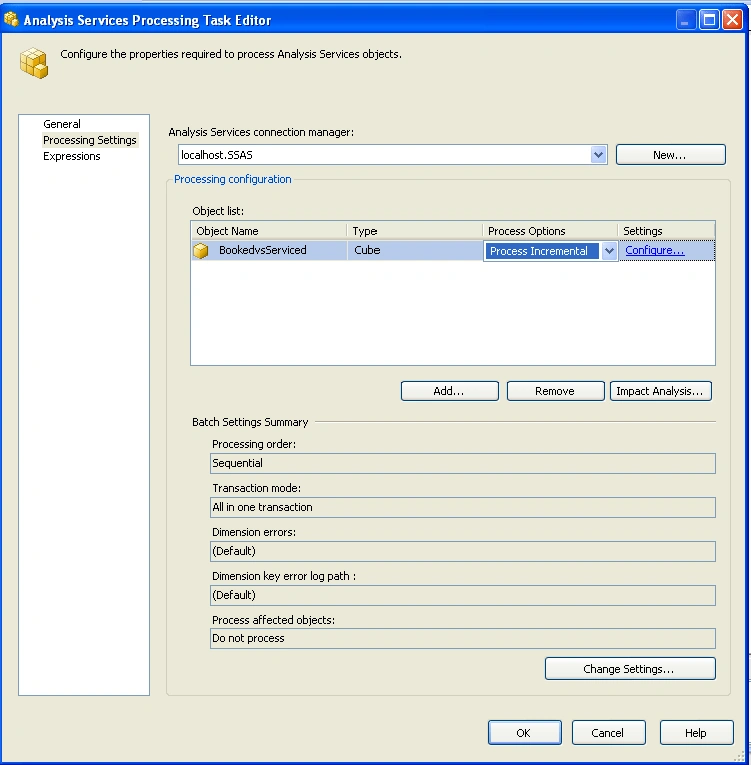
- Select Process Incremental in the Process Options and then click Configure. A new window will be open then Select Query Radio button and then enter a SQL query.
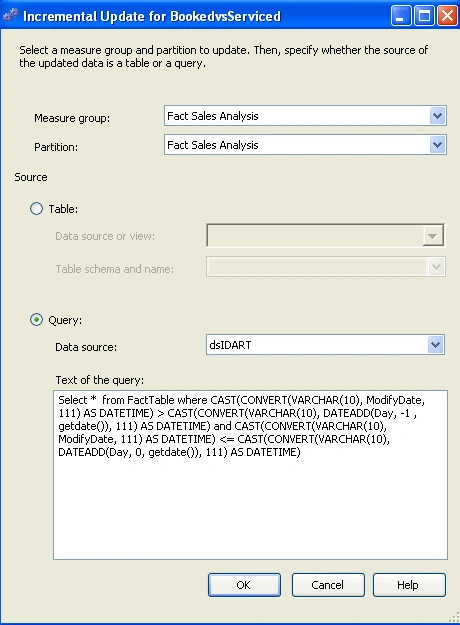
And then click ok and again click ok.
You are through.
All Queries are welcome !!
Join the conversation! Your thoughts help the community grow.