
We can develop MVC applications in Visual Studio 2010. Visual Studio 2010 includes MVC 2 by default. We can also install both MVC 3 and MVC 4 in Visual Studio 2010. In this article, I go through step-by-step how to install MVC 4 in Visual Studio 2010.
ASP.NET MVC 4 includes all features of MVC 3 and also includes the following:
- The ASP.NET Web API is a framework for building and consuming HTTP services that can reach a broad range of clients, including browsers, phones, and tablets. The ASP.NET Web API is great for building services that follow the REST architectural style, plus it supports RPC patterns.
- ASP.NET Web Pages and the new Razor syntax provide a fast, approachable, and lightweight way to combine server code with HTML to create dynamic web content.
- Web Optimization is a framework for bundling and minifying scripts and CSS files.
- NuGet, a free, open source developer focused package management system for the .NET platform is intended to simplify the process of incorporating third-party libraries into a .NET application during development.
Step 1: Download and Install Visual Studio 2010 Service Pack 1
Visual Studio 2010 SP1 is required to use MVC 4 in Visual Studio 2010 so we need to install it on our machine then install MVC 4. We can download it from the Microsoft Download Center and go through the following link.
http://www.microsoft.com/en-in/download/details.aspx?id=23691
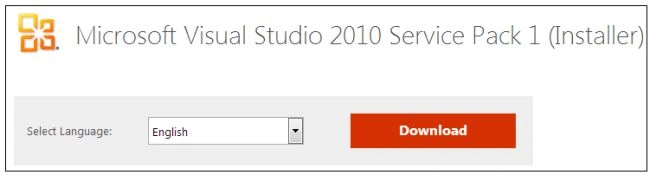
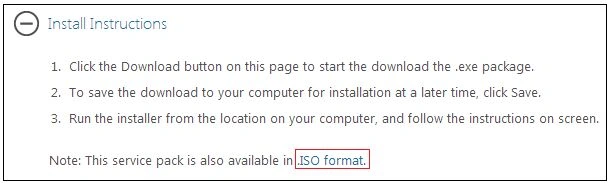
We download the "VS10sp1-KB983509.exe" file and click on it and follow the steps as given in the process. But it is a web platform install so we need an internet connection to install VS SP1. If we want to install VS SP1 without an internet connection then we need to download the ISO file of VS SP 1. We can download the ISO file for VS SP1 from the same link under Install Instructions. Its size is 1.48 GB (1,590,734,349 bytes).
After installation of VS 2010 SP 1 we wil proceed to install MVC 4.
Step 2: Download MVC 4
We can download MVC 4 from the Microsoft Download Center and go through the following link:
http://www.microsoft.com/en-us/download/details.aspx?id=30683
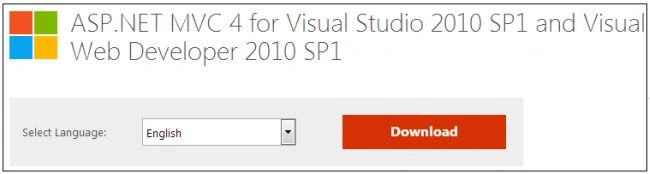
Click on the "Download" button and the download will start within 30 seconds.
Step 3: Run MVC 4
Now we have the MVC 4 set up file ("AspNetMVC4Setup.exe") to install MVC 4. Double-click on it and it runs.
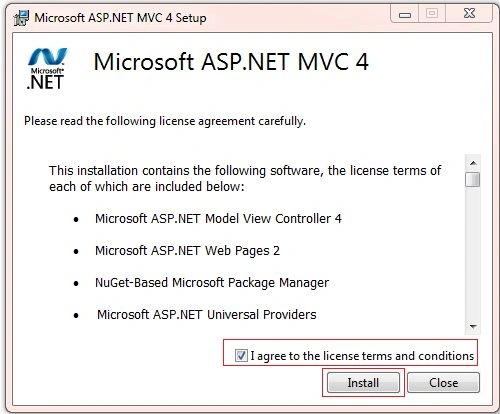
Accept the License Agreement and click on "Install".
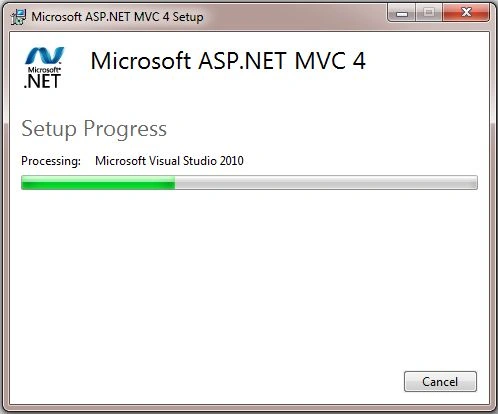
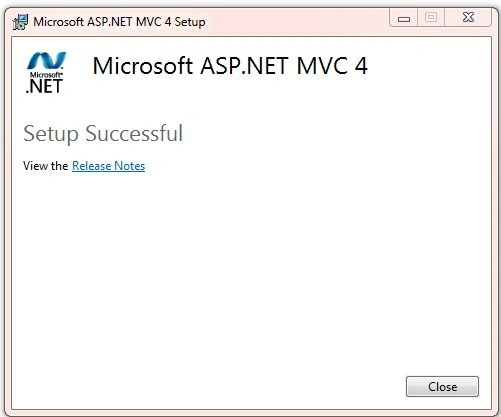
The screen above takes several minutes so don't click on cancel or close window. After a successful installation, we get a success message on the installation screen.
Step 4: Check whether the install was successful
Now we will create a new project from Visual Studio 2010.
Go to "File" -> "New" -> "Project...".
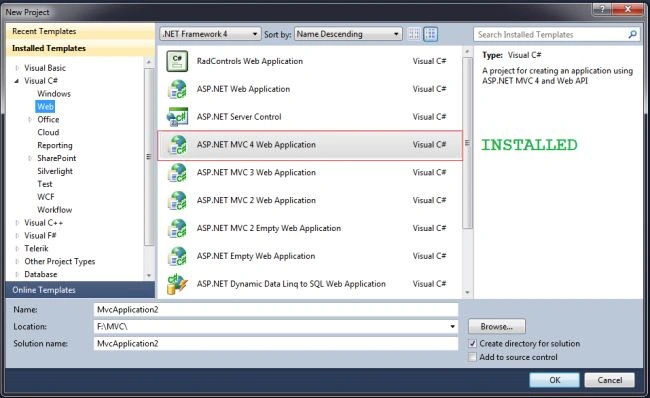
We are notified that the MVC 4 template is ready to be used in Visual Studio 2010 so MVC 4 is successfully installed and ready to use.
We download the "VS10sp1-KB983509.exe" file and click on it and follow the steps as given in the process. But it is a web platform install so we need an internet connection to install VS SP1. If we want to install VS SP1 without an internet connection then we need to download the ISO file of VS SP 1. We can download the ISO file for VS SP1 from the same link under Install Instructions. Its size is 1.48 GB (1,590,734,349 bytes).
After installation of VS 2010 SP 1 we wil proceed to install MVC 4.
Step 2: Download MVC 4
We can download MVC 4 from the Microsoft Download Center and go through the following link:
http://www.microsoft.com/en-us/download/details.aspx?id=30683
Click on the "Download" button and the download will start within 30 seconds.
Step 3: Run MVC 4
Now we have the MVC 4 set up file ("AspNetMVC4Setup.exe") to install MVC 4. Double-click on it and it runs.
Accept the License Agreement and click on "Install".
The screen above takes several minutes so don't click on cancel or close window. After a successful installation, we get a success message on the installation screen.
Step 4: Check whether the install was successful
Now we will create a new project from Visual Studio 2010.
Go to "File" -> "New" -> "Project...".
We are notified that the MVC 4 template is ready to be used in Visual Studio 2010 so MVC 4 is successfully installed and ready to use.


Stavros SkamagkisPosted May 2, 2018, 4:30 AM EDT
Visual Studio 2010 SP1 is no longer available from the Microsoft website... I downloaded it from Download.com instead.
Muhammad NadeemPosted Sep 11, 2017, 10:04 PM EDT
When I go to install then this error come. 0x81f40001 - This product requires Visual Studio 2010 SP1.
Anu VPosted Apr 18, 2016, 8:17 PM EDT
Nice
Shweta GawkarPosted Nov 17, 2015, 9:12 PM EST
Thanks a lot...!!!
Ankur ChaturvediPosted Aug 23, 2015, 11:03 PM EDT
thanks for sharing
Saurabh KalaniPosted Jul 23, 2015, 3:13 AM EDT
hi me have problem at time of installing sql server 2008 for windows 7 sp1
Shakti Singh DulawatPosted Apr 13, 2015, 3:02 AM EDT
Nice article Shandeep
Gowtham RajamanickamTOP 100Posted Apr 13, 2015, 2:01 AM EDT
good one
Sibeesh VenuTOP 100Posted Apr 12, 2015, 9:57 PM EDT
Good one :)
Santhakumar MunuswamyPosted Apr 12, 2015, 7:06 PM EDT
thanks for sharing
Aggelikh NouvakiPosted Mar 19, 2015, 3:02 AM EDT
What if I make these installs and cannot create a Controller or View from VS 2010? Getting message "... Controllet.tt (-1,-1):error ... problem getting an AppDomain to run the transformation from the host." Any suggestions? see this thread: http://forums.asp.net/p/2040974/5879804.aspx?problem+getting+an+AppDomain+to+run+the+transformation+from+the+host
satish GPosted Oct 13, 2014, 1:30 AM EDT
Hi...As your article, we can install the Service pack1 in offline but after that we have to install the MVC4 which is also internet based installation. Do we have any Offline installer for MVC4 like ISO file etc. if its there please let me know. because i dnt have internet connection for my PC.
prasanna moharanaPosted Jun 15, 2014, 6:59 AM EDT
hello when i am try to install it every time it shows me to install language pack (324MB).what should i do??
chetan vadgamaPosted Jan 30, 2014, 10:15 PM EST
Sir, Can i run MVC 4 In VS 10 Ultimate ? If Yes Then Plz Provide Me Link
Sandeep Singh ShekhawatPosted Dec 10, 2013, 9:07 PM EST
No, Minimum reuirments are The ASP.NET MVC 4 components for Visual Studio require PowerShell 2.0 and either Visual Studio 2010 with Service Pack 1 or Visual Web Developer Express 2010 with Service Pack 1.
sanjay guptaPosted Dec 10, 2013, 8:58 PM EST
Can i install MVC 4 into visual studio 2008?
Sandeep Singh ShekhawatPosted Aug 16, 2013, 12:25 AM EDT
Welcome dear @Nimit
Nimit JoshiTOP 100Posted Aug 15, 2013, 8:44 PM EDT
Hey very useful....thanks..
Akhil MittalPosted Jul 26, 2013, 12:55 AM EDT
Basic yet usefull.Good,keep it up. :-)