
SharePoint 2016 does not come with any updated Designer versions. We still have to use SharePoint Designer 2013 with SharePoint 2016. SharePoint designer does not come preinstalled with SharePoint. It is part of the Microsoft Office Suite. Users can compose no-code solutions for SharePoint that encompass a variety of common scenarios including Line-Of-Business data integration, business intelligence solutions, and workflows using SharePoint Designer.
Let’s see how we can set up SharePoint Designer 2013 for use with SharePoint 2016. SharePoint Designer 2013 can be downloaded from here free of cost.
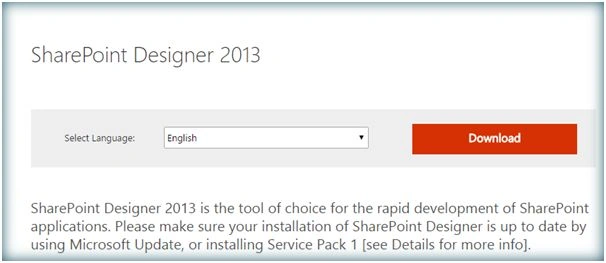
Click on Download.
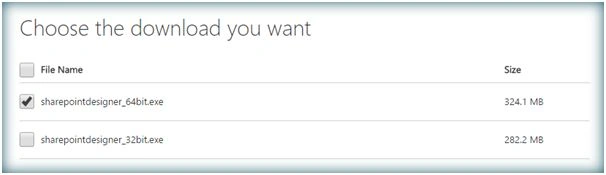
Select 64 bit version and download the executable file.
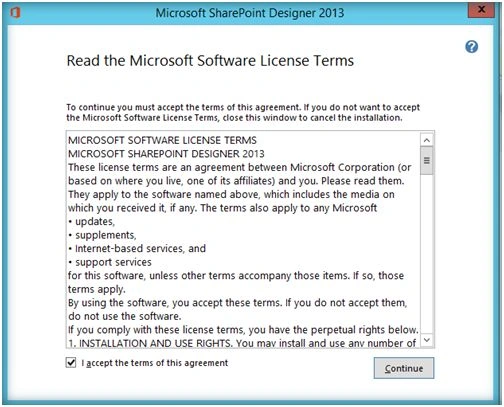
Run the executable file. Accept the agreement and click on Continue.
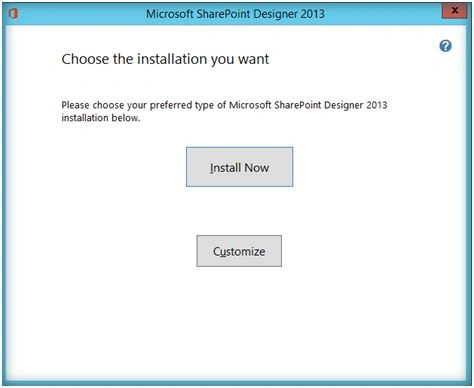
Click on Install Now.
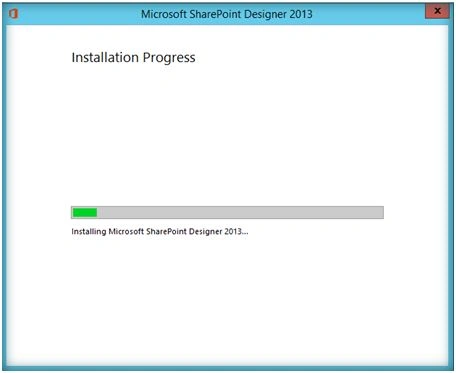
SharePoint Designer 2013 installation has started.
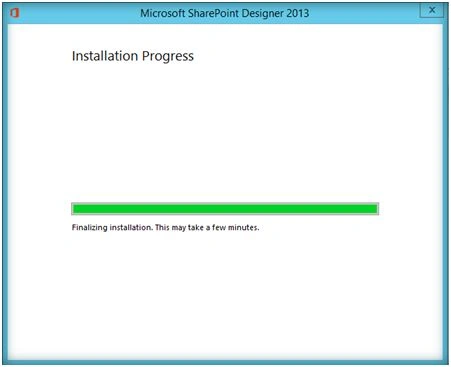
Wait for few minutes so that the installation completes.
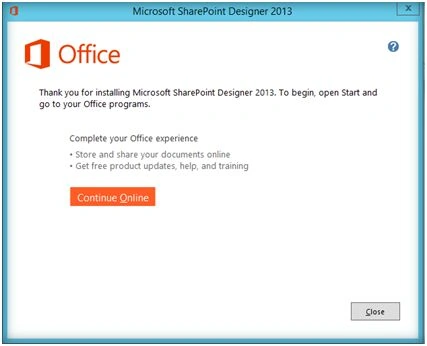
Thus installation has completed. Let’s go ahead and spin up SharePoint Designer 2013.
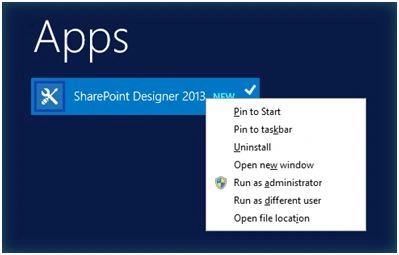
Click on Run as Administrator.
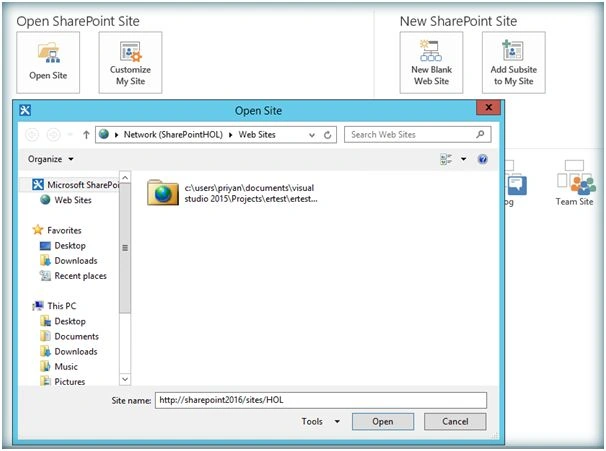
Now let’s try to connect SharePoint Designer 2013 to a SharePoint 2016 Site. Specify the SharePoint site URL and click on Open.
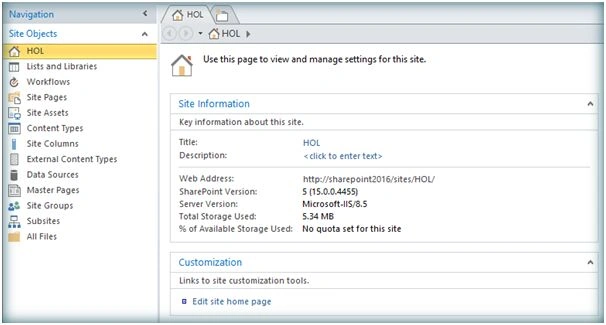
Thus we have successfully connected to SharePoint 2016 using SharePoint Designer 2013 .Now it can be used to create and customize master pages, design business connectivity services, create workflows, create SharePoint assets like lists and site pages and so on. However if we go to the workflows section we will see that only SharePoint 2010 version of workflow engine is available by default.
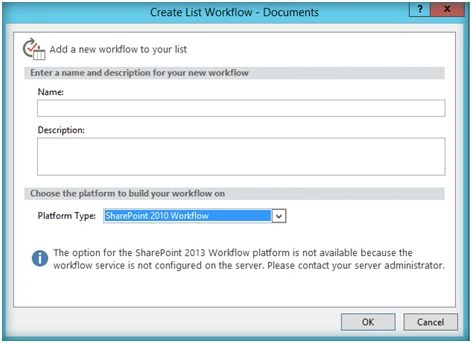
This is because from SharePoint 2013 onwards we have to install Workflow Manager 1.0 so that SharePoint 2013 workflow engine will be installed. It is much more powerful and comes with lots of new features including State machine workflows. Thus we have seen how we can set up and use SharePoint 2013 Designer for use with SharePoint 2016. As per Microsoft this will be the last iteration of Designer. Let’s wait and watch what Microsoft has in store for customizing future versions of SharePoint.
Setting Up SharePoint Designer 2013 For SharePoint 2016
In this article you will learn how to set up SharePoint Designer 2013 for SharePoint 2016.


Hani JissriPosted Aug 6, 2019, 8:49 AM EDT
Thanks for sharing. but what about Forms for SharePoint 2016? How to create Forms?
deepak upadhyaPosted Mar 5, 2018, 12:27 AM EST
Its showing this "we are unable to connect right now office 365 share point designer 2013"
deepak upadhyaPosted Mar 5, 2018, 12:26 AM EST
Not able to connect office 365 sharepoint using local spd 2013 installed in mys system
Santhakumar MunuswamyPosted Jun 24, 2016, 9:07 PM EDT
Thank you for nice article
Prasham SabadraPosted Jun 21, 2016, 10:37 PM EDT
Thanks for Sharing!!!
Kuppurasu NagarajTOP 100Posted Jun 21, 2016, 8:44 AM EDT
Nice Sharing..
Asad AliPosted Jun 20, 2016, 3:08 AM EDT
good one
Vignesh ManiTOP 100Posted Jun 20, 2016, 2:37 AM EDT
Nice
Gowtham RajamanickamTOP 100Posted Jun 20, 2016, 12:04 AM EDT
Good one
Humayun Kabir MamunPosted Jun 19, 2016, 11:10 PM EDT
Nice...
Debasis SahaTOP 100Posted Jun 19, 2016, 8:46 PM EDT
Good One..
RajaPosted Jun 19, 2016, 8:06 PM EDT
Good One...