

In this article I will try to show how we can use Active Directory Form Based Authentication in Sharepoint 2010 using Lightweight Directory Access Protocol (LDAP)
1. Add Connection string and membership provider in Central Administration web.config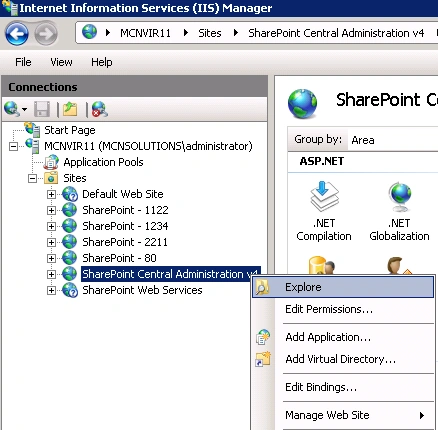
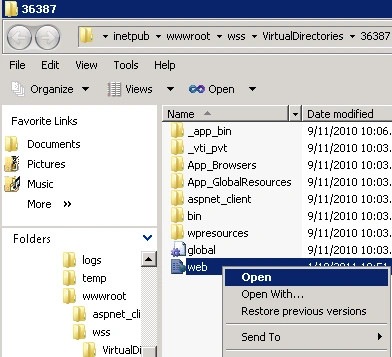
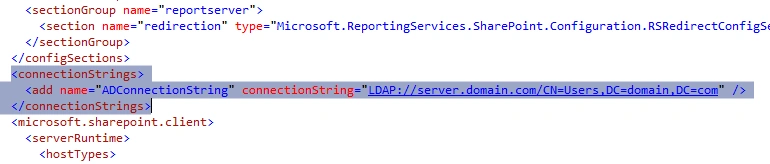

NOTE: connectionString will differ based on domain configuration. Please contact you Administrator to provide the LDAP details.
2. Add Connection string and membership provider in SecurityTokenServiceApplication web.config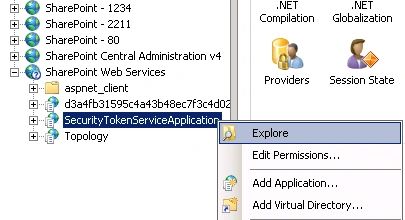
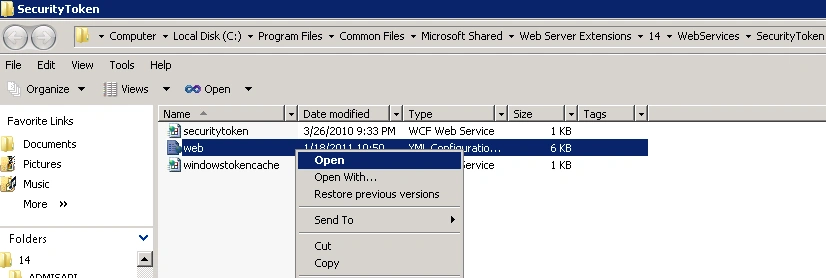
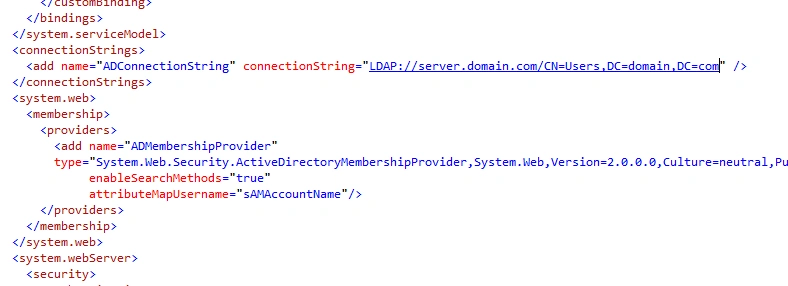
NOTE: connectionString will differ based on domain configuration. Please contact you Administrator to provide the LDAP details.
3. Create a new site with claim based authentication using Central Administration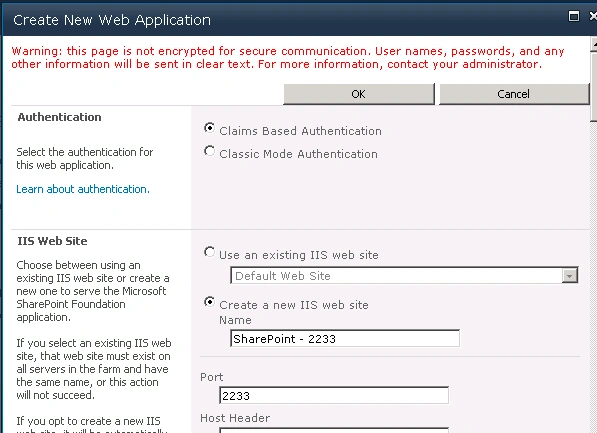
Authentication : Claim Based
Claims Authentication Types: Enable Windows Authentication -> Integrated Windows authentication - > NTLM
Leave others to default
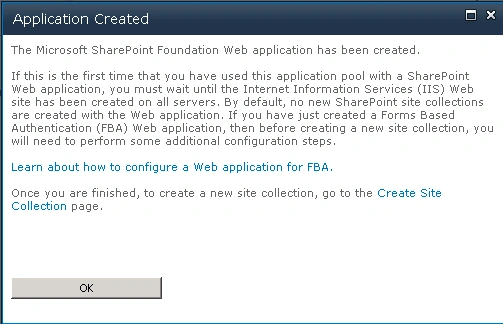
4. Now Create Site Collection at port 2233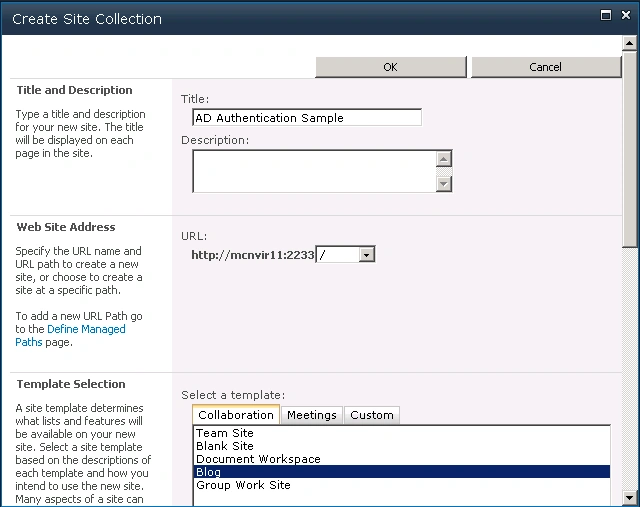
And add Primary / Secondary Site Collection Administrators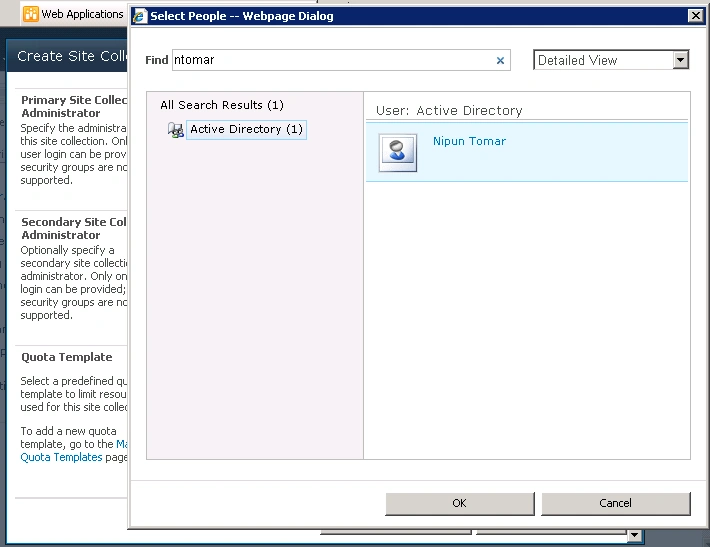
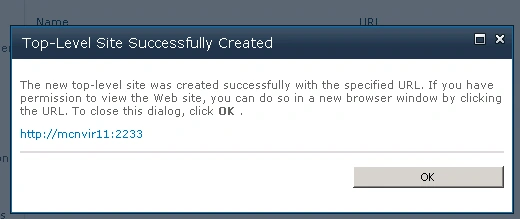
So the resultant site will look like below.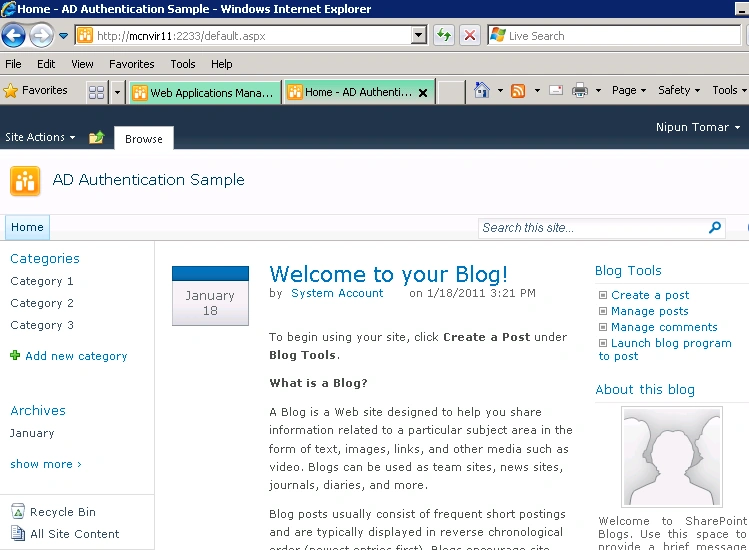
5 Extend the web application to port 3322 and enable form based authentication (FBA)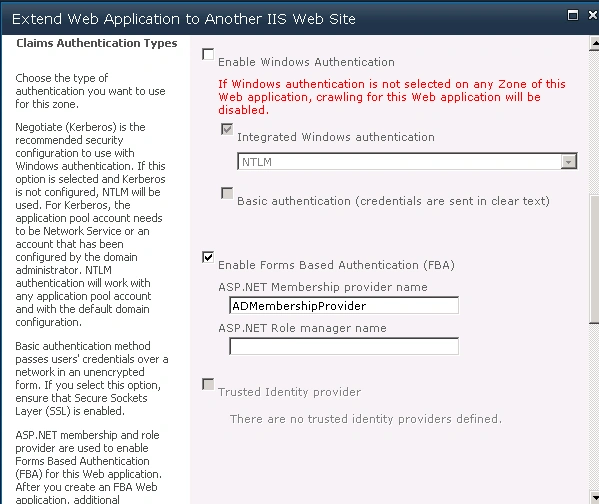
Set the public URL Zone- Intranet or Extranet
5. Add Users to the Intranet zone using User Policy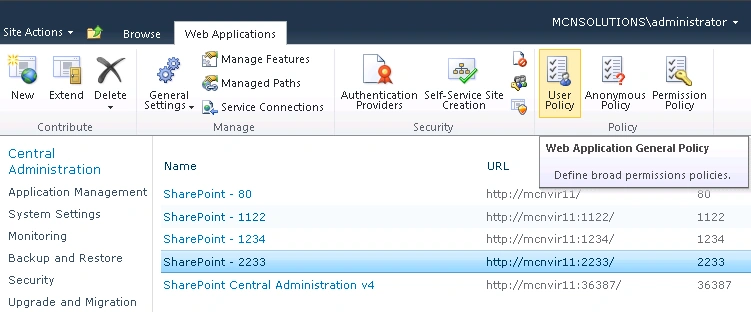
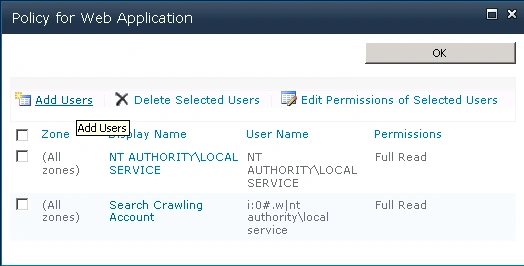
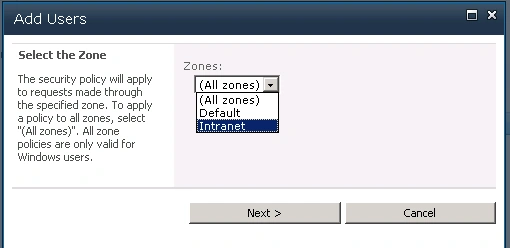
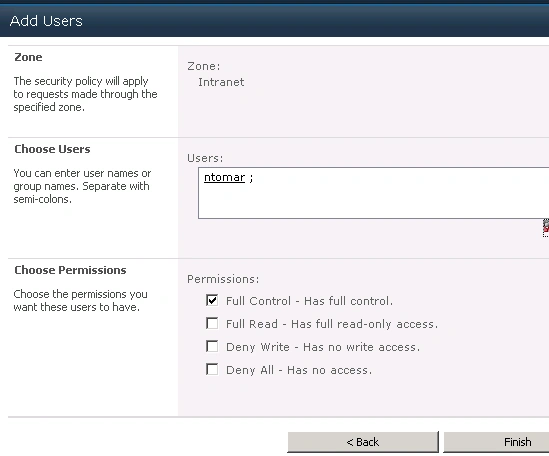
Add more users as required with desired permissions.
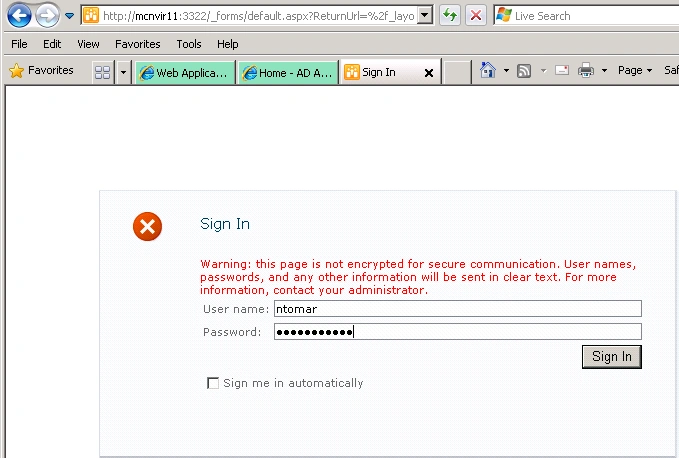
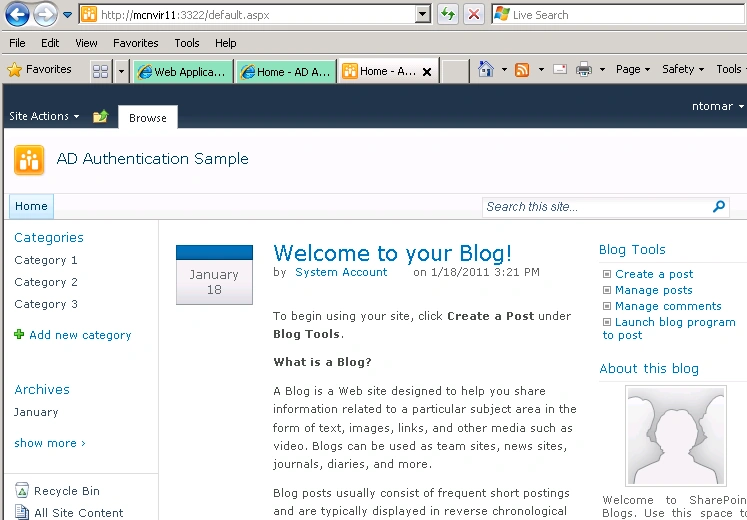
Now open the newly extended application, and use your domain credentials to login the app.
Gowtham RajamanickamPosted Apr 13, 2016, 2:59 AM
you saved my time
Gowtham RajamanickamPosted Apr 13, 2016, 2:59 AM
I need this one
Gowtham RajamanickamPosted Apr 13, 2016, 2:59 AM
wow...amazing article
raj bathulaPosted Mar 21, 2013, 4:29 AM
Nice article. Thanks for sharing this. I was able to configure form based authentication. Only issue i am finidng is, user name is displaying with my ldap provider name. for example instead of showing "ntomar" it shows "i:0#ldapprovider|ntomar" please let me know how to overcome this? I would like to see only ntomar like how my windows login displays.
Sam YimeditedPosted Dec 12, 2012, 9:41 PMEdited Dec 12, 2012, 9:42 PM
could you please also share how to do this but to a Redhat Directory 7.1 LDAP server instead of AD LDAP? -i don't have the LDAP root or any superuser account, only an ordinary test account due to the security control design (should i simply omit the connectionUsername and connectionPassword?) -LDAP server port:401 (instead of default 389) but the code you posted seems didn't addressed port change-how should I replace the EntryDN parameter in connectionString and connectionUsername ? my LDAP admin gave me this: . EntryDN="uid=XXYYYYYY,ou=XX,o=HKSARG,c=HK" . server host: test.asl.hksarg . LDAP guest account: . -LDAP Username: 00asl009 . -User Password: password -Upon lookup user failed, how could i troubleshoot whether its connection failure or LDAP lookup parameter misconfigured?looking forward for your precious reply
Rahul KadameditedPosted Nov 22, 2012, 1:33 AMEdited Nov 22, 2012, 1:34 AM
Hello Nipun, Thanks for nice article! Its fine working with me. Now i have one more scenario, I have done form based authentication from active directory in sharepoint foundation 2010 intranet application. And i have one more application Sharepoint 2007 which is windows authentication. Now I have to give a link from sharepoint 2010 site which redirect to Sharepoint 2007 site, now i dont want authenticate already logged in user in sharepoint 2010 site in sharepoint 2007 site. One more scenario is we have one syatem and more than one users. Is there any way to authentcate users which scenario i have?????? Thanks in Advance.
PucciniPosted Jan 9, 2012, 5:21 AM
Hi, thx for this article. But i got one big problem: I've created all als mentiond. But if i add a user via policy and give him full control he still cant login to the intranet. each time access denied. if i gave "All authorizised users" full control he can login, but cannot access the permisions-page. If i gae all Site collectior policy rights, he still cant edit permission. each time access denied. Only after enable fba for normal zone, add users to site owner, remove fba from default than he can login correct using fba and edit permissions :( also i think, central admin and user policy is not the intended way to managed the permissions ;) Is this a bug or just a feature?
Daniel LiangPosted Dec 2, 2011, 10:34 AM
Hi Nipum, I configured two SharePoint apps using your instruction. One works but the other gives me "Object reference not set to an instance of an object" error message. Why? Please help! Thanks, Daniel
Tony MartinacPosted Feb 22, 2011, 6:13 PM
Great article! When I try to replicate your settings on my SP site, my central admin page gets an 'Internal Server Error - 500' when trying to access. Would an incorrect LDAP URL cause this? Any other things I should look at?