
I encountered one more issue recently related to SharePoint 2013 search. So, I will be sharing it with you in this article.
Scenario: I have a "Search Box" web part and "Content Search" web part on a page. The search box is sending a query keyword to the content search web part for displaying results. The content search web part has additional queries as shown in the following screenshot.
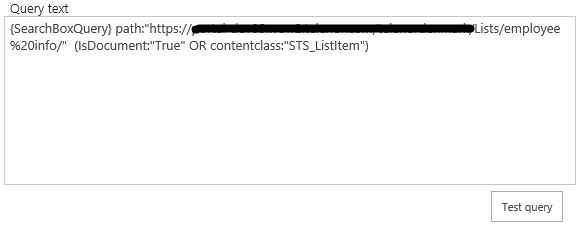
The preceding query is returning the results and thus showing them before we even began searching using the search box web part. It is shown in the following screenshot.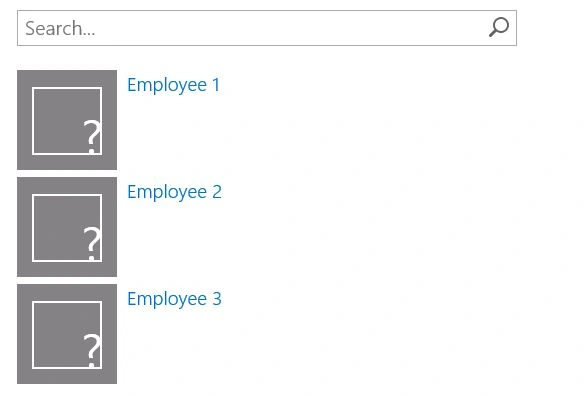
Assume I want the content search web part to show the results when someone searches for it in the search box, else the results should not display.
Solution: I have modified the Content Search web part's query to be like the following that give the expected results.
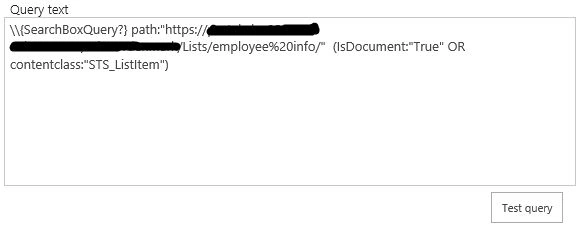
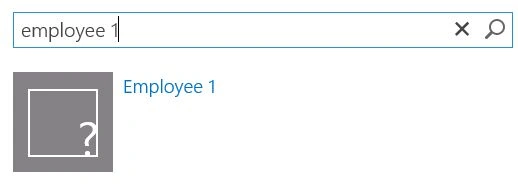
After the query changes, by default no results are displayed and I am getting results only when it is searched using the search box web part. The same is shown in the following screenshot.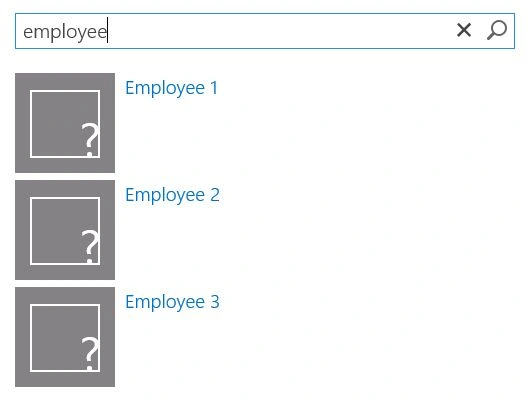
The same changes will be applicable if you are using a search results web part.


SriramPosted Jul 3, 2015, 1:22 AM EDT
Good...
Santhakumar MunuswamyPosted May 15, 2015, 11:48 PM EDT
Thanks for nice article
NitinPosted May 15, 2015, 10:28 AM EDT
nice
Sibeesh VenuTOP 100Posted May 15, 2015, 3:49 AM EDT
Good job dude
Prasad PathakPosted May 15, 2015, 1:10 AM EDT
Thanks
gurpreet punjPosted May 15, 2015, 12:11 AM EDT
nice article