
MonoDevelop is an IDE primarily designed for C# and other .NET languages it is an open source integrated development environment for the Linux platform, Mac OS X, and Microsoft Windows. It enables developers to quickly write desktop and ASP.NET Web applications on Linux, Windows and Mac OSX. MonoDevelop makes it easy for developers to port .NET applications created with Visual Studio to Linux and to maintain a single code base for all platforms. Its integrates features similar to those of NetBeans and Microsoft Visual Studio, such as automatic code completion, source control, a graphical user interface (GUI) and Web designer.
Architecture Of MonoDevelep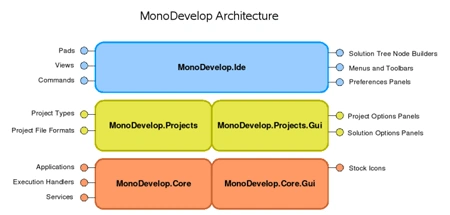
There are basically three layers:
- The Core layer provides basic services for
applications (not specific to development tools).
- The Projects layer implements the project
object model, which development tools can use to organize files. Using this
API it is possible to develop applications that create, open, change, build
and do whatever you need to do with MonoDevelop projects.
- The top IDE layer is an application that puts together all the previous services to offer a powerful and extensible IDE for managing development projects. (Reference: http://monodevelop.com/Architecture_Overview)
Steps to Install MonoDevelep
- Download MonoDevelop 2.4.2
- Download Gtk# 2.12.10
Gtk# installers for the .NET Framework 1.1 give .NET developers all of the pieces they need to build and run Gtk#-based applications. It is necessary for working with MonoDevelop IDE. - Install Gtk# 2.12.10
Click next to being start installation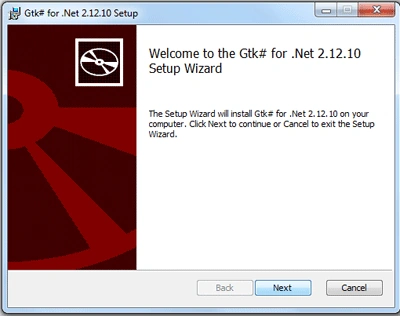
Accept the license agreement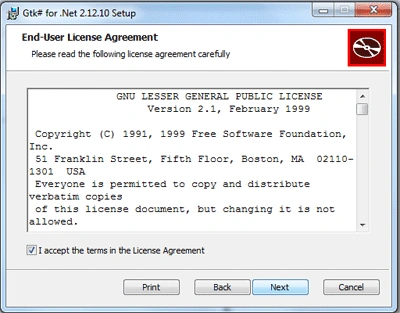
Choose installation location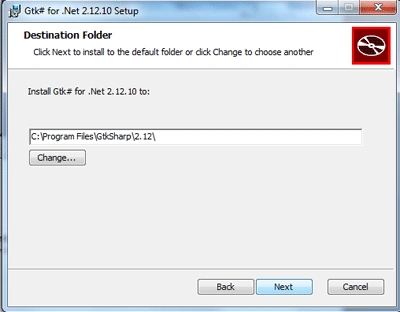
Confirm the installation to click on finish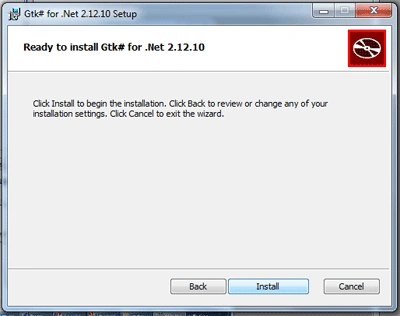
Wait while installations is being done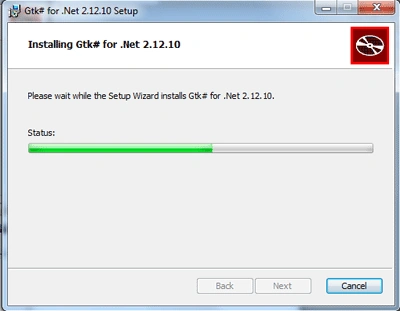
Click finish to complete the installation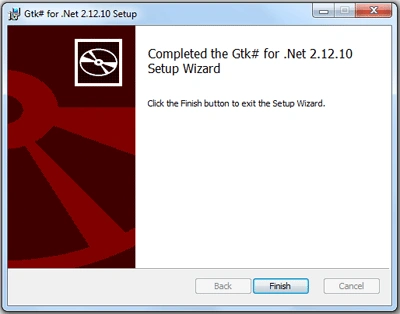
- Install MonoDevelop 2.4.2
Click next to being start installation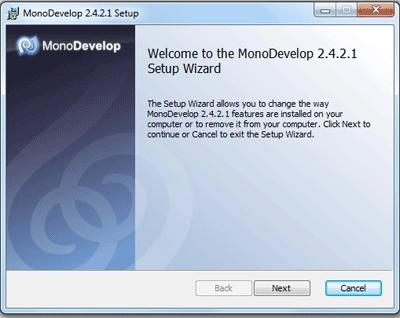
Accept the license agreement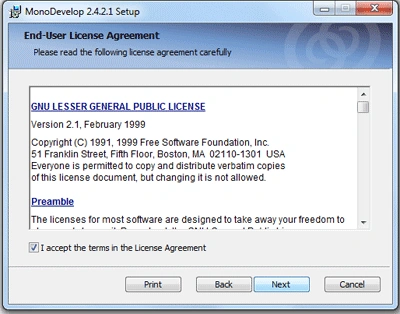
Choose installation location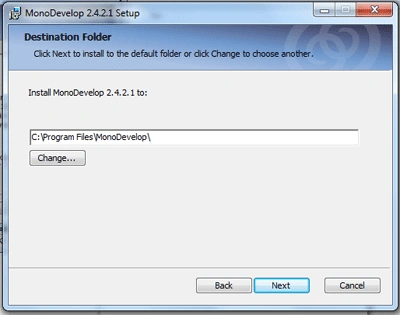
Confirm the installation to click on finish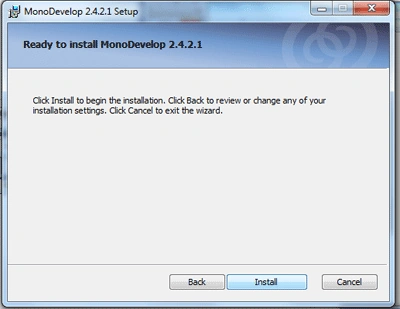
Wait while installations is being done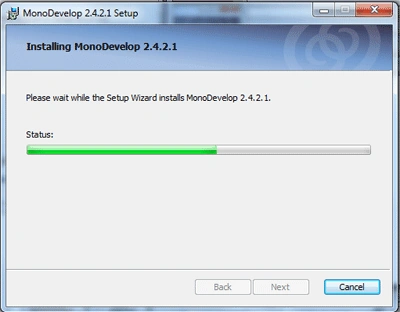
Click finish to complete the installation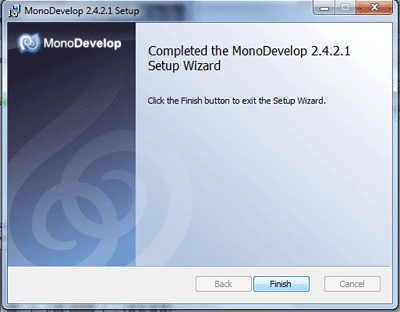
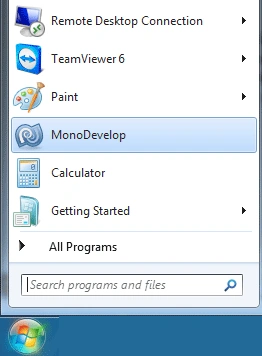
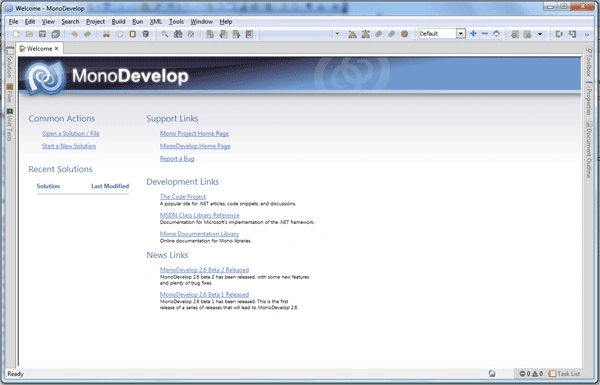
- You MonoDevelop is ready to use, go to
start menu and click on MonoDevelop icon
Thank You....
Join the conversation! Your thoughts help the community grow.