

A Static lambda, introduced in C# 12, is a lambda expression that cannot capture any variables from its enclosing scope. This means no closure class is generated, resulting in less memory allocation and potentially better performance.
Let’s work with some examples.
1. Sorting Collections
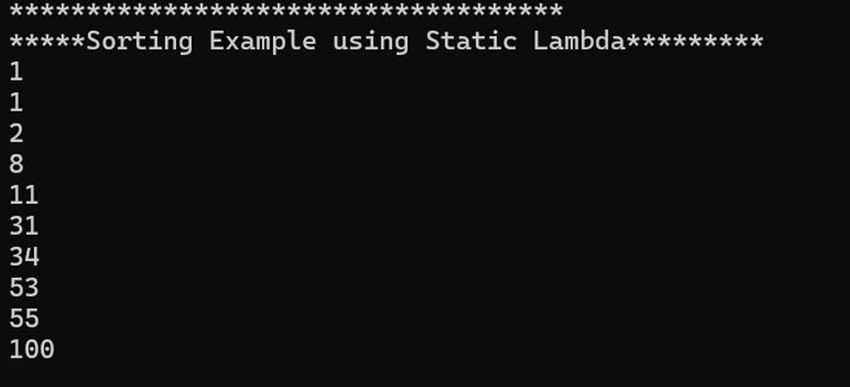
Sorting a list of integers using a static lambda ensures no closures are created, reducing overhead during sorting.
C#
var numbers = new List<int> { 53, 31, 8, 1, 2, 100, 34, 55, 11, 1 };

numbers.Sort(static (a, b) => a.CompareTo(b));

foreach (var item in numbers)
{
    Console.WriteLine(item);
}

Console.ReadKey();
Result
2. Array Filtering
Filtering an array with a static lambda avoids capturing variables, making the filtering operation more efficient.
Code
C#
Console.WriteLine("--------Array Filtering-----------");

var array = new[] { 1, 2, 3, 4, 5 };
var filtered = Array.FindAll(array, static n => n > 3);

foreach (var item in filtered)
{
    Console.WriteLine(item);
}
Result

3. Parallel Processing
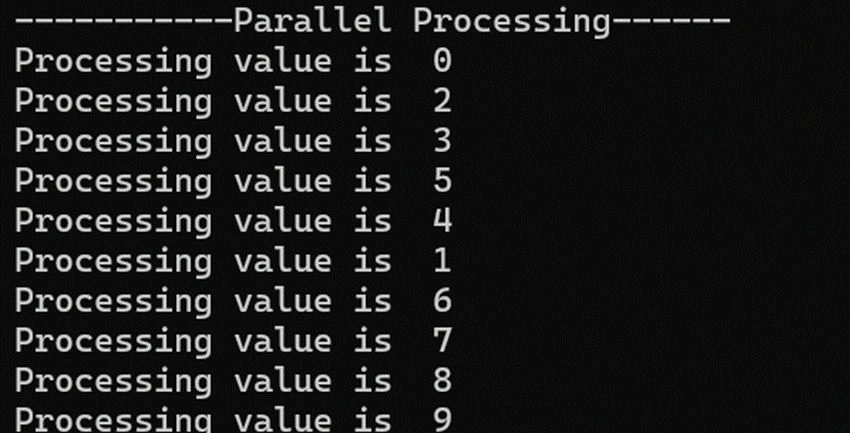
No closures are created, improving the efficiency of task creation and execution.
Code
C#
Console.WriteLine("-----------Parallel Processing------");
var tasks = Enumerable.Range(0, 10).Select(static i =>
                           Task.Run(() => Helper. DoWork(i))).ToArray();
Task.WaitAll(tasks);
C#
//helper  class
 public  class Helper
 {
     public static void DoWork(int i)
     {
         Console.WriteLine($"Processing value is  {i}");
     }
 }
Result
4. Array.ForEach
Code
C#
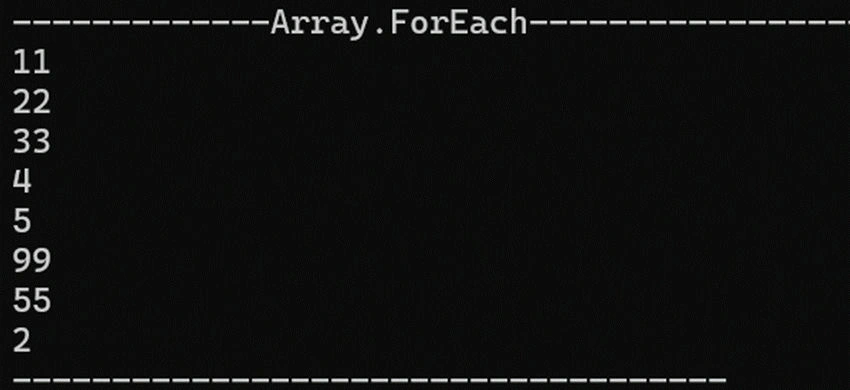
Console.WriteLine("-------------Array.ForEach-----------------------");
var array = new[] { 11, 22, 33, 4, 5,99,55,2 };

Array.ForEach(array, static n => Console.WriteLine(n));
Result
Thanks.
Keep learning!
Join the conversation! Your thoughts help the community grow.