
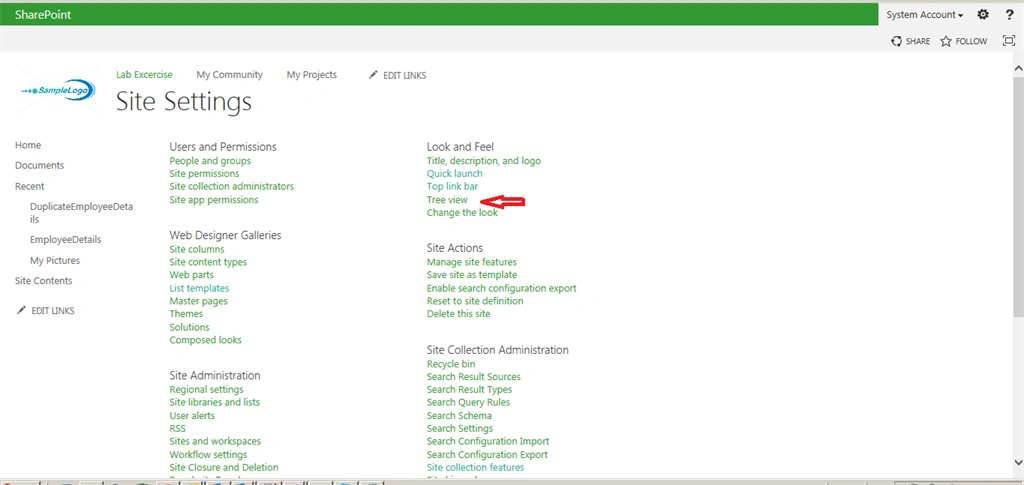
Go to Site settings page in SharePoint Site. Click tree view under Look and Feel Menu items.
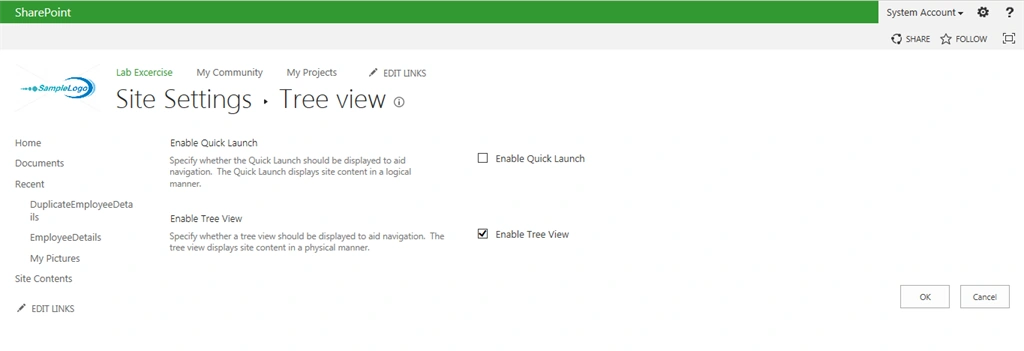
Select Enable Tree view check box and click ok button.
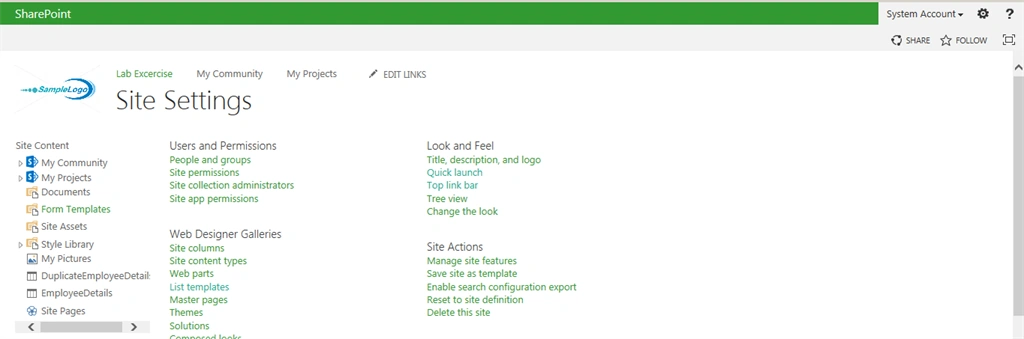
 Finally Quick Launch menu items changed to Tree view Structure.
Here, I have to explained to change Quick Launch menu items to Tree view.
Finally Quick Launch menu items changed to Tree view Structure.  DevSocialUpcoming · 3rd editionAI Agents ConferenceDec 1–3, 2026Live onlineFree to attend5days leftRegisterMembers onlyeBook · SharePointSharePoint Online And Office 365 AdministrationDownload now
Write a blog post and earn +250 SHARP when it is approved.
Write a blog
Join the conversation! Your thoughts help the community grow.