Connect Your Arduino Board with PC using USB Cable
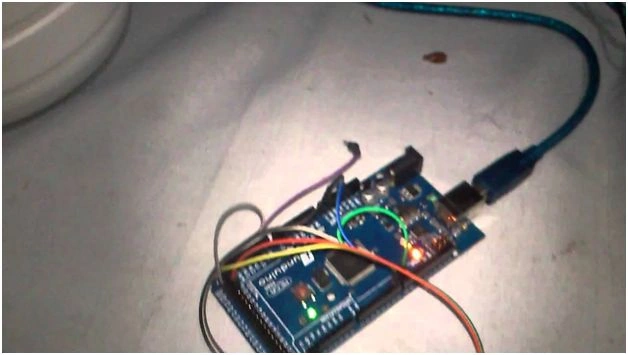
This blog show how to connect your Arduino board with your PC using USB Cable.
Steps
- Download Arduino software from link, and install in your PC.
- Open installed Arduino application.
- For beginners there are some sample examples available.
- Go to File -> Examples.
- Now, open any one example. Go to Sketch menu and click on Verify/Compile menu.
- Then after uploading your program in your Arduino board, Go to sketch menu and click on upload menu for uploading the program .


SubashPosted Jul 7, 2016, 7:38 PM EDT
Thanks for sharing.if you don't explain more about arduino?
Nirav DaraniyaPosted Jun 29, 2016, 4:25 AM EDT
Thanks For Sharing