
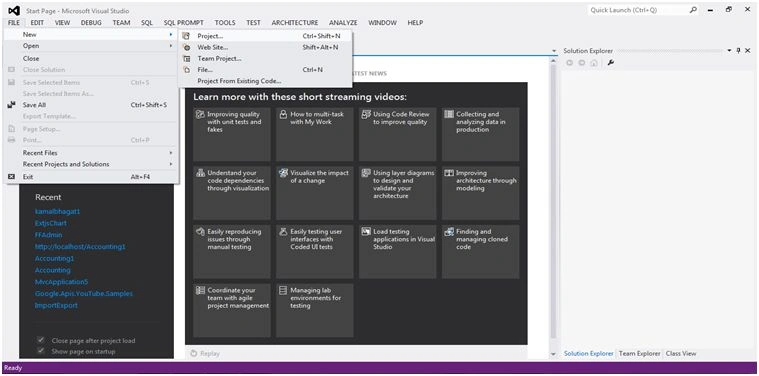
Step 1: Open Visual Studio.
File -> New -> Project (Ctrl + Shift + N).
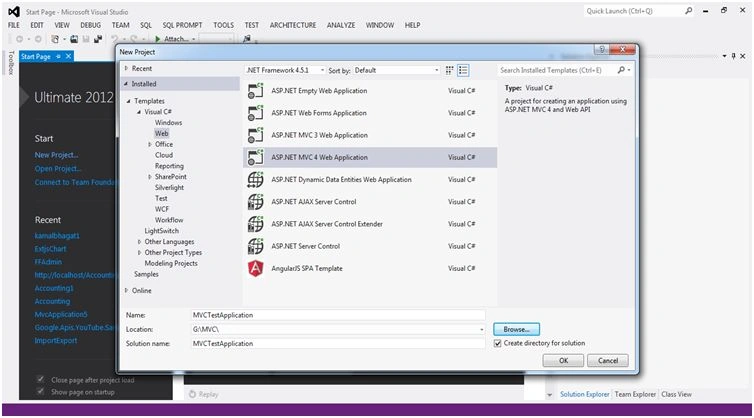
Step 2: Select MVC Application,
Select MVC Application and Application Name, Location and click ok button.
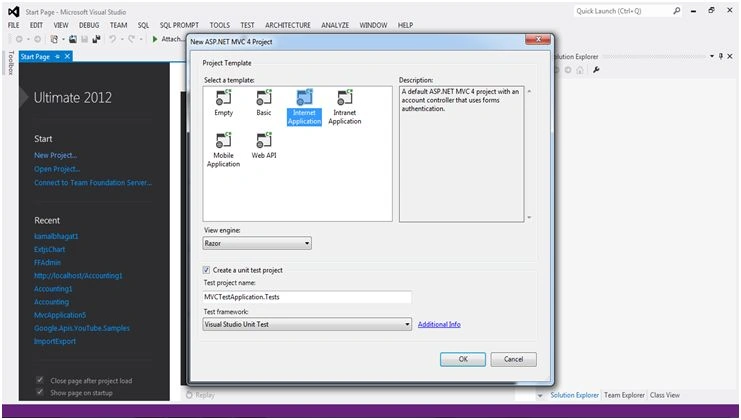
Step 3: Select Template.
Select Template and Click Ok Button.
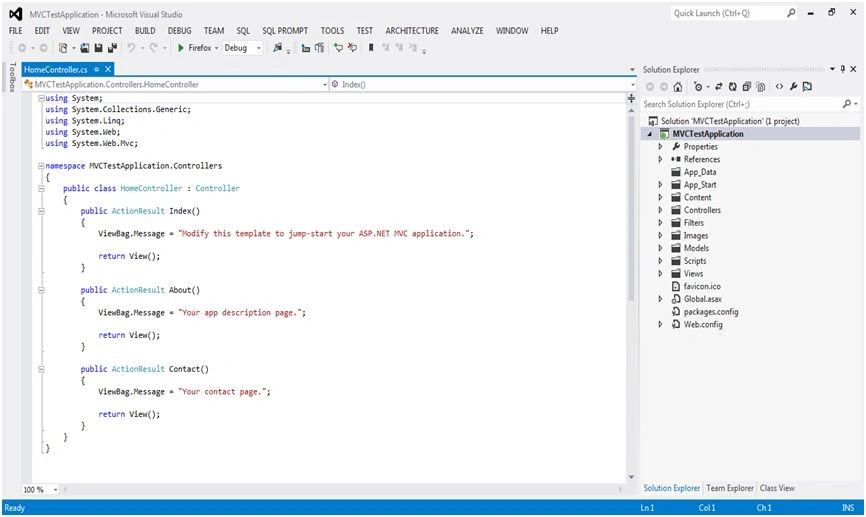
Step 4: See Controller.
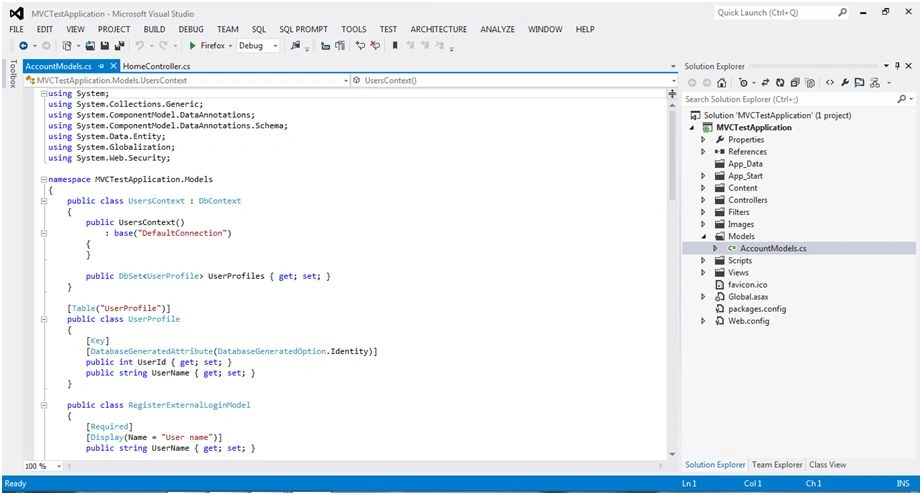
Step 5: See Model.
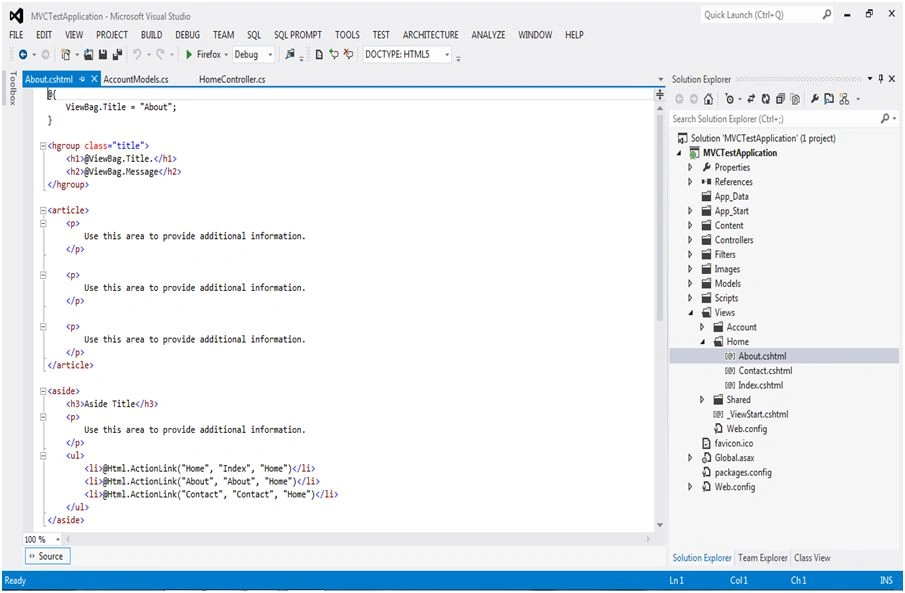
Step 6: See View.
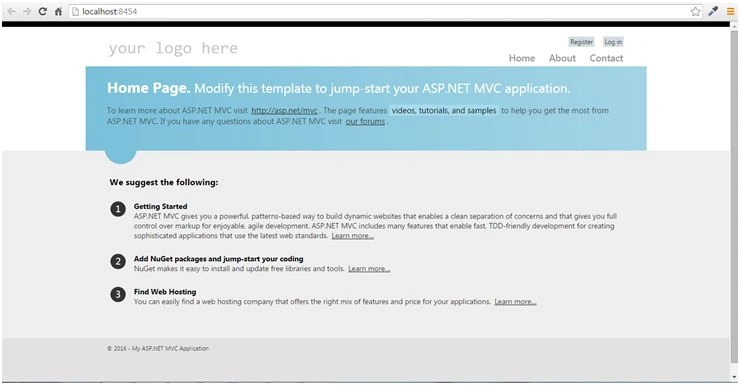
Step 7: Run Application And See Browser Application.
Create MVC Application
In this blog you will learn how to create MVC Application.
Join the conversation! Your thoughts help the community grow.
Sign in to leave a comment
It is the same account you read, post and publish with — and you will come straight back to this page.
Jaco ZwartsPosted Jan 19, 2016, 12:51 AM
Nice
Gowtham RajamanickamPosted Jan 5, 2016, 7:26 AM
Good article