

In this tutorial, we will be looking at how to create nested components in Angular4. There may be a need of separating our component templates and reuse them in other components. So, what we will do basically is to modify our component template and insert the desired components.
The first step is to create a new component by running the following command.
- ng generate component servers or ng g c servers
Note - Servers will be the name of the new component.
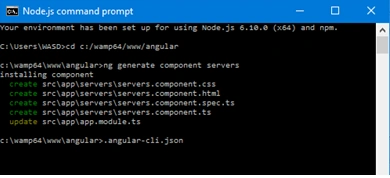
The command generates the component folder for us which contains the component styling, the template, test section and the typescript file.
So, we have an existing component where we display a simple html tag in it’s template file.
- <p>The Server Component and it will be nested </p>
In order to make use of another component’s template as the template of our newly created component, we will change our component’s template from the component decorator to point to an external template.
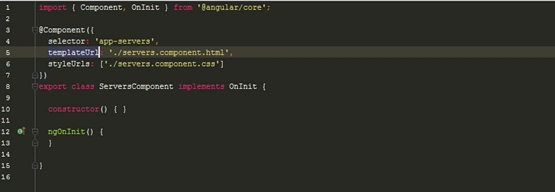
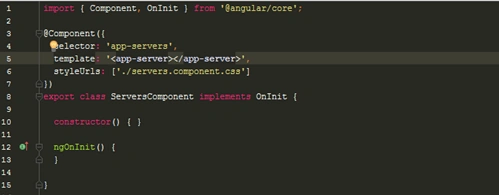
You should notice that the component template from
- templateUrl: './servers.component.html'
to
- template: '<app-server></app-server>'
this will make the component to use app-server component’s template for our app-server’s template and the beauty of it is that it can be reused. For example, using the component more than once will generate more of the templates.
- template: '<app-server></app-server><app-server></app-server>'
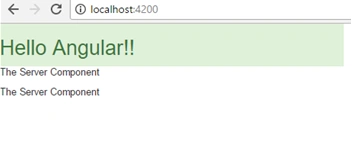
You can also nest components using the inline method.
- templateUrl: './servers.component.html'
Then, insert the app-server component inside the HTML component by modifying the servers.component.html
- <app-server></app-server>
- <app-server></app-server>
This above example will achieve the same thing.
Join the conversation! Your thoughts help the community grow.