
Step 1: Open command Prompt and Start daemon process by using mongod command
Step 2: Run another command prompt and type mongrestore “Type your directory where the backup resides” . Check below screenshot
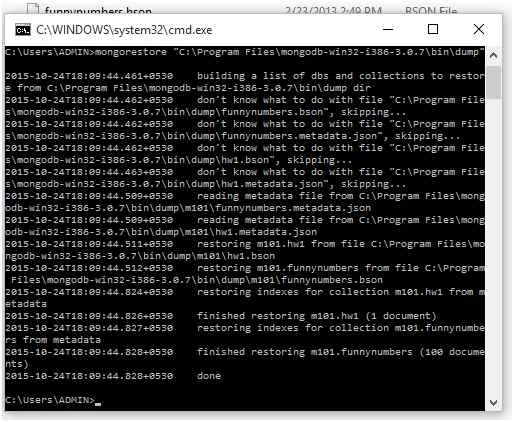
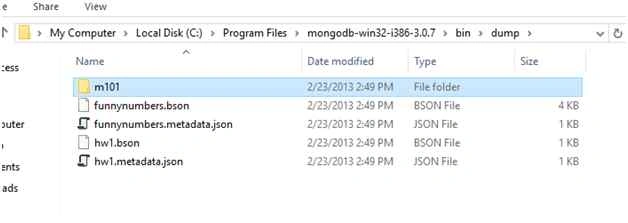
This screen shot shows my preexisting database backup.
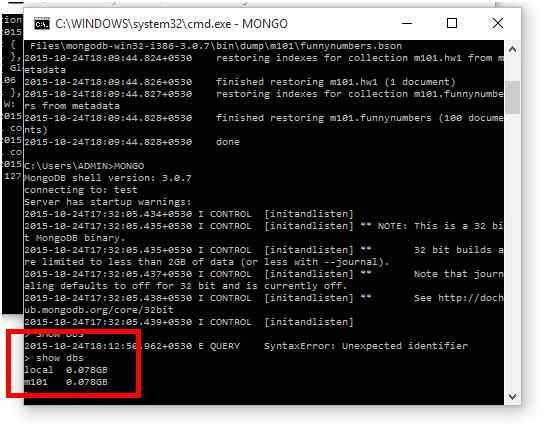
Now check is database restored . Run mongo command and show dbs command
.
You will find your databases.
How to Restore MongoDB Databases
In this blog you will learn How to Restore MongoDB Databases.


Bhuvanesh MohankumarPosted May 3, 2016, 7:47 AM EDT
Good one...