

Here, we are going to make a Timer app for an iOS, using Swift 3 and Xcode 8.
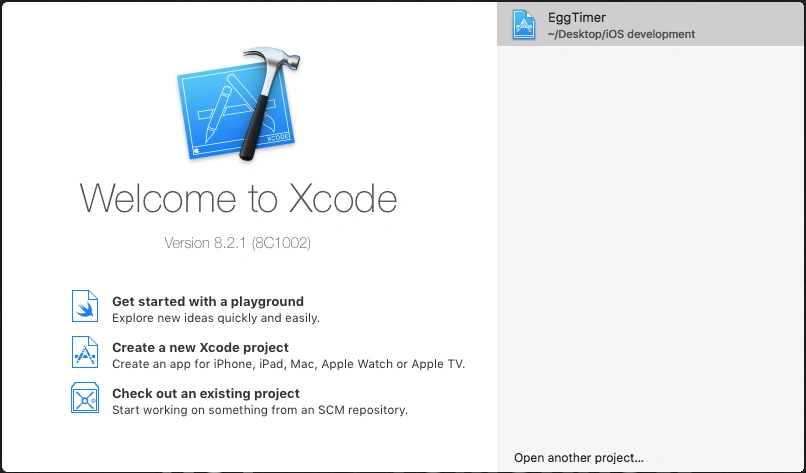
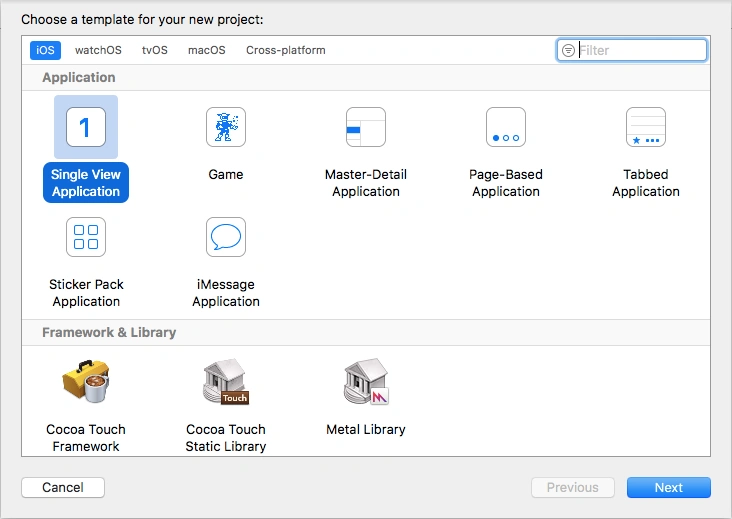
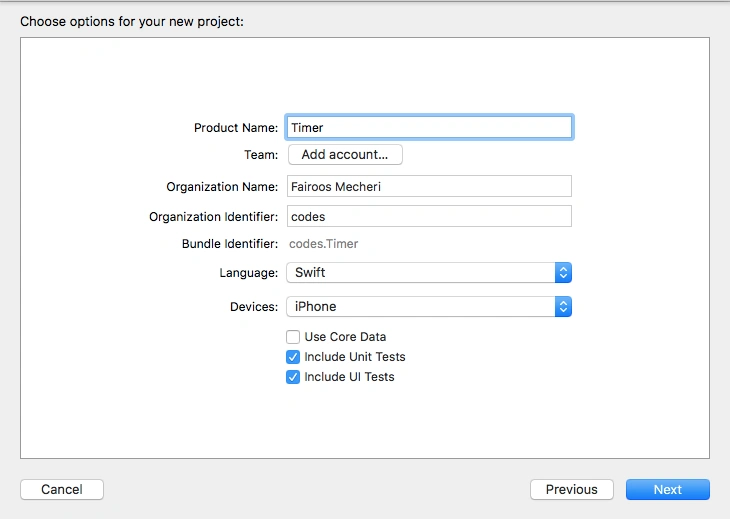
Open Xcode and create a new Single View Application and name it Timer (You can name it anything you like).
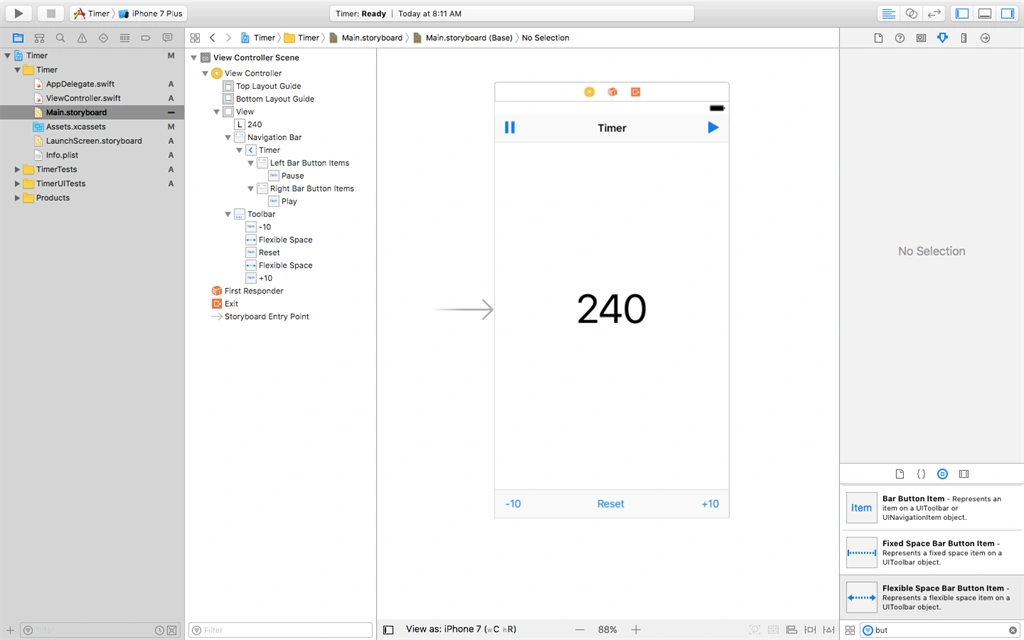
Click Main.StoryBoard.
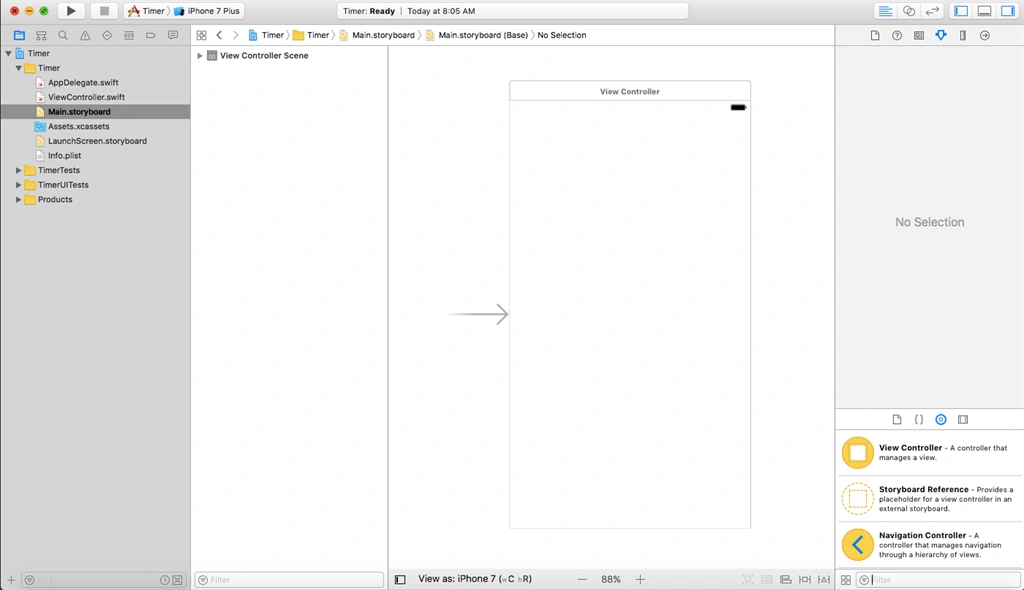
Add a label to display the seconds (We are going to set 240 as default ). Resize it in Properties menu.
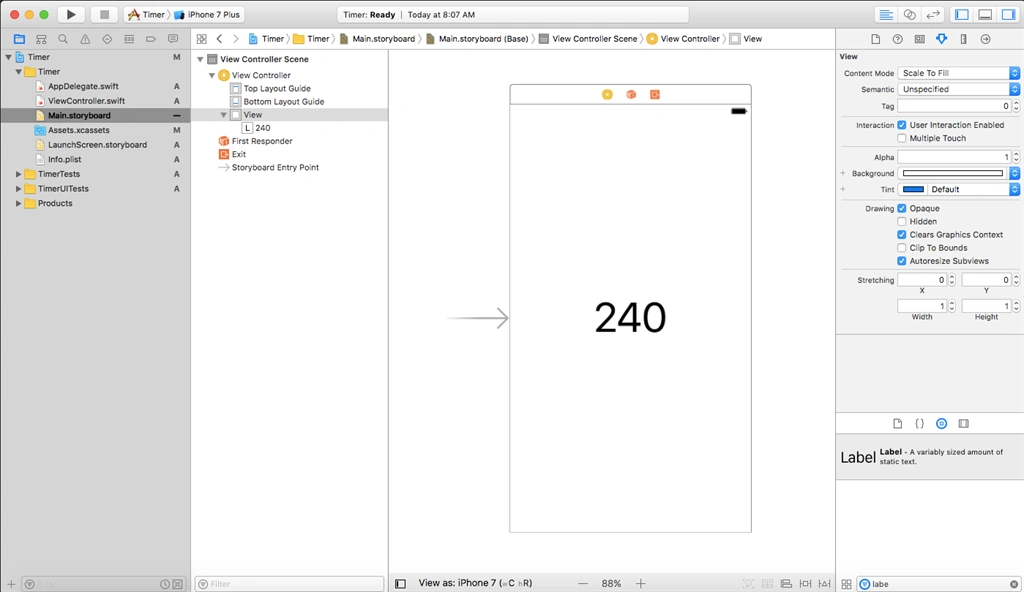
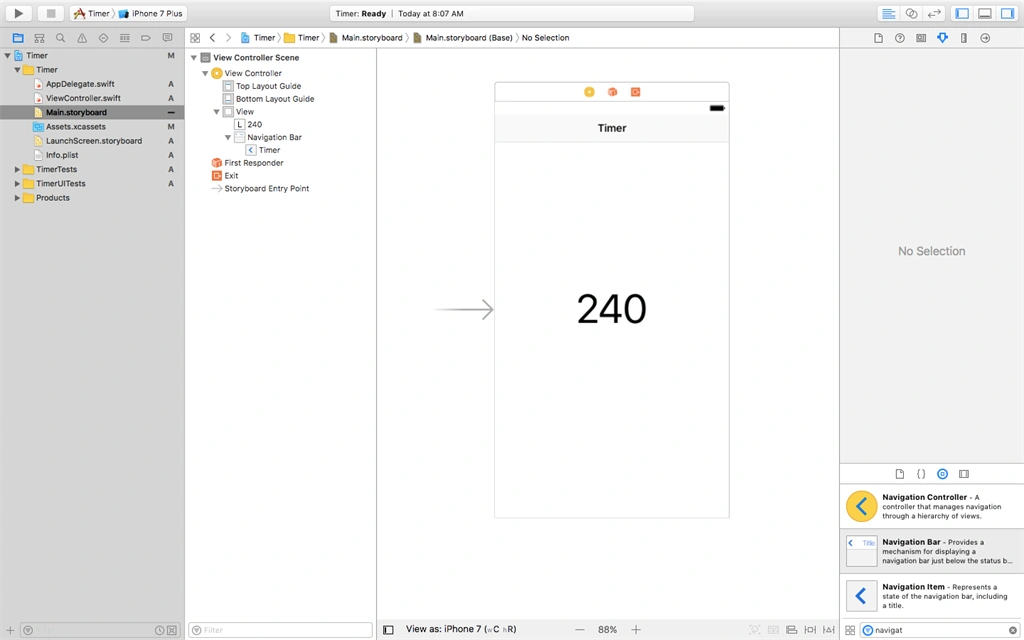
Add a navigation bar to the top and change the title of Timer.
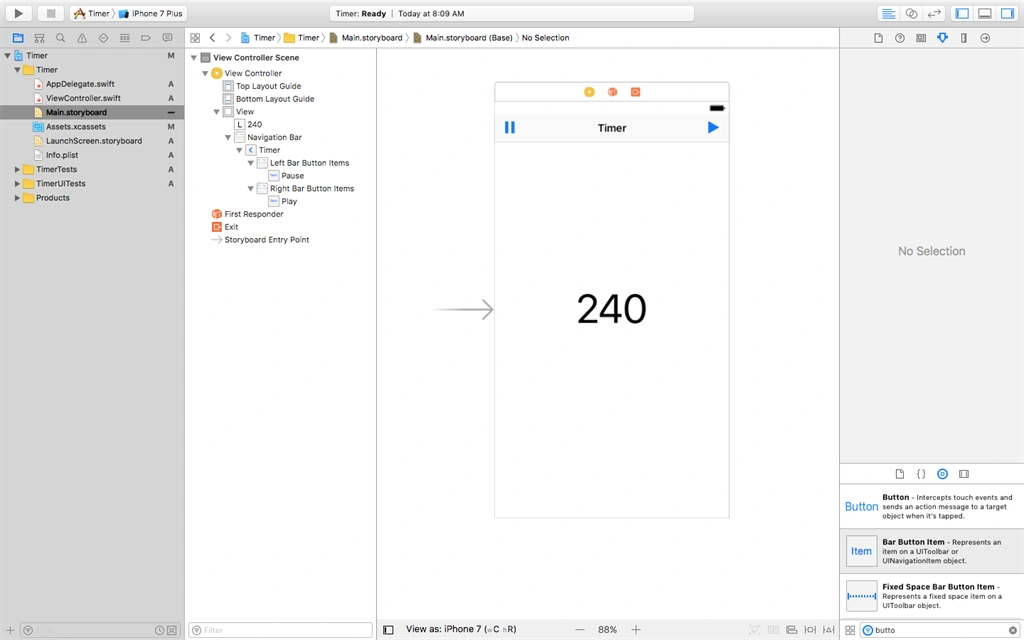
Add two Bar buttons on the top navigation bar and change the System Item into play and pause.
Add a Toolbar to the bottom and rename the item to “-10”.
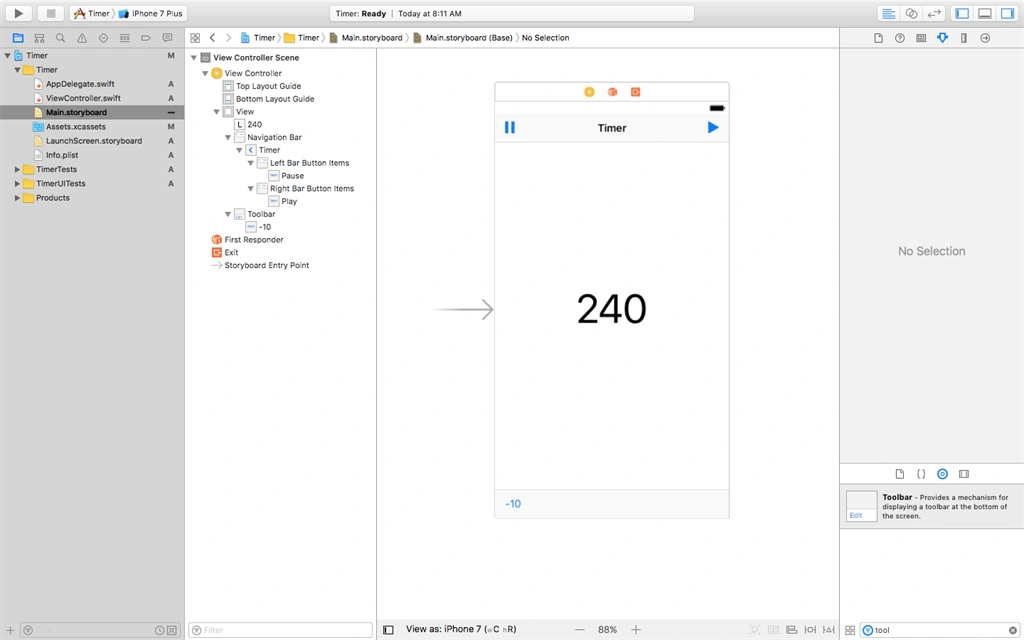
Add two bar button items and name them “Reset “and “+10”.
Click ViewController.Swift.
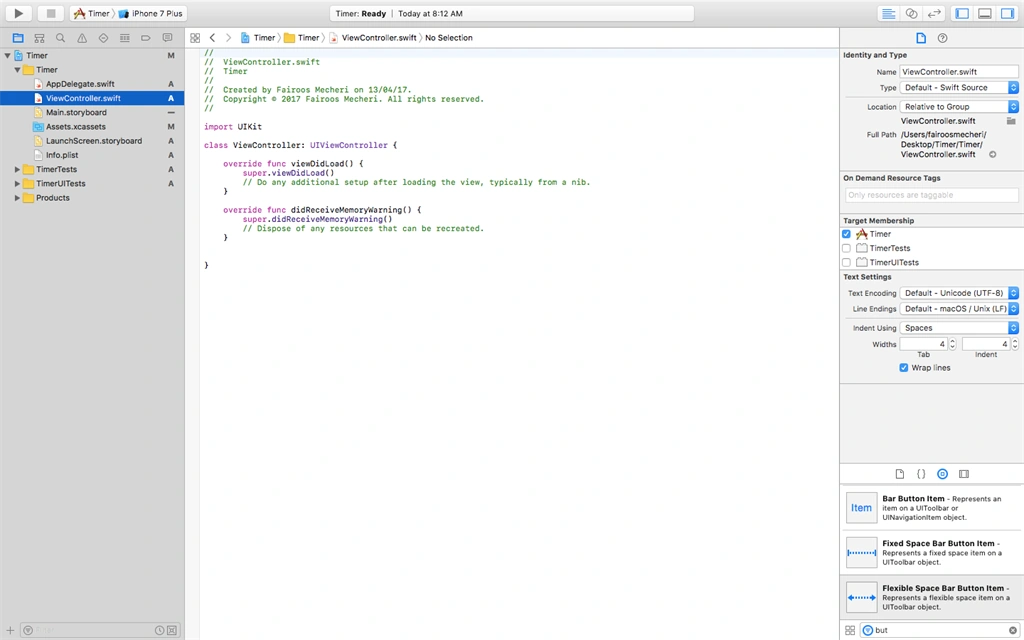
Now, control + drag label to the program and name it “timerLabel”.
Control + drag each button to the code and name them “play”,”pause”,”minusTen”,”plusTen”,”resetTimer”(Connection type must be Button).
Edit the code, as given below.
- import UIKit
- class ViewController: UIViewController {
- var timer = Timer()
- var time = 240
- func decreaseTimer() {
- if time > 0 {
- time = time - 1
- timerLabel.text = String(time)
- } else {
- timer.invalidate()
- }
- }
- @IBOutlet weak
- var timerLabel: UILabel!@IBAction func play(_ sender: Any) {
- timer = Timer.scheduledTimer(timeInterval: 1, target: self, selector: #selector(ViewController.decreaseTimer), userInfo: nil, repeats: true)
- }
- @IBAction func pause(_ sender: Any) {
- timer.invalidate()
- }
- @IBAction func minusTen(_ sender: Any) {
- if time > 10 {
- time -= 10
- timerLabel.text = String(time)
- }
- }
- @IBAction func plusTen(_ sender: Any) {
- time += 10
- timerLabel.text = String(time)
- }
- @IBAction func resetTimer(_ sender: Any) {
- time = 240
- timerLabel.text = String(time)
- }
- override func viewDidLoad() {
- super.viewDidLoad()
- // Do any additional setup after loading the view, typically from a nib.
- }
- override func didReceiveMemoryWarning() {
- super.didReceiveMemoryWarning()
- // Dispose of any resources that can be recreated.
- }
- }
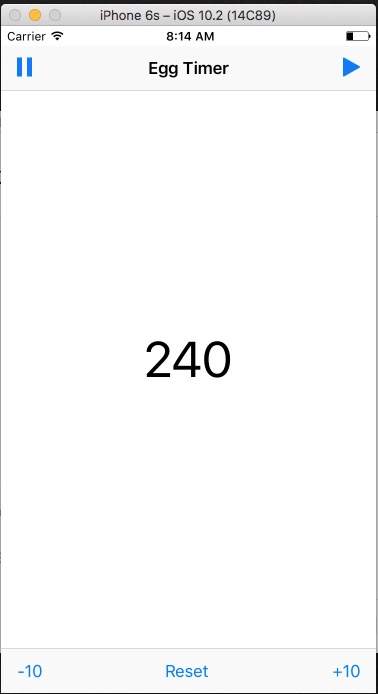
Now, run the app.
Hadshana KamalanathanPosted Jul 22, 2018, 4:09 AM
Good one..