

Hello Guys,
We are almost ready with our EBook on SharePoint Designer 2010.
Current Status: Under Review.
This will be published with a week time. Exact date will be published my Mahesh. Please find below the detailed TOC. Expecting all your support on the same
1. Abstract
2. System Requirements
3. Supported Operating Systems
4. Computer and processor:
5. Introduction
6. Summary of what's New
7. Governance
8. Redesigned user interface introduction
9. File tab
10. Site summary page
11. Navigation pane
12. Gallery pages
13. Summary pages
14. List & content type editors
15. Navigation bar
16. Ribbon
17. Zoom to Contents
18. All Files view
19. Workflows introduction
20. Reusable workflows
21. Export workflows
22. Association columns
23. Associate workflows with content types
24. Site workflows
25. Edit the workflows included with SharePoint Server
26. Design a custom approval process
27. Impersonation steps
28. Visio integration
29. Workflow visualizations
30. InfoPath forms
31. Sub steps & new workflow actions
32. XSLT List View Web Part introduction
33. Shared XSLT templates for better performance
34. Reverting the XSLT Customizations made easy now
35. Create Data Views from the Ribbon
36. Apply conditional formatting from the Ribbon
37. Share view styles and apply them from the Ribbon
38. External content types and BCS Introduction
39. Create external content types in SharePoint Designer 2010
40. External lists 17
41. External Lists in SharePoint Workspace
42. External Lists in Outlook
43. Business Data columns, workflow, and Word
44. Installation
45. Share Point Designer 2010 Best Practices
46. Recommendation
47. Working with SharePoint master pages
48. Difference between Master Page and Content Pages
49. Benefits of Master Pages
50. Types of SharePoint 2010 Master Pages
51. Required place Holders
52. How to customize the master page
53. Customizing Master Page in SharePoint Designer 2010
54. How to Deploy Master Page
55. Working with Pages
56. Enable AJAX Options in List View Web Parts
57. Views and forms Web part in SharePoint Designer 2010
58. Working with Data View Web parts
59. How to preview Data View Web part
60. How to Use Data view web part to Show Data from SQL Server
61. Data view Migration issues
62. XSLT List View Web part
63. How to Create a XSLT List View Web part in Designer 2010
64. How to modify XSLT List View Web Part using conditional formatting
65. XSLT List Form Web Part
66. Data Form Web part
67. List Form Web part
68. InfoPath Form Web Part
69. Adding Custom Action to Ribbon UI
70. Adding a Custom Action to SharePoint List Item
71. Adding Custom Action to List Form Ribbon
72. Working with Workflows
73. SharePoint Workflow Demo
74. Exporting Designer 2010 workflow to Visual Studio
75. Working with External Content types
76. Creating External Data column for list
77. Creating External List 101
78. Customizing Blog Site Using Designer 2010
79. Backup Restore in SharePoint Designer 2010
80. Back up a Web site
81. Restore a Web site
82. Import Web site wizard
83. Publish Web site
84. Conclusion 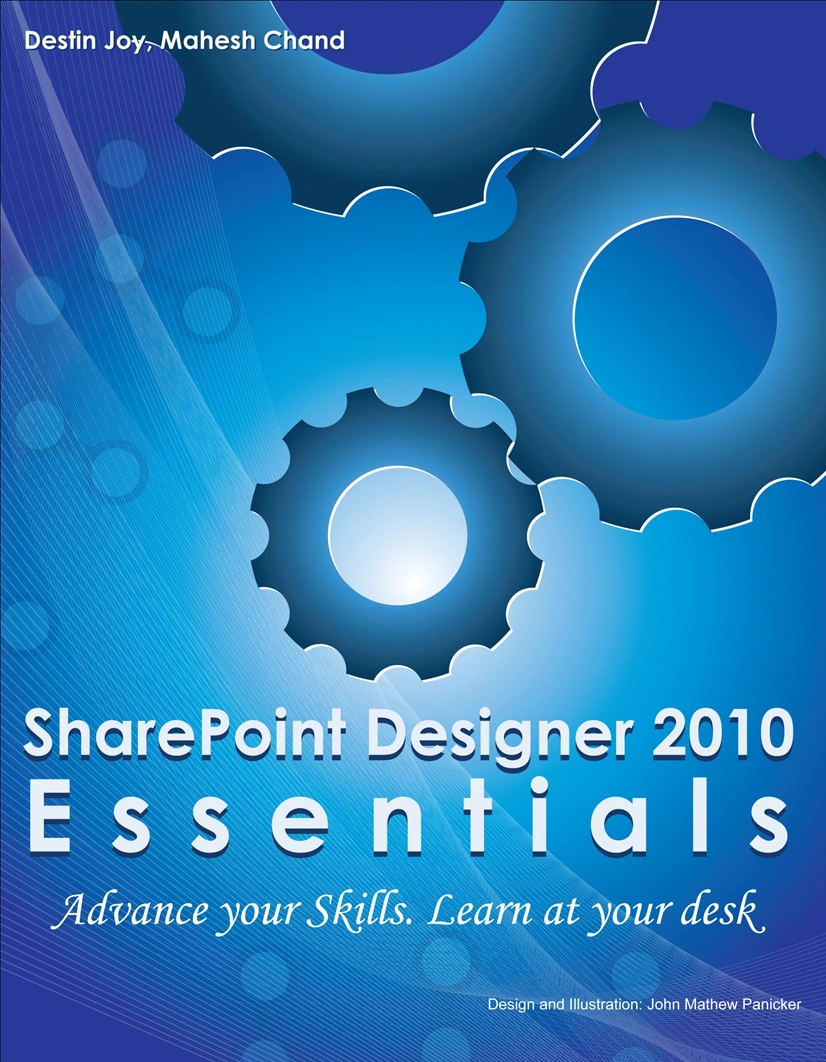
Join the conversation! Your thoughts help the community grow.