

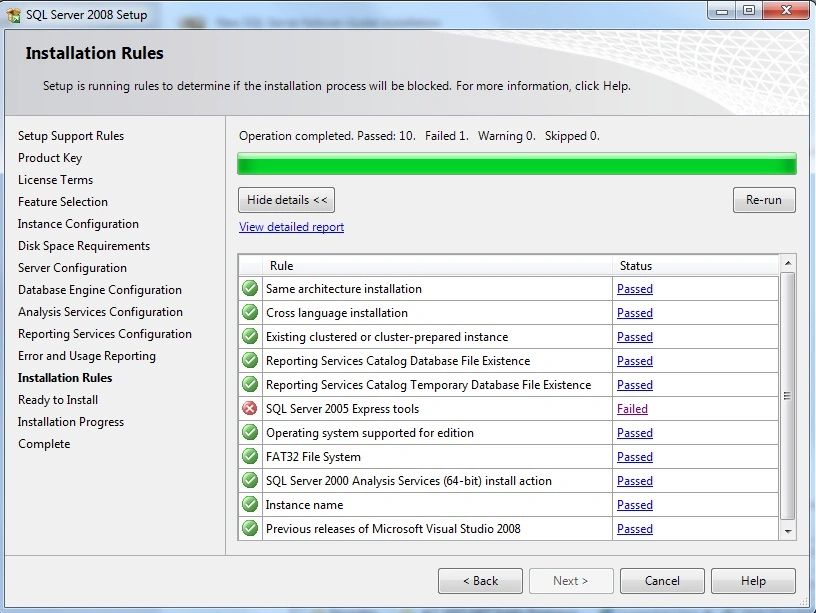
Follow these steps for Solution:
1. Go to Windows > Run, enter “regedit” and click ok.
2. Browse to HKEY_LOCAL_MACHINE\SOFTWARE\Microsoft\Microsft SQL Server\90.
3. Rename “90? to something else, like “old”
when you install SQL server 2008 and if you get SQL Server Express problem then here is solution.
Join the conversation! Your thoughts help the community grow.