Learn Windows internals and productivity: file systems, processes, services, registry, security, PowerShell, WSL, networking, and deployment. Get admin tips, automation scripts, troubleshooting guides, and performance tuning for workstations and servers.
1,433 posts330 contributors
This article demonstrates how to create and use an Azure Virtual Machine (Azure VM) to preview the latest Windows Insider builds to try out the new features in Windows.

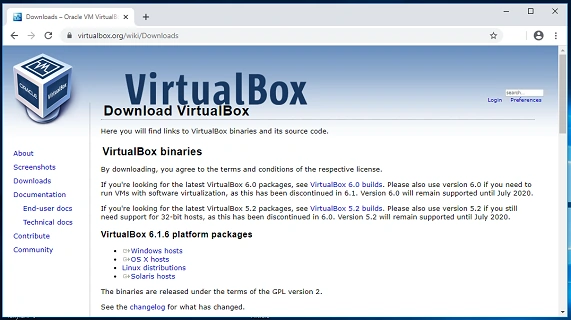
Install Ubuntu on Windows 10 via VirtualBox, a virtualization software. Create a virtual machine, allocate resources, and follow step-by-step instructions to set up Ubuntu alongside Windows, allowing you to run both operating systems concurrently for testing or development purposes.
Windows 10 and Windows Store apps have changed the way Microsoft developers build and consume software on Windows platform. However, the future of Windows 10 and Windows Store app is still uncertain.
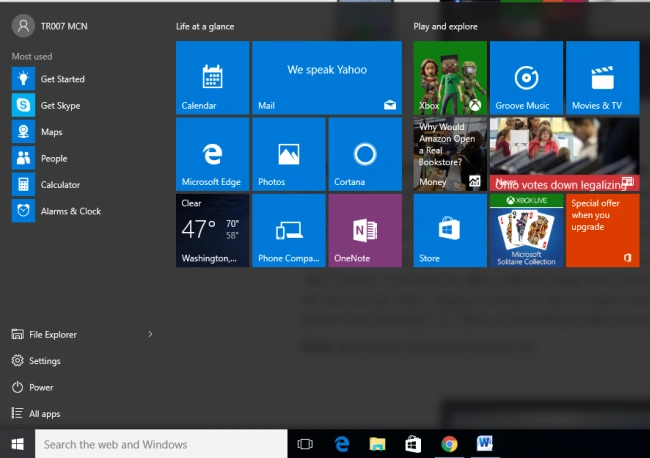
Windows 10 offers a plethora of features including a revamped Start menu, Cortana voice assistant, Microsoft Edge browser, virtual desktops, Task View, Action Center, and Continuum for seamless transition between devices.
What Windows 11 26H2 actually changes, how to install the enablement package, how long each edition is supported, and what admins must fix before rollout.
WinAppCLI 0.7 adds Windows Sandbox automation and Native AOT support for repeatable Windows application testing, installer validation, and command-line workflows.
Learn how to secure WinUI package signing with Windows App Development CLI 0.6 and Azure, covering certificate management, automated signing, CI/CD, and deployment security.
Learn how Windows App Development CLI 0.6 can automate WinUI 3 builds from the command line, simplifying project setup, compilation, packaging, and developer workflows.
Google launches the upgraded Google app for desktop on Windows globally in English, featuring AI Mode, Lens, and universal search shortcuts.
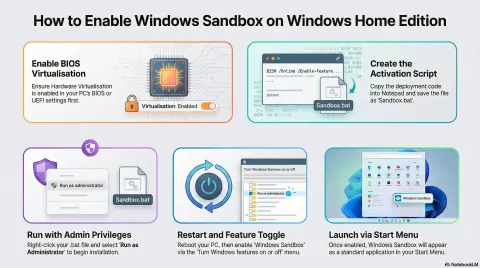
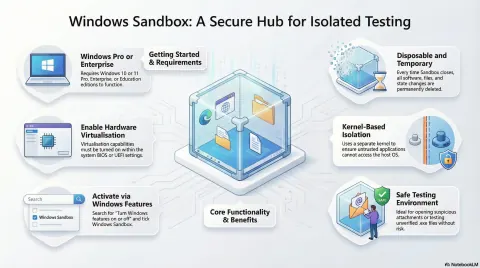
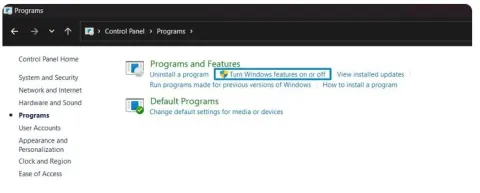
Learn what Windows Sandbox is and how Windows Home users can get it by upgrading to Pro, enabling the feature, and using safe settings like no-network and read-only folders.
Learn what Windows Sandbox is and how to enable it on Windows 10/11, run risky apps safely, use .wsb config files, and follow best practices to protect your PC.
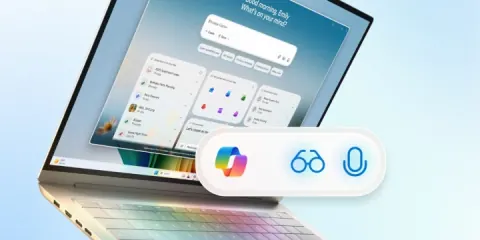
Windows 11 gets a massive AI upgrade! Copilot now features voice activation, vision, and agentic capabilities, transforming PCs into intelligent assistants.
Understanding how Exchange handles different types of client connections helps tremendously with troubleshooting. Whether it’s an Outlook profile not loading or a phone not syncing, breaking down where it fails (DNS, TLS, Autodiscover, auth, or routing) will guide you straight to the issue.
While managing a hybrid Exchange deployment, we encountered a scenario where free/busy information was not visible for a specific room mailbox from Outlook 2016 (Classic) clients. This post outlines the problem, how we diagnosed it, and the steps taken to resolve it.
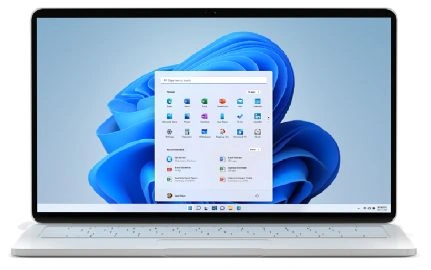
Windows 11, powered by AI, transforms everyday computing with smarter settings, creative tools, and real-time assistance—making work, play, and productivity seamless on next-gen Copilot+ PCs.
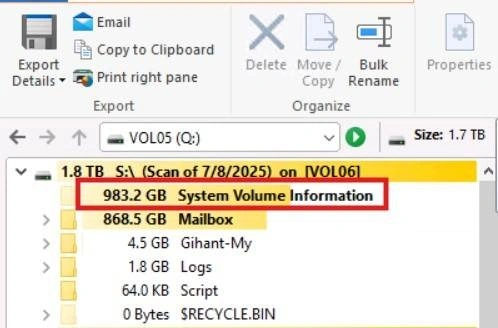
Struggling with low disk space on your Exchange Server? Hidden VSS snapshots in the "System Volume Information" folder might be the cause. Learn how to view, limit, and clean them to reclaim lost storage space.
What is the difference between an EXE and a DLL in Dotnet
Managing Exchange Online with an on-premises Exchange Management Server 2019 enables seamless hybrid deployment, allowing administrators to control mailboxes, policies, and settings from a familiar interface.
This article is useful for IT administrators who need to set up and manage SMTP relays on Exchange Server.
Add a new vb module called utils.vb where all shared code and global variables can be placed
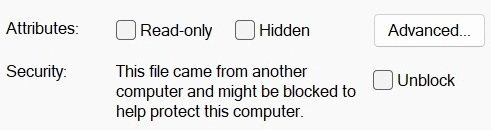
Learn how to hide files on Windows to protect your data and maintain privacy. This guide covers simple steps to conceal files or folders using built-in Windows features like File Explorer and hidden attributes.
Learn how to install and enable IIS Express on Windows 10/11. Follow simple steps to download, install, and activate IIS Express for hosting web applications on your system.
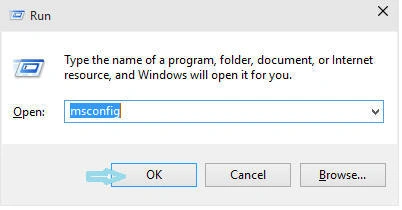
Disabling the Splash Screen in Windows 10 can significantly reduce boot time by eliminating the 3-5 seconds spent displaying the Windows logo. To do this, access the System Configuration dialog by typing "msconfig" in the Run box (Win+R).
This article explains how to configure Internet Explorer on Windows 8 to allow downloads of more than 10 files simultaneously. By default, older versions of IE limit downloads to 6 files at a time. By modifying settings in the Local Group Policy Editor, users can increase this limit, enabling a more efficient downloading experience.

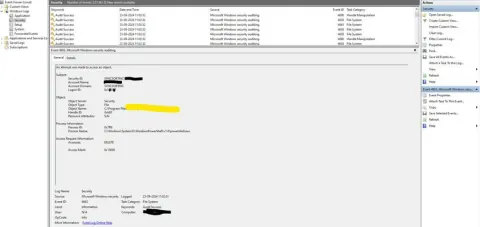
Enable event logging to identify the process causing deletion operations. Set up folder auditing by adjusting security properties, adding auditing entries, and running AuditPol commands.
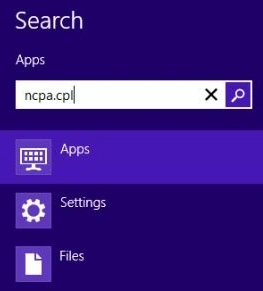
This article explains how to manually assign a static IP address in Windows 8, enhancing network control and reducing address conflicts. It details step-by-step instructions, including accessing the Network Connection settings, selecting the appropriate Internet Protocol version, and verifying changes through the command prompt.

Learn how to safely update essential OS components, enhance system performance, and ensure your PC runs smoothly. Whether you're fixing issues or improving functionality, our guide simplifies the process for all users.
Hi How to stop windows 11 from downloading permanently. I have windows 10 Home. Thanks
So, i am using Redis in my project, Initially i was using Redis-cli for those commands and all. But later i needed a GUI tool to manage all things. SO, i installed RedisInsights. I added the same connection in my Redis insight. Initially, the key that i was getting in my cli "user" i got that on the Redis insight too. But when i added a new key on cli or in Redis insights, it is not being reflected on the other. I deleted the key "user" on my RedisInsights. But is still in my cli. I think there is some issue in syncing, but i cannot pinpoint what the problem is? Did anyone else face this issue? Avoid giving answers from ChatGPT.