Learn Windows internals and productivity: file systems, processes, services, registry, security, PowerShell, WSL, networking, and deployment. Get admin tips, automation scripts, troubleshooting guides, and performance tuning for workstations and servers.
1,433 posts330 contributors
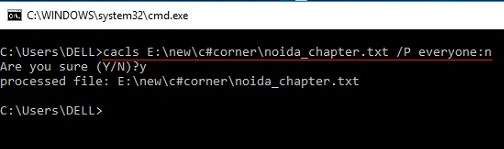
In this article, I have described how to Lock and Unlock any file and folder using the command prompt (Cmd) in windows 10.
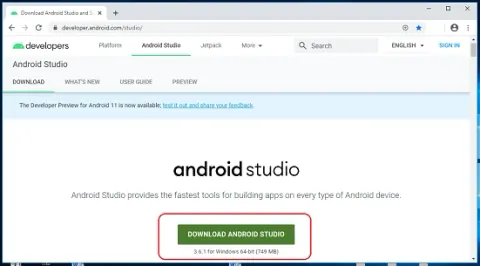
To download and install Android Studio on Windows 10, visit the official website, download the installer, and run it. Ensure you have Java Development Kit (JDK) installed. Follow on-screen instructions, including setting up the SDK Manager and emulator for app development.
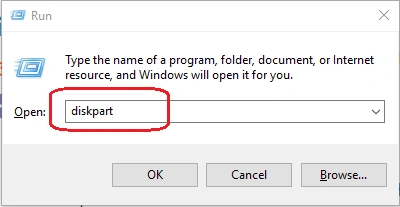
In this article, we will learn how to effortlessly hide or unhide drives on Windows 10. Safeguard sensitive data or customize your system's appearance by following our simple step-by-step guide. Master the Disk Management tool and regain control over your drive visibility with ease.
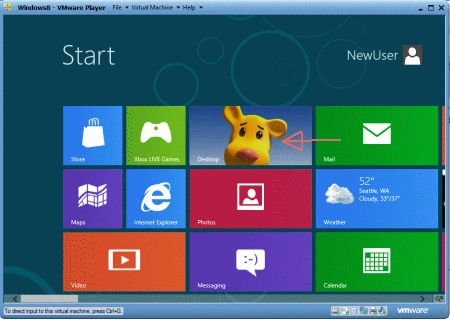
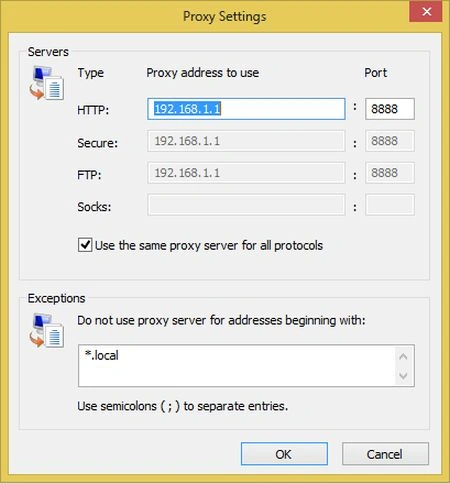
In this article, we are explaining how to configure proxies for Metro apps in Windows 8. Learn the steps to set up proxy settings to ensure seamless internet access and enhanced privacy.
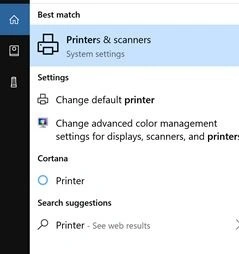
In this article, we will discover how to set your printer to print in black and white on Windows 10. Save ink and customize your printing preferences with ease. Learn to adjust settings, navigate printer properties, and optimize your printing experience for monochrome output effortlessly.
To rename or delete a user account in Windows 8, navigate to Control Panel, then User Accounts. From there, you can select the account you wish to modify and choose the option to rename or delete it.
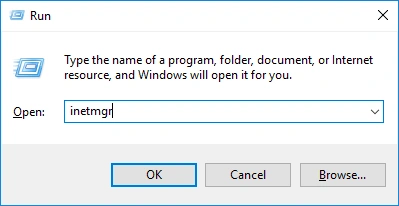
To configure IIS in Windows 10, install the feature via Control Panel > Programs > Turn Windows features on or off. Use IIS Manager to set up websites, bindings, SSL certificates, and application pools, and manage security settings.
To disable the pop-up blocker in Internet Explorer on Windows 8, open the browser, go to "Tools" or click the gear icon, select "Internet options", navigate to the "Privacy" tab, and uncheck the "Turn on Pop-up Blocker" option. You can also manage exceptions for specific websites.
This article guides users through the process of creating a new Microsoft Live ID in Windows 8. It emphasizes the importance of a Microsoft account for accessing the Windows Store and utilizing additional features like SkyDrive.
To map a network drive in Windows 8, open File Explorer, go to "This PC", then click "Computer" and "Map network drive". Choose a drive letter and enter the network location (UNC path) of the shared folder.
In this article, Learn how to access a website hosted on IIS in Windows 10 from any PC on your LAN. Configure network settings, ensure proper IIS setup and access the site seamlessly across your local network for efficient collaboration and communication.
To terminate a process via Command Prompt in Windows 8, use the "taskkill" command followed by "/F" to force termination and "/IM" to specify the process name. For example, "taskkill /F /IM process_name.exe" forcefully ends the specified process.
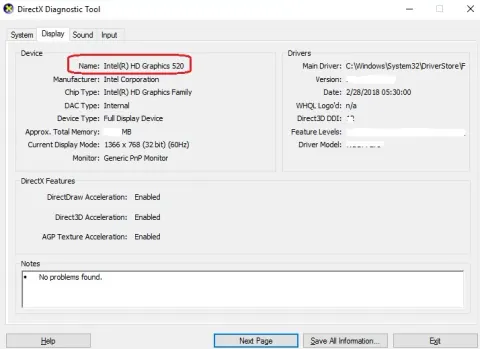
This article provides insights into Graphics Card Information on Windows 10, explaining its significance, types, and methods to check it.
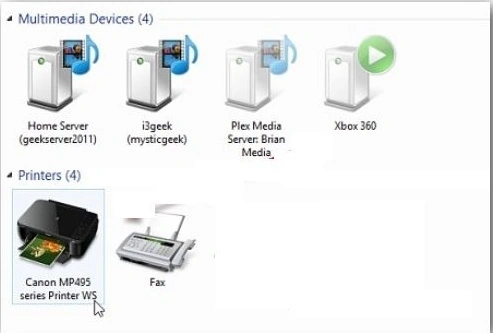
In this article, we are going to discover how to print from Metro-style apps on Windows 8. Navigate settings and configure devices for seamless printing directly from your favorite apps. Enhance productivity and convenience with our step-by-step guide.
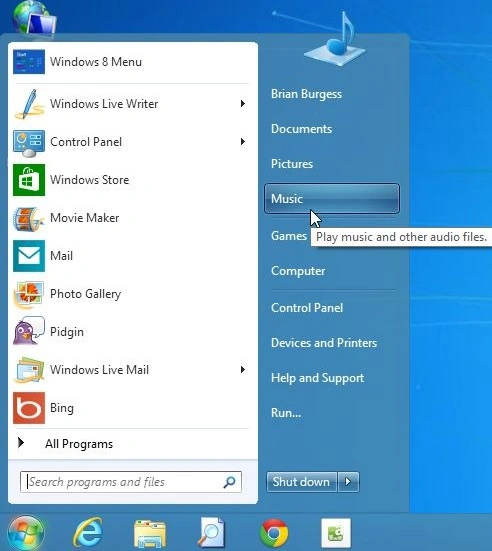
This article provides a tutorial on using Start8, a Windows 8 start menu replacement that offers a design overhaul reminiscent of the Windows 7 start menu.
This article provides step-by-step instructions on how to create a system repair disk in Windows 8. A system repair disk is essential for troubleshooting and fixing boot-related issues in Windows 8.

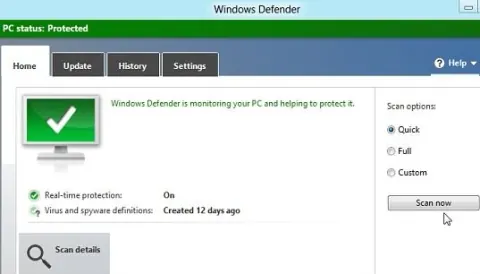
This article explains how Windows Defender in Windows 8 integrates Microsoft Security Essentials (MSE) to provide comprehensive virus protection.
To boot Windows 8 into Safe Mode, restart your computer and repeatedly press the F8 key. This will bring up the Advanced Startup Options menu. Alternatively, you can use the "Shift + Restart" method. From there, navigate to Troubleshoot > Advanced Options > Startup Settings > Restart.
In this article, we will learn how to securely backup and restore Windows 8 activation status. Safeguard your activation key for future use and restore it effortlessly, ensuring seamless operation and compliance with licensing requirements.
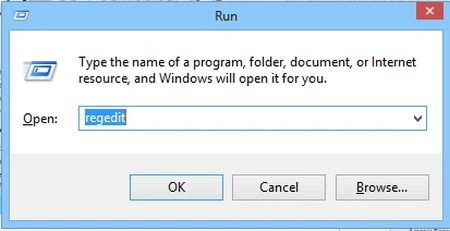
To change the product key in Windows 8, access activation settings via the Control Panel or Command Prompt using 'slmgr.vbs'. Alternatively, modify the registry with the new key. Ensure proper activation for continued use of the operating system.
In this article, you will discover the simple steps to change keyboard language in Windows 8. Easily navigate language settings to adjust input methods, enabling seamless multilingual support.
In this article, learn how to Easily configure proxy settings for Metro apps in Windows 8 to ensure seamless connectivity and privacy. Customize proxy configurations effortlessly, enhancing security and accessibility for your favorite Metro applications.
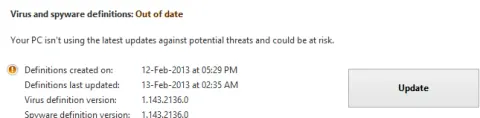
Encounter a problem in Windows 8 where Windows Defender fails to update virus and spyware definitions. Troubleshoot by checking internet connection, updating settings, and ensuring compatibility. Resolve the issue to maintain optimal security.
Learn how to enable and install .NET Framework 3.5 offline on Windows 8 using Windows installation media and the DISM command.
Integrate Windows Defender into the context menu of Windows 8 for quick access to security features. Modify registry settings or use third-party tools to add Defender options to the right-click menu. Enhance system security with convenient access to antivirus functions.