Learn Windows internals and productivity: file systems, processes, services, registry, security, PowerShell, WSL, networking, and deployment. Get admin tips, automation scripts, troubleshooting guides, and performance tuning for workstations and servers.
1,433 posts330 contributors
This aticle explains what a WriteableBitmap and StorageFile are and shows how to save a WriteableBitmap as a StorageFile in a WinRT app.
It has been more than a year since Windows 8 was introduced to the consumers. The date was Oct 26, 2012 to be exact. And here we are, still debating if Windows 8 is a failure.
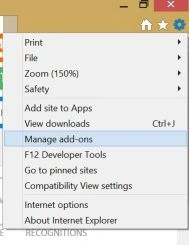
Bing is the default search provider in IE 11 on Windows 8.1. This article shows how to change the search provider from Bing to Google.
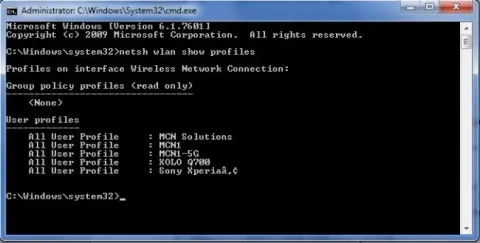
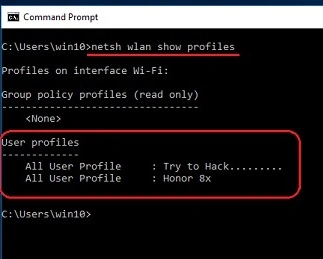
Learn to swiftly delete WiFi profiles in Windows 8.1 via Command Prompt. Utilize the 'netsh' command to manage network settings, ensuring seamless connectivity and troubleshooting for your wireless networks.
Learn how to pin the Command Prompt (Cmd) as an administrator (Admin) to the start screen, desktop, and taskbar in Windows 10. Pinning allows for quick access to frequently used applications and settings.
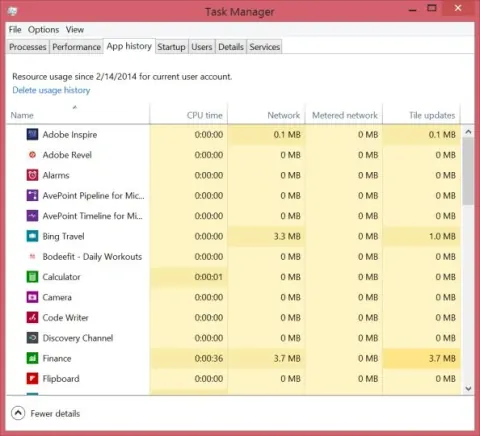
Learn how to access app history on Windows 8 using the Task Manager. Monitor app usage, resource consumption, and performance metrics to optimize your system. Gain insights into your app activity for better management and efficiency.
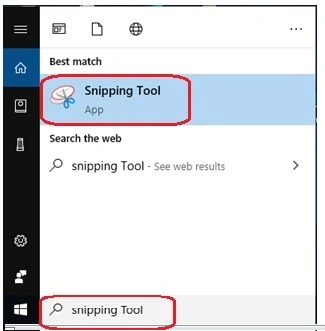
In this tutorial, I discuss how to Discover various methods to effortlessly capture screenshots in Windows 10. From utilizing keyboard shortcuts like Print Screen to leveraging built-in tools like Snipping Tool and Snip & Sketch, learn how to capture, save, and share screenshots with ease.
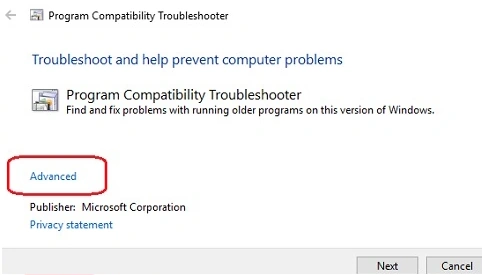
Learn how to run older programs comfortably on Windows 10 using compatibility mode. Compatibility mode is a built-in feature that helps older programs run smoothly on newer versions of the Windows operating system.
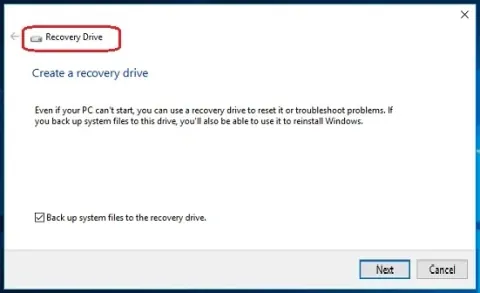
In this article, we will learn how to safeguard your Windows 10 system by creating and utilizing a System Recovery Drive. This essential guide walks you through the steps to create a bootable USB drive, equipped with recovery tools and system image, ensuring you're prepared for any unforeseen issues.
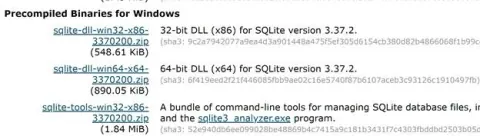
Learn how to easily install SQLite on your Windows 11 system. Download the setup, configure environment variables, and use the command prompt to set up the SQLite shell for efficient database management.
In this tutorial, I have described how to eliminate the blue light in windows 10.
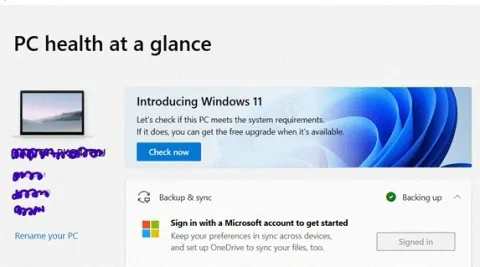
This content provides an introduction to Windows 11, highlighting its key features, minimum system requirements, compatibility testing process, availability details, and useful links for further information.
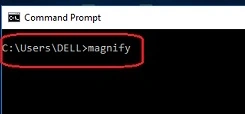
The Magnifier in Windows 10 offers accessibility features for zooming in on your screen. It provides various modes like full screen, lens, or docked, adjustable magnification levels, and shortcuts for ease of use. Additionally.
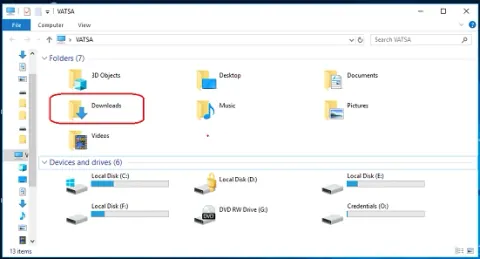
In this article, I have described how to Modify the download location in Windows 10 to suit your preferences and organizational needs. Customize where files are saved for easier access and efficient file management, enhancing productivity and optimizing storage space.
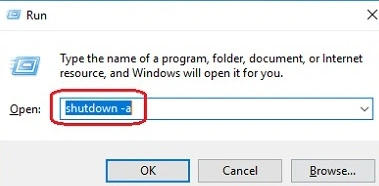
This article provides a comprehensive guide on how to schedule automatic shutdown in Windows 10 and how to cancel auto shutdown schedules if needed.
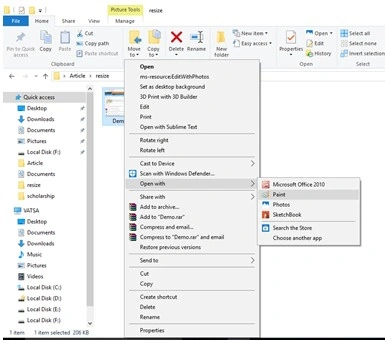
Learn how to resize images using Paint in Windows 10 with this step-by-step guide. Microsoft Paint, a core component of Windows since its inception, offers a straightforward and efficient resizing tool.
In this article, I have described how to share files between Ubuntu and Windows 10 effortlessly by leveraging cross-platform solutions like Samba. Utilize SMB protocol for seamless network sharing, enabling easy file transfer and collaboration across Linux and Windows environments.
In this tutorial, I have described how to Enable or disable network adapters in Windows 10 through Device Manager or Control Panel. Manage connectivity settings efficiently to troubleshoot issues or optimize network performance, ensuring seamless internet access and smooth operations.
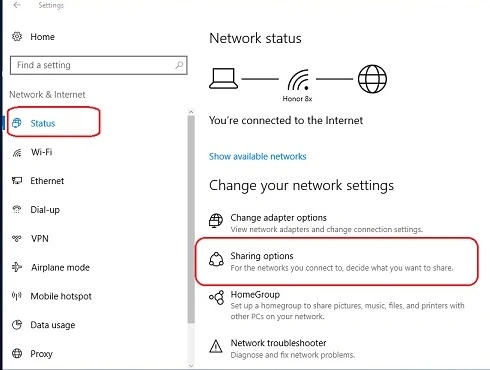
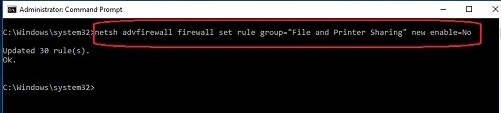
To enable or disable file and printer sharing in Windows 10, navigate to "Settings" > "Network & Internet" > "Network and Sharing Center." From there, select "Change advanced sharing settings" and customize sharing options based on network profiles (private or public).
This content provides a comprehensive guide on zipping and unzipping files and folders in Windows 10. It begins with an introduction to archive files and their significance in storage and portability.
In this article, I have described how to change the screen refresh rate in Windows 10. The Screen refresh rate in Windows 10 is the number of times during a second that a device reconstructs its buffer.
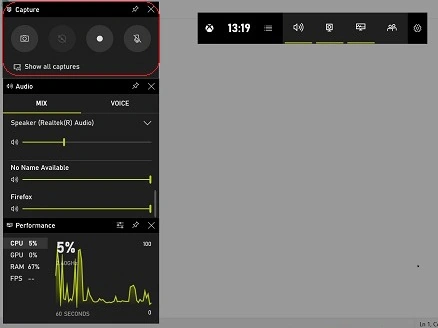
In this tutorial, I describe how to Record your Windows 10 screen effortlessly using built-in tools or third-party software. Capture tutorials, gameplay, presentations, or demonstrations with ease. Enhance productivity or share experiences seamlessly through screen recording.
To enable the delete confirmation dialog in Windows 10, access "Recycle Bin Properties" by right-clicking the Recycle Bin icon. Check "Display delete confirmation dialog" to ensure prompt confirmation before permanent file deletion.
Learn how to enable and configure a screen saver in Windows 10, choose a screen saver, set its idle timeout, and require sign-in when resuming.
In this tutorial, I have described how to Easily retrieve your Wi-Fi password in Windows 10 through network settings. Access the Network and Sharing Center or use Command Prompt to view network properties and security key details.