This client application shows you how to access Authenticate Web service.
Create an instance of a proxy object.
Execute method calls on the proxy objects.
Capture the XML formatted data returned from the Web service.
Write client-specific controls to display the results.
Create a new Windows Application.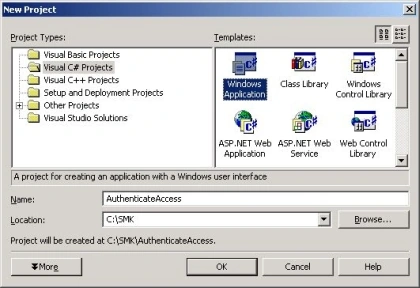
Click on the Add Reference item in Solution Explorer.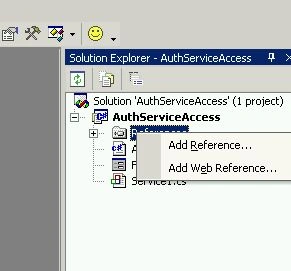
From the NET Tab select the System.Web.Service.dll Option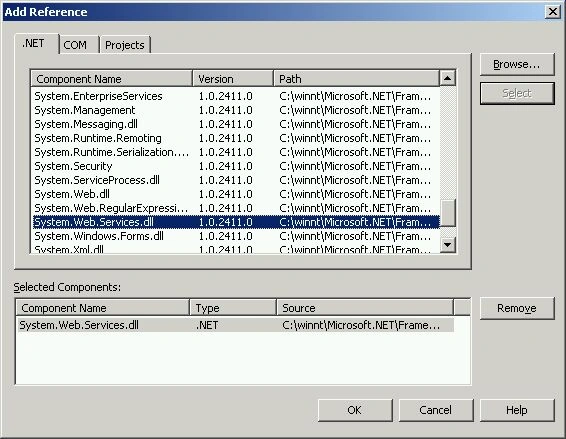
From the Projects Tab select the Authenticate.DLL ( click Browse Button ) created using the CSC.EXE command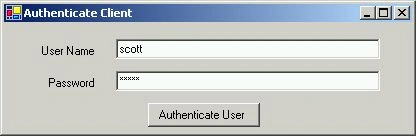
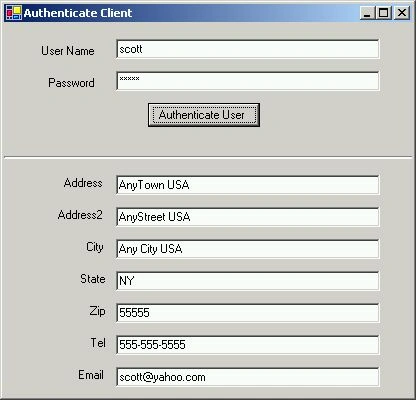
Here is your data from the database , returned by the Web Service.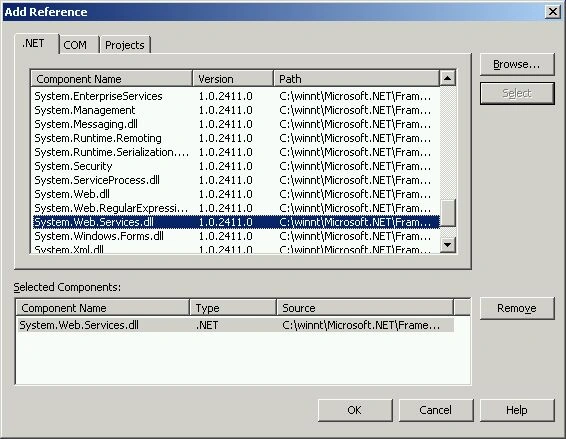
In your C# source code...
Include the Namespace in your code
using System;
using System.Drawing;
using System.Collections;
using System.ComponentModel;
using System.Windows.Forms;
using AuthNameSpace;
using System.Data;
using System.IO ;
using System.Xml;
namespace AuthServiceAccess
{
/// <summary>
/// Summary description for Form1.
/// </summary>
public class Form
//Create an instance of the exposed class and call the remote method
private void button1_Click(object sender, System.EventArgs e)
{
Service1 svc1 = new Service1() ;
XmlTextReader reader = null;
string obj = svc1.GetUserInfo(NAME.Text , PASSWORD.Text);
}
Thats it !!!
You are all set.
The string Obj returned is in XML format. Extract the data and display the data in your application.
Authenticate Web Service Client - Windows Application
This client application shows you how to access Authenticate Web service from a Windows application.

Join the conversation! Your thoughts help the community grow.