
Here in this article I am going to explain how to upload image to the server using Web API. Web API is mainly used as a mediator between client and server. It exposes the server side data to the client like (Website, Android devices, iPhone device etc). The client can directly interact with the server using Web API. Web API exposes the server data in the form of JSON data.
Here, I will explain how to create a Web API to upload images to server.
The first step is to create a new project with a WEB API template. Add an Empty controller to the project and name it "Upload" as below.
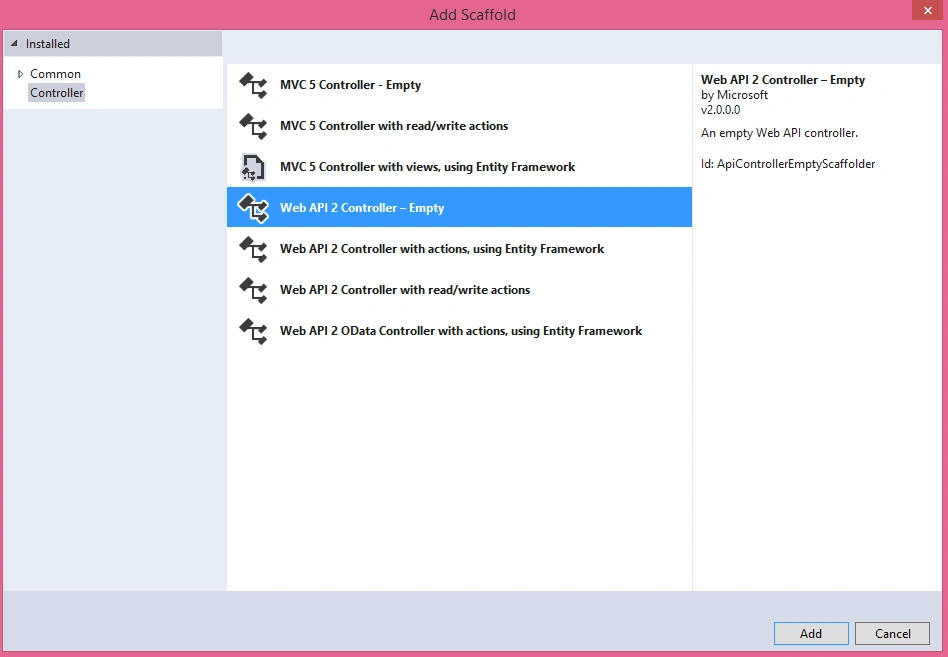
Name it "Upload Controller".
Here, I will explain how to create a Web API to upload images to server.
The first step is to create a new project with a WEB API template. Add an Empty controller to the project and name it "Upload" as below.
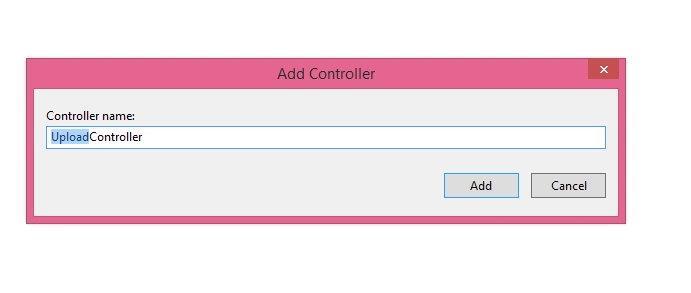
Name it "Upload Controller".
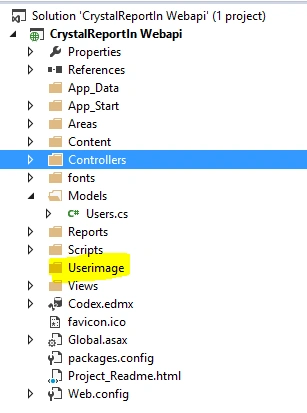
Create a new folder in your project root directory as "Userimage".
Now create a method "PostUserImage" in Upload controller and write the following code. Here, I have shown the complete code.
- using System;
- using System.Collections.Generic;
- using System.Linq;
- using System.Net;
- using System.Net.Http;
- using System.Threading.Tasks;
- using System.Web;
- using System.Web.Http;
- namespace CrystalReportIn_Webapi.Controllers
- {
- [RoutePrefix("api/Upload")]
- public class UploadController : ApiController
- {
- [Route("user/PostUserImage")]
- [AllowAnonymous]
- public async Task<HttpResponseMessage> PostUserImage()
- {
- Dictionary<string, object> dict = new Dictionary<string, object>();
- try
- {
- var httpRequest = HttpContext.Current.Request;
- foreach (string file in httpRequest.Files)
- {
- HttpResponseMessage response = Request.CreateResponse(HttpStatusCode.Created);
- var postedFile = httpRequest.Files[file];
- if (postedFile != null && postedFile.ContentLength > 0)
- {
- int MaxContentLength = 1024 * 1024 * 1; //Size = 1 MB
- IList<string> AllowedFileExtensions = new List<string> { ".jpg", ".gif", ".png" };
- var ext = postedFile.FileName.Substring(postedFile.FileName.LastIndexOf('.'));
- var extension = ext.ToLower();
- if (!AllowedFileExtensions.Contains(extension))
- {
- var message = string.Format("Please Upload image of type .jpg,.gif,.png.");
- dict.Add("error", message);
- return Request.CreateResponse(HttpStatusCode.BadRequest, dict);
- }
- else if (postedFile.ContentLength > MaxContentLength)
- {
- var message = string.Format("Please Upload a file upto 1 mb.");
- dict.Add("error", message);
- return Request.CreateResponse(HttpStatusCode.BadRequest, dict);
- }
- else
- {
- var filePath = HttpContext.Current.Server.MapPath("~/Userimage/" + postedFile.FileName + extension);
- postedFile.SaveAs(filePath);
- }
- }
- var message1 = string.Format("Image Updated Successfully.");
- return Request.CreateErrorResponse(HttpStatusCode.Created, message1); ;
- }
- var res = string.Format("Please Upload a image.");
- dict.Add("error", res);
- return Request.CreateResponse(HttpStatusCode.NotFound, dict);
- }
- catch (Exception ex)
- {
- var res = string.Format("some Message");
- dict.Add("error", res);
- return Request.CreateResponse(HttpStatusCode.NotFound, dict);
- }
- }
- }
- }
Search" Advance Rest Client for Chrome" in Google and download.
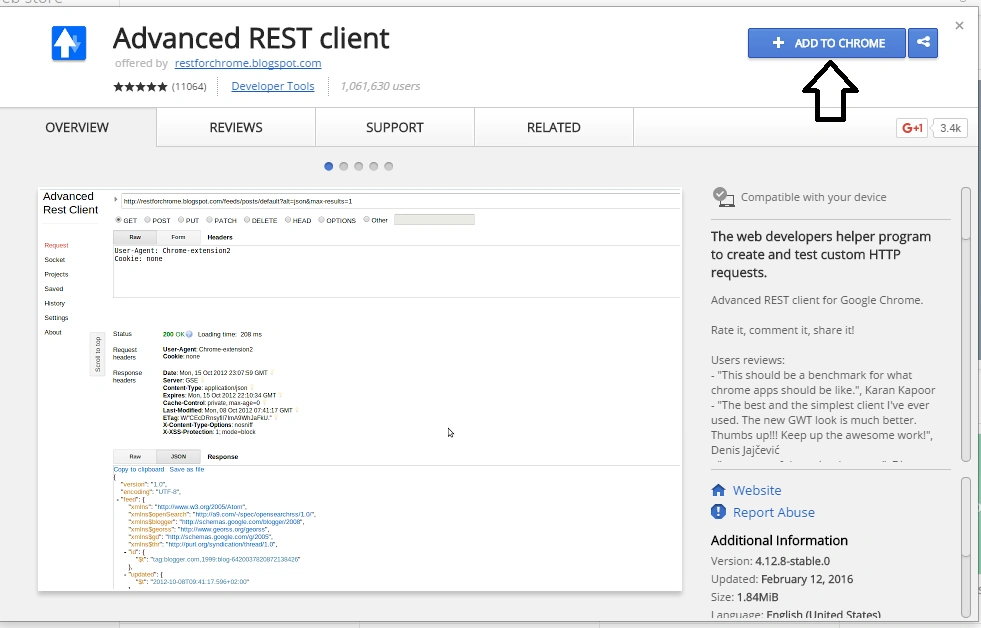
Click add to Chrome so that it will appear in your browser app.
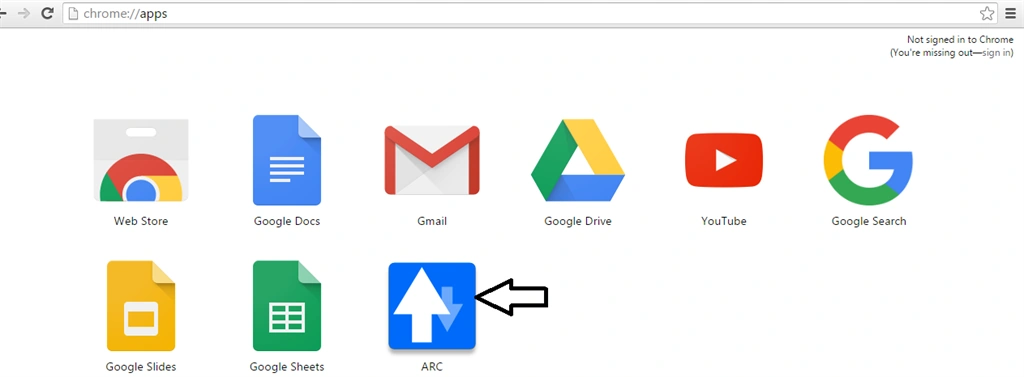
Click on the ARC to test the Web API as below.
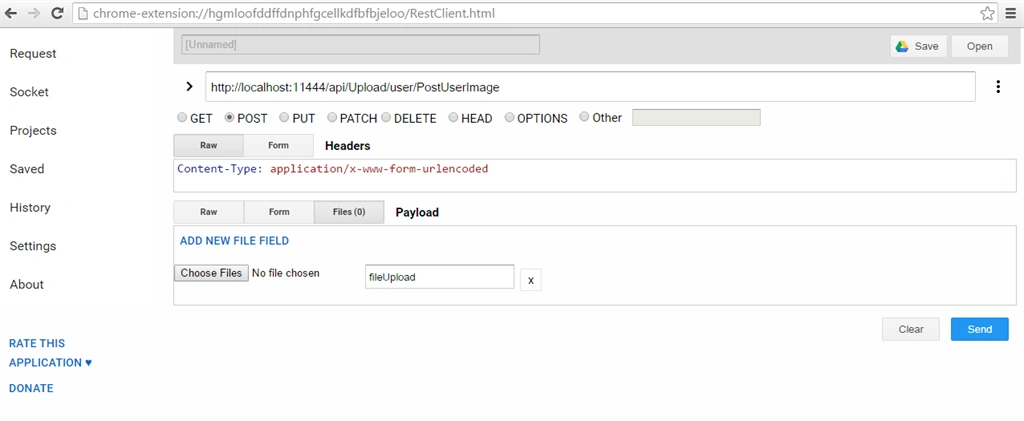
Now click the Files and browse to choose an image as in the following.
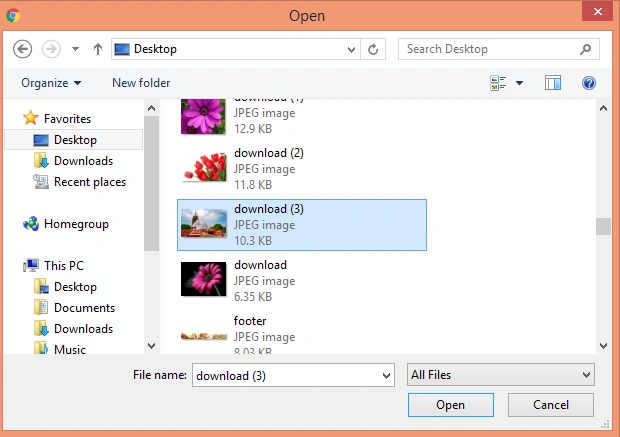
After choosing click the send button.
Now click the Files and browse to choose an image as in the following.
After choosing click the send button.
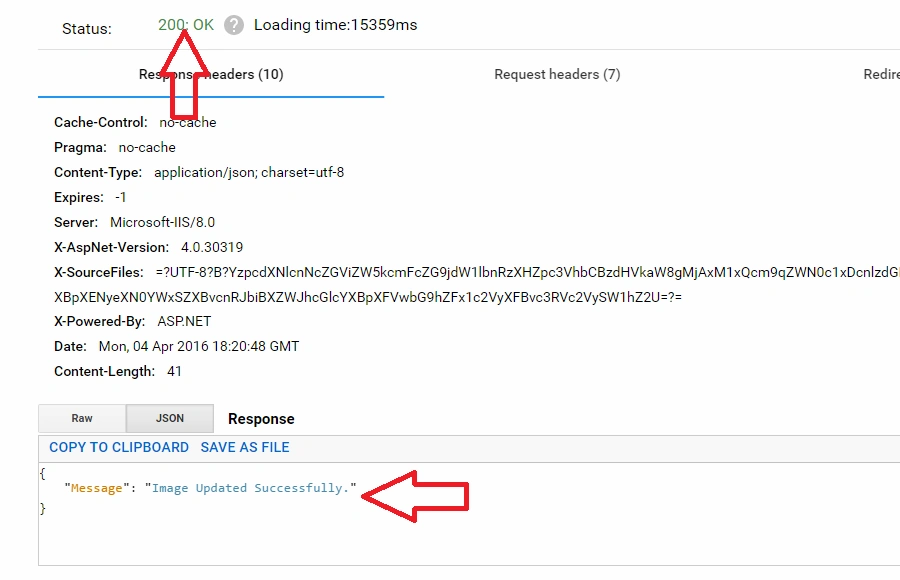
The Status 200:OK and the message shows that the image has uploaded, if we want to check it in the following folder it will appear in the folder as in the following.
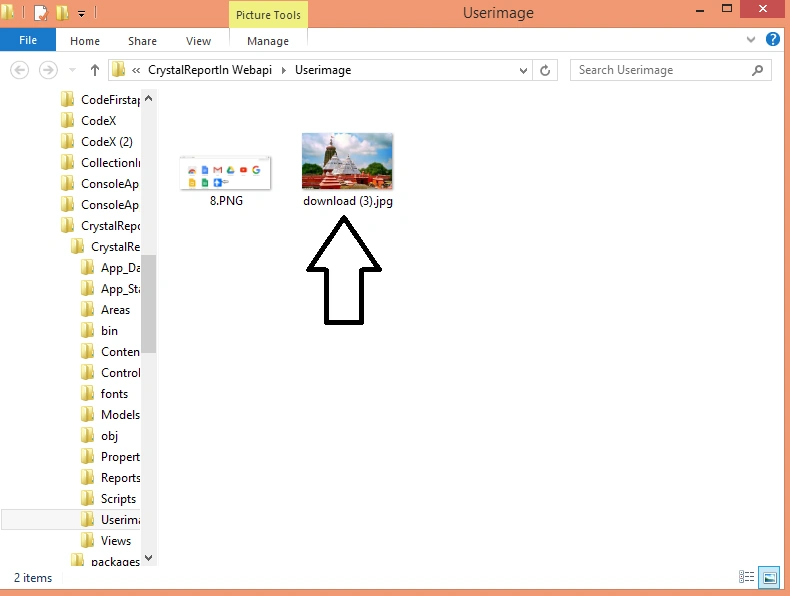
So in this way we can upload image to server using Web API.
Read more articles on Web API:


Prakash KhadkaPosted Aug 17, 2020, 8:33 AM EDT
Anyone with restful api uploading image and file directly to the database
Sunil skPosted Aug 23, 2019, 7:44 PM EDT
Warning CS1998 This async method lacks 'await' operators and will run synchronously. Consider using the 'await' operator to await non-blocking API calls, or 'await Task.Run(...)' to do CPU-bound work on a background thread. please anyone help fix this errorhow can i
arun vishnoiPosted Jul 3, 2019, 3:11 AM EDT
Nice code mind blowing code Its work proper for video and image Thanks a lot.
Surander SharmaPosted Jan 7, 2019, 9:23 PM EST
This worked like charm I am able to upload files but I want to pass some parameters too how can I do it please suggest? Can I pass class object too to this method? Note: This web api will be for Andriod or iPhone usage. Thanks in advance.
ujjwal uniyalPosted Oct 22, 2018, 10:20 PM EDT
How will i pass image through mvc controller action method to webapi instead of using some third party browser extension ??
eli chitritPosted Aug 18, 2018, 9:26 PM EDT
After searching for two days for another image upload code, I found your article. And the code works like magic. A wonderful article.
Voiceback TechnologiesPosted Aug 12, 2018, 8:22 PM EDT
Hi it's working but while uploading with different image with same file name it's not happening it's taking old image only
Satyaki ChakrabortyPosted Jul 27, 2018, 8:34 PM EDT
Same problem, it is not working by using multipart/form-data, please check your code once.
Lajapathy ArunPosted Jun 3, 2018, 9:54 PM EDT
You can use postman to upload the image.
HuiShen TinPosted May 21, 2018, 6:44 PM EDT
Hi, may I know how to upload multiple images at one time by using this method ?
Taingren HutPosted Apr 12, 2018, 6:16 PM EDT
Hi, i have problem with RoutePrefix and Route, it show me red line bellow.
Kajal ChauhanPosted Mar 12, 2018, 12:13 AM EDT
Hi,even after uploading the image,it shows 'please upload the image' error.please help
Sachith WickramaarachchiPosted Mar 5, 2018, 9:41 AM EST
How can I consume this API through windows form application. Thank you!!!
韩业航 韩业航Posted Dec 13, 2017, 4:46 AM EST
Hi, when i test it with postman and arc , it seems no files in the httpRequest?There is response defile in line 28, but it seems it is being used nowhere
RISHABH SHREYASPosted Jan 5, 2017, 6:43 PM EST
Hi, can a console application consume this api ? If yes then how, also could you explain how to publish this in IIS ?
Shuhaib KovvalPosted Aug 23, 2016, 11:42 PM EDT
Similarly Could you please help me on download image from server using web api for mobile app development ?
Vivek KumarPosted Apr 28, 2016, 11:09 AM EDT
Good one
Gowtham KTOP 100Posted Apr 6, 2016, 9:18 AM EDT
Good One, Thanks for sharing:)
Vignesh ManiTOP 100Posted Apr 6, 2016, 8:37 AM EDT
Nice
Mohammed IbrahimPosted Apr 6, 2016, 8:18 AM EDT
nice
Debasis SahaTOP 100Posted Apr 6, 2016, 6:11 AM EDT
Good One..
Jaipal ReddyPosted Apr 5, 2016, 11:04 PM EDT
Good One. .
Rahul Kumar SaxenaTOP 100Posted Apr 5, 2016, 10:10 PM EDT
Good Show