Loading
Prashant Bansal's contributions
How to Create Records for Salesforce SObjects using SOAP API?
In this article, we explore how we can create new records for Salesforce Standard & Custom SObjects using SOAP API Endpoints available for the Salesforce Platform.
Salesforce REST API: The Login Request (Authentication Step)
In this article, we will discuss the detailed steps on how to authenticate REST-based requests against Salesforce Org. We will explore the REST payloads for the Request & Response cycle for the request.
How To Develop Custom Salesforce SOAP API Endpoint
In this article, we will discuss detailed steps on how to develop Custom SOAP APIs for Salesforce and how can we consume the SOAP API Endpoint using Postman API Client. We will also look for Service Operations return collection of records as part of Response.
How To Configure Salesforce Connected Apps For REST API Integration
In this article, will see how we can create & configure a connected app to enable integration with external applications.
Salesforce SOAP API: POST Request With SOQL Query Envelope [Custom SObjects]
In this article, we will discuss the detailed steps on executing SOQL queries for Custom Salesforce SObjects using SOAP API. In this demo, we will look into how to query fields with lookup relationships. This article holds good both for Custom and Standard SObjects.
Salesforce SOAP API Authentication - Login Request
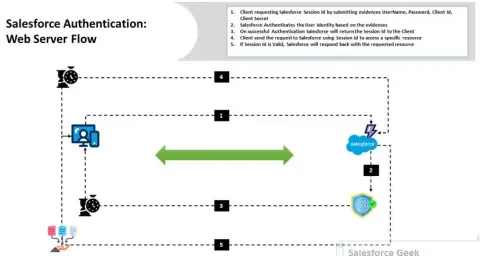
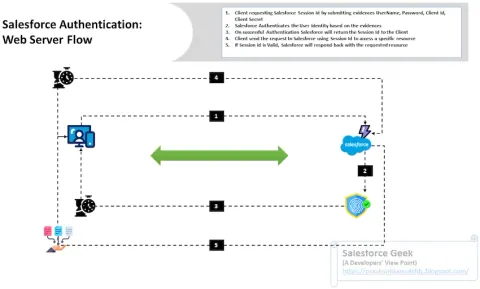
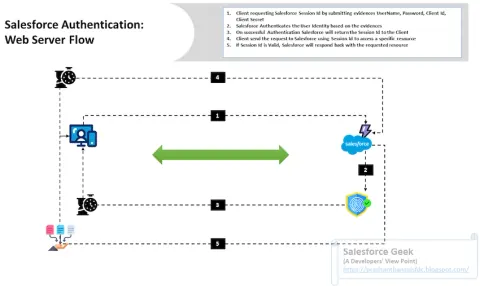
This article is focused on the Authentication mechanism for Salesforce SOAP-based services.
Salesforce SOAP API: POST Request With SOQL Query Envelope [Standard SObjects]
In this article, we will discuss the detailed steps on executing SOQL queries for Standard Salesforce SObjects using SOAP API Query Envelopes.
How To Prepare Environment For Salesforce API Based Development
In this article, we will discuss the detailed steps on how to set up the environment for API Development in Salesforce with all prerequisites tools & permissions.
How To Troubleshoot Salesforce Process Builder Flows And Other Development Artifacts
In this article, we will look into the detailed configuration steps to enable Salesforce development environment to support debugging of development artifacts like Workflows, Database Queries, REST API Calls, Apex Code and much more.
Working With Salesforce Process Builder - Part Two
In this blog, we will look for another process automation to solve another real-time business problem using Process Builder.
Working With Salesforce Process Builder - Part One
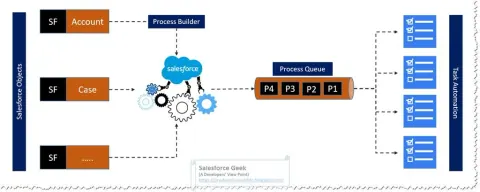
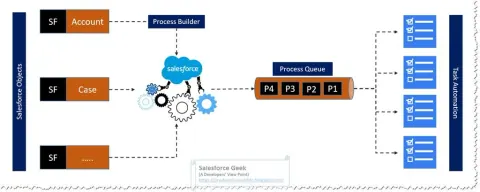
In this demo, we will explore the Process Builder tool by developing a process targeting a specific business problem. It is more focused on understanding and implementation of Process Type, Trigger, Criteria, and Actions involved as a part of the solution to this problem.
How to Enable Intellisense Support for Salesforce Apex Code in Visual Studio Code
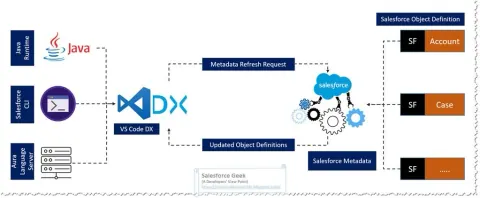
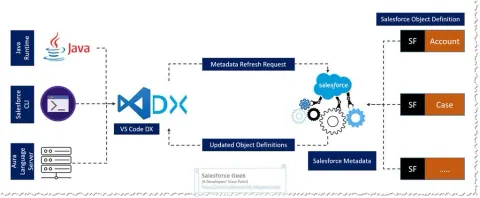
In this blog, we will look into how to enable Intellisense support for Salesforce metadata. Enabling this feature will increase code writing capability and accuracy exponentially for a developer.
How To Setup Visual Studio Code For Salesforce Development
In this post, we will look into detailed steps to setup Visual Studio Code as IDE for Salesforce code development.

SharePoint Migration - Large List Details
In this article, we will look for PowerShell Scripts to export a “SharePoint Large Lists” report from the SharePoint Farm source. This information will be helpful to track all the lists which contain more than 2000 items and are provisioned in SharePoint Farm.

PowerShell - How To Develop Interactive Logs
In this article, we will look for developing a logging mechanism for PowerShell automation components that can provide logs not just in form of a flat file but also as interactive html format.
SharePoint Migration - Export IIS Settings
Use PowerShell and the WebAdministration module to export IIS site, binding, application pool, and identity settings from a SharePoint farm to a CSV file.
SharePoint Migration - Export Alternate Access Mapping
Use PowerShell and Get-SPAlternateURL to export SharePoint Alternate Access Mapping settings, including incoming URLs, zones, and public URLs, to a CSV file.
SharePoint Migration - Planning And Guidance On SharePoint Objects
Learn which SharePoint objects, configurations, databases, sites, and service applications to inventory before planning a SharePoint migration.
SharePoint Online - Working With List Content Types Using PowerShell
In this article, we will discuss the configuration of some of the important operations on Content Type for SharePoint Online Lists.
SharePoint Online - Working With List Fields Using PowerShell
In this article, we will discuss the operations on List Fields (Columns), which involves Getting All Columns, Adding New Columns, Updating Existing Columns and so on.
SharePoint Online - Working With List Settings Using PowerShell
In this article, we will discuss the configuration of some of the important List Settings for SharePoint Online Lists.
SharePoint Online - Working with Lists Using PowerShell
In this article we will discuss SharePoint List operations using PowerShell for SharePoint Online.
PowerShell Automation - How To Send Email With HTML Body Containing Inline Images
In this article, I will explain the code (which is interesting) to embed images within outgoing email content.
How To Implement Alternate Access Mapping
In this article we will discuss implementing “Alternate Access Mapping” or commonly known as “AAM” in SharePoint 2016.
SharePoint 2016 - How To Configure Usage And Health Service Application Using PowerShell
Configure the SharePoint 2016 Usage and Health Service Application and its proxy with PowerShell, then verify the service application and logging database.