
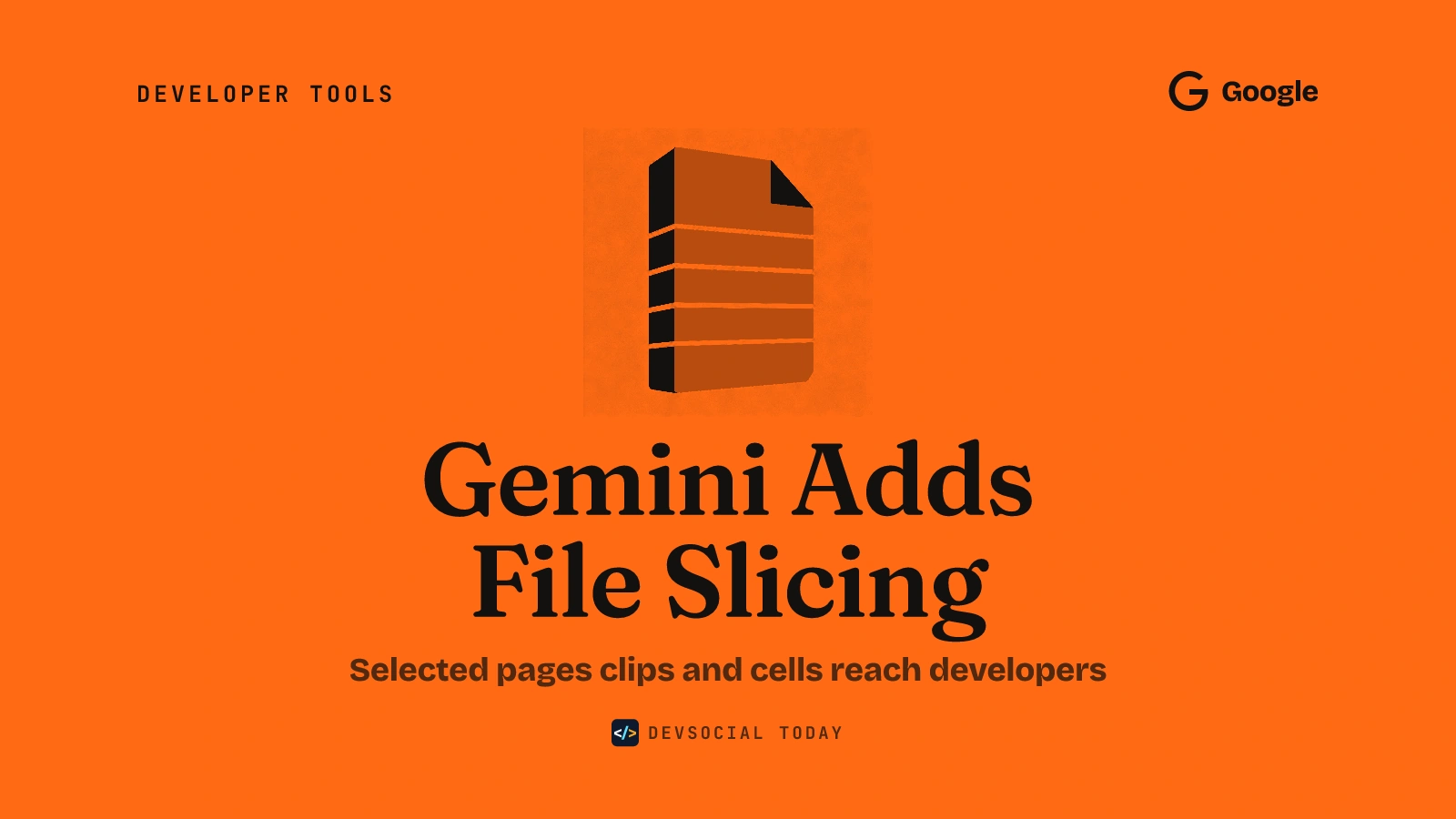
Gemini API file slicing lets apps send selected parts of large files to a model.
Google announced on November 23, 2026, that the Gemini API now supports server-side file slicing and native uploads for Microsoft Office and OpenDocument files. Developers using Google AI Studio and the Gemini platform can send a PDF, Word document, PowerPoint presentation, spreadsheet, audio file, or video, then tell Gemini to inspect only the pages, cells, or time segment needed for the request.
Key takeaways
Gemini API requests can target selected document pages, spreadsheet tabs and cell ranges, audio clips, and video intervals.
Google says tokens are counted and billed only for the selected slice and content layers sent to the model.
Native uploads now include Word, PowerPoint, Excel, and OpenDocument formats alongside PDFs, audio, and video.
The controls work in user input and in files returned to an agent through a function result.
Existing upload limits still apply to the entire file, even when Gemini reads only part of it.
What Google changed in the Gemini API
The new controls are designed for a common agent problem: a user uploads a 200-page report but asks about one chart, or provides a multi-sheet workbook but needs help with one formula range. Before this update, an app might have had to convert the file locally, extract pages, render slides, or use tools such as PDF processors and video utilities before sending content to a model.
With Google's file slicing announcement, the API can perform that selection, rendering, and tokenization on Google's side. A developer uploads a file through the Files API, gets a file URI, and can reuse that URI in later requests or tool calls.
Google's current document processing documentation says the options work with Gemini 3 and Gemini 4 or later models in both normal user input and function_result responses. That last part matters for AI agents: a tool can return a document or media file, then Gemini can ask for a narrower part of it on a later turn.
How file slicing works in Gemini API
A file can be uploaded once, then inspected in smaller slices across later requests.
A slice is the part of the file Gemini receives for a request. You choose the range and, for several file types, the kind of content Gemini should inspect. This lets an app start with a cheaper text or transcript pass, find the likely answer, and then request a higher-detail view of the relevant page, cell range, or clip.
File type | What you can select | Content choices |
|---|---|---|
PDFs, documents, and presentations | Inclusive start and end pages | Extracted text, rendered page images, or both |
Excel and OpenDocument spreadsheets | Worksheet tab and A1-style cell range | Data, formulas, and rendered visuals |
Video | Start and end time, frame rate, resolution | Transcript, frames, and audio |
Audio | Start and end time | The selected audio duration |
For example, an app can upload an annual-report PDF, ask Gemini to scan extracted text across the report to find the revenue section, then make a second request for a single page as a high-resolution image. That second request can focus on a chart and its footnotes rather than every page in the PDF.
For documents and presentations, developers set start_page, end_page, content_layers, and a resolution of low, medium, or high. Spreadsheet requests can use sheet_index and visible_cells, such as A1:H50.
Why the update matters for beginner AI agent developers
Tokens are the units of input and output that model APIs use for usage measurement and billing. Sending a whole file when your app needs one page can consume more input tokens than necessary. Google says that when processing options are used, it bills only for the selected pages, sheets, and content layers sent to Gemini.
Resolution is also a cost and quality setting. Google's documentation estimates that rendered page images for Gemini 3 and Gemini 4 models use about 280 tokens per page at low resolution, about 560 at medium resolution, and about 1,120 at high resolution. Text extraction can be a practical first step when you only need to locate a section.
Google recommends scanning large Office files and presentations with page_text first. Then request page_image at high resolution only for pages that contain charts, tables, or dense layouts. This is a simple pattern for a first agent: find the right location first, then inspect it closely.
Independent coverage from Unite.AI and ORIENS also describes the update as a way to avoid local preprocessing for selected file content. LiteLLM, quoted in Google's announcement, reported token reductions of 67% for one PDF test and 33% for one workbook test. Those are partner test results, not a savings guarantee for every workload.
File formats, limits, and availability
The update adds native Office and OpenDocument support for Word documents, PowerPoint presentations, and spreadsheets. Google lists document support for formats including .docx, .doc, .dotx, .odt, .pptx, .ppt, .odp, .xlsx, .xls, and .ods.
Slicing does not change the upload limits. Google's documentation lists a 50 MB limit per file, up to 1,000 pages per PDF, up to 2,000 pages or slides per Office or OpenDocument file, and up to 50,000 cells per spreadsheet sheet. The full uploaded file must meet these limits even if the request selects only a few pages or cells.
The Files API is available at no cost where the Gemini API is available, according to Google, and uploaded files are stored for 48 hours. Google has not announced a separate price for file slicing. Standard model token pricing applies to the input and output used by an application, while the slicing controls limit which selected file content contributes to the request.
What developers should do next
Begin with one repeatable workflow. Upload a file through the Files API, save its URI for the current conversation, and request a small slice with a direct prompt. A good first project is an internal report assistant that finds the page containing a chart, then reads only that page.
Keep the request narrow. For a workbook, name the sheet and range you need. For a video, search a transcript first and then request the relevant minute. For an agent tool, return the file URI in the function result rather than extracting the whole file into text yourself.
Developers should also test their own documents before estimating savings. Scanned PDFs, chart-heavy decks, formula-heavy spreadsheets, and long video all use different processing paths. The feature reduces unnecessary input, but it does not remove the need to write clear prompts or validate the model's answer.
Based on reporting by Google, Google AI for Developers, Unite.AI and ORIENS.


Join the conversation! Your thoughts help the community grow.