
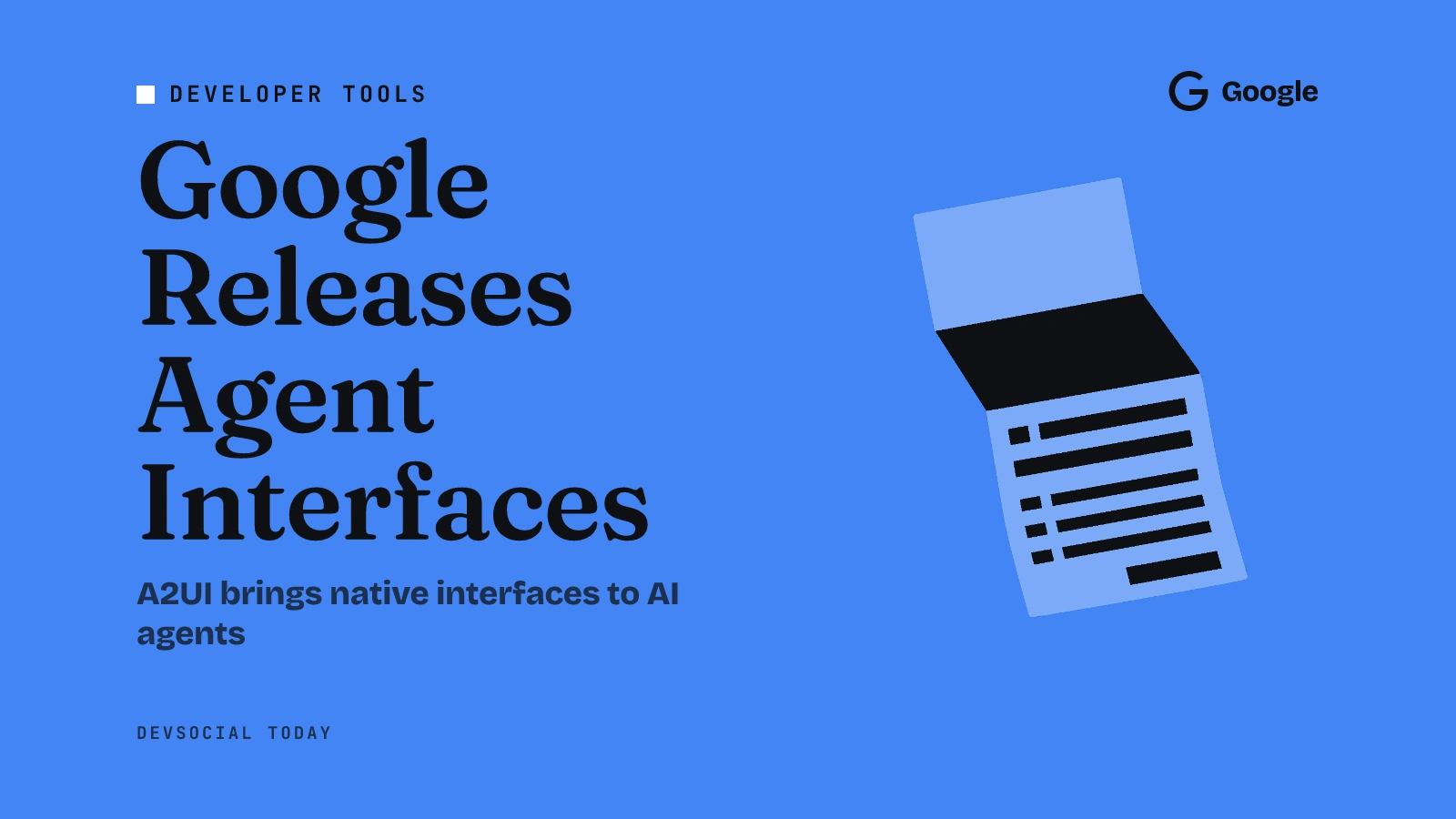
A2UI lets an agent describe an interactive screen for multiple native app platforms.
Google released A2UI 1.0 on November 11, 2026, as the first stable version of its open protocol for generative user interfaces. A2UI lets an AI agent return interactive native screens, such as forms, cards, charts, and confirmation controls, instead of replying only with text in web, mobile, and desktop applications.
Key takeaways
A2UI 1.0 is a stable open protocol that separates an agent's UI description from the application's rendering code.
Google provides open-source renderer options for React, Angular, Lit, Flutter, and SwiftUI, while Jetpack Compose currently supports A2UI 0.9.1.
The release adds bidirectional function calls, accessibility support, and metadata extensions.
Agent SDKs are available for Python, TypeScript, and Dart.
Gemini currently supports A2UI 0.9.1 for registered agents, so developers need to check host compatibility before targeting version 1.0.
What Google A2UI 1.0 is
A2UI stands for Agent to User Interface. It is a protocol, not a new UI framework that replaces React, Flutter, SwiftUI, or an existing design system.
The simple idea is this: an agent describes the screen it wants to show with structured A2UI messages. The app then renders that description using components it already trusts, such as its own buttons, input fields, cards, and charts.
This matters because a chat response is often a poor interface for a task that needs choices or confirmation. For example, an agent can show a reservation picker, let a user select an option, check availability, and ask for final approval before an app sends a request.
Google says the approach lets developers control the components an agent may use. The model does not send arbitrary UI code for the client to execute. Instead, the application registers a component catalog and uses its native components to draw the result.
How A2UI works for a beginner
The app controls approved components while the agent describes the interface.
A2UI has two sides. The agent decides what information and interactions belong on a screen. The renderer in the client app turns that structured response into visible native UI.
For a basic example, imagine a travel assistant. Rather than returning a paragraph with three flight choices, it can request a screen containing flight cards and a select button. When the user makes a choice, the interface can send that event back to the agent or to an approved application function.
1. The app provides approved UI components.
2. The agent sends an A2UI description for a screen.
3. The renderer draws the screen with native components.
4. The user selects, edits, or confirms an action.
5. The app or agent handles the approved follow-up action.
The protocol can stream UI updates while the agent works. That means an app can start showing part of a result before every detail is ready, although developers still need to design loading, error, and confirmation states in their own applications.
What changed in A2UI 1.0
The main release change is stability. Google now identifies A2UI 1.0 as the current stable protocol version, after earlier 0.9 and 0.9.1 releases.
A2UI 1.0 adds bidirectional function calls. An agent can ask the renderer to run an approved function, and the renderer can ask the agent to run a function. Google uses availability checks in flight and reservation pickers as an example, where a screen needs current data before it can update a choice.
The release also adds accessibility support and extensions for extra metadata. These additions give developers ways to include information that a renderer or accessibility system may need while keeping the UI definition structured.
Google's A2UI documentation also lists per-component catalog mixing and inline component and data-model definitions on surface creation as current 1.0 capabilities. CopilotKit, which works with the A2UI project, said the release allows one screen to combine a team's design system with another component library while applying the defined component rules.
Supported A2UI renderers and SDKs
Google says developers can start with renderer libraries for the web, Flutter, and SwiftUI. Android's Jetpack Compose renderer is still on A2UI 0.9.1, with version 1.0 support planned for a later release.
Area | Available option | A2UI status stated by Google |
|---|---|---|
Web | React, Angular, Lit | Available for A2UI 1.0 |
Cross-platform | Flutter for mobile, web, and desktop | Available for A2UI 1.0 |
iOS | SwiftUI | Available for A2UI 1.0 |
Android | Jetpack Compose | A2UI 0.9.1 today, 1.0 coming soon |
Agent development | Python, TypeScript, Dart | SDKs available |
The web and Flutter renderers can also run in MCP Apps. Google says this can let A2UI screens appear in AI assistants that host MCP Apps, including Gemini and Claude.
Compatibility limits developers need to know
A stable protocol release does not mean every host has moved to it. Google says Gemini supports A2UI 0.9.1 today for organizations that register their own agents. Google is working on upgrading Gemini Enterprise to A2UI 1.0.
That difference is important for beginners. If an app controls both the agent and renderer, it can plan around A2UI 1.0. If it sends UI to an external host such as Gemini, the developer needs to use the protocol version that host supports.
ByteDance's Lynx renderer also supports A2UI 0.9 and is adapting to A2UI 1.0, according to Google. Independent coverage from iThome also reported that bidirectional calls, accessibility, and metadata support are among the additions in A2UI 1.0.
How to start building with A2UI
Google points new developers to the A2UI quickstart, documentation, and the A2UI Playground by CopilotKit. A beginner can start with a small workflow that has a clear user approval step, such as editing a profile field, selecting an appointment time, or reviewing an expense before submission.
Choose the renderer for the client platform, such as React, Flutter, or SwiftUI.
Define the components the agent is allowed to use, including their inputs and actions.
Use an A2UI agent SDK for Python, TypeScript, or Dart to produce protocol messages.
Connect user actions only to functions the application explicitly approves.
Test version compatibility when the UI must run inside an external AI host or MCP App.
Google said Atlassian, Alation, Bloomberg, and ByteDance are already building with A2UI. Atlassian is using it in Jira for interactive follow-up cards when an agent needs more information to complete a work item, according to the announcement.
Based on reporting by Google Developers Blog, A2UI Project on GitHub, CopilotKit and iThome.


Join the conversation! Your thoughts help the community grow.