Loading
Deepak Dwij's contributions
Creating a Business Card Using HTML 5
This article is about something very important and interesting; that is creating a business card using HTML5. In this section we will use the canvas tag. When we run our script we will show electronic business cards in the browser.
Animated Yearly Chart Using HTML 5
In this article we are going to have a very interesting section related to designing. In this the calendar (or we can say the animated chart) is displayed as we run the application in the browser.
Working With Spinning Points in HTML 5
In this article we are going to have a very interesting section related to designing. In this the pointer has a radius of 60 and appears to spin while you run the application in the browser.
Linear Pointer Changing Various Effect Using HTML5
In this article we are going to understand a topic related to the designing; the scenario for this is Linear Pointer changing various effect. In this part you can select from various options and as you press the action button the pointer begins moving along dedicated points.
Rotating the Image Using HTML 5
Learn how to rotate an image in the browser using HTML5, JavaScript, and CSS, with controls for clockwise and counterclockwise rotation.
Displaying a Polar Clock Using HTML 5
In this article we are going understand how to display a running clock using HTML 5. In this we will show the polar clock and the date time from your system clock in the browser.
Working With Growing Pie-chart Using HTML 5
In this article we have a very interesting thing related to design. We will learn how to use JavaScript, CSS and HTML to make a pie-chart that grows when you click on any section of it.
Moving a Cursor on a Dedicated Path Using HTML 5
In this article we are going understand the concept of moving a cursor on a dedicated path using HTML 5. In this you will see that a cursor is moving on a dedicated path while displaying in the browser.
Modifying the Curve using HTML 5
In this article we are going understand the concept of Modifying the curve using HTML 5. In this we can change the curve while it is displaying on the browser.
RoundAbout With Colors Using HTML 5
In this article we are going to understand the roundabout using HTML 5. The application works as the animated cursor that changes position and also changes the color of the pointer that is sliding when you click on any of the circle.
Change the Curve Position Using HTML 5
In this article we are going to introduce the concept of changing the curve position using HTML 5. Here you will learn that you can change the curve position after displaying in the browser.
Rotational Text in HTML 5
In this article we are going to understand something interesting related to text rotation. The text you want to rotate in your browser you can put in this application.
Shaded Ball in Random Colors Using HTML 5
Create a shaded ball with HTML5, CSS, and JavaScript, using Math.random() to assign a different color whenever the page is refreshed.
Animated Key Strokes in HTML 5
In this article we are going to understand animation of keyboard keys using JavaScript, CSS and HTML 5.
HTML5 Color Picker
In this article we are going to understand working with the color changer in HTML5.
Working With Page Flip Using HTML5
In this article we are going to understand the working of page flip using HTML5. Page flip is just flipping different pages in continuity as we shuffle the pages of a book.

How to Find Longitude & Latitude of Geolocation in PhoneGap
In this article we are going to have a very interesting session with a PhoneGapPhoto application. In this application we will find the different Geolocations with a PhoneGap Application.
Working With JavaScript, CSS And HTML in PhoneGap
In this article we are going to have a very interesting session with PhoneGap Photo application. In this application we will have a very close look at HTML, JavaScript and CSS.
How to Get Device Information Using PhoneGap
In this article we are going to have a very interesting part, that is getting information about the device using a PhoneGap application. PhoneGap provides the device class that can retrieve the information.
Working with Accelerometer in PhoneGap
In this article we are going to understand the working of accelerometer with PhoneGap.
Getting start with PhoneGap in Windows Phone 7
PhoneGap is also known as Apache callback. PhoneGap is basically the mobile development framework.
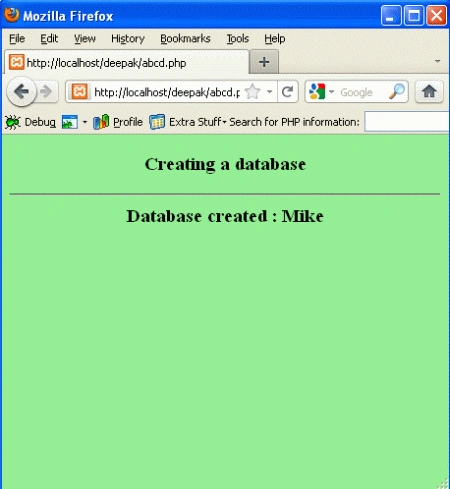
Creation of Database & Table Through PHP
In this article we are going to understand the MySQL database with PHP. A database is an organized collection of data for one or more purposes, usually in digital form. A database holds one or multiple tables.
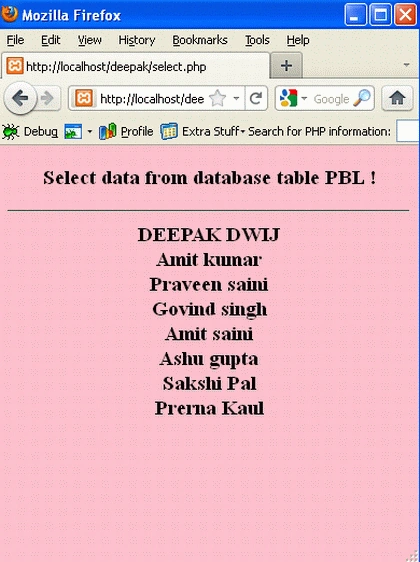
Select Statement With PHP Script
In this article we are going to understand the database select statement using PHP. The SELECT statement is used to select data from a database.
Create Login And Registration Form in Windows Phone 7
In this article we are going to understand the creation of login and registration pages in Windows Phone 7. The login page is the one important aspect of each and every application. For the new user, you need to register yourself at very first.