Loading
Diptimaya Patra's contributions

Commands in WPF: Part I
In this article we will see what Commands are and how we can use them in WPF.
Rating Control In WPF Toolkit
Rating Control was introduced in WPF Toolkit February 2010 release. In this article we will see how we can use the Rating Control.
Commands in WPF: Part III
In Part II of this article series we have seen the concepts of Commands and we experienced Command Binding feature. In this article we will see how Input Binding is helpful.
Commands in WPF: Part II
In Part I of this article series we have seen the basics of using Commands. In this article we will explore more on that.
Making an Image SlideShow in WPF: Part III
In this article we will see about the Window Transperency and FullScreen View.
Making an Image SlideShow in WPF: Part IV
In this article we will see how we can loop through the Image List and display it in ListBox.
Tooltip in DataGrid in WPF
Learn how to display and customize tooltips for cell content in a WPF DataGrid using XAML, template columns, and data binding.
Making an Image SlideShow in WPF: Part II
In part I of this article series we have seen the preview of the application and we created a ListBox that has Customized ItemContainer and ItemPanel. In this article we will see how next and Previous Buttons are added to the ListBox.
Image in Tooltip in WPF
In this article we will see how we can Bind an Image to the Tooltip of an Image.
Making an Image SlideShow in WPF: Part I
In this article we will see how can we make an image slideshow with some animation and all.
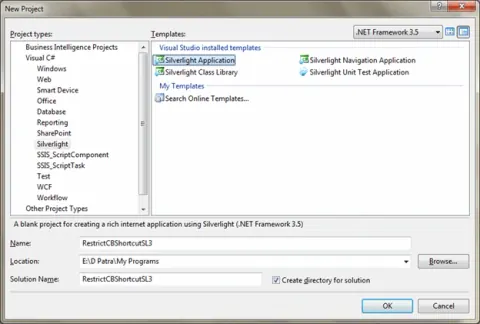
Restrict Clipboard Shortcuts in TextBox in Silverlight 3
In this article we will see how we can restrict Clipboard shortcuts such as CTRL+C, CTRL+X, and CTRL+V in Silverlight 3 for TextBox Control.
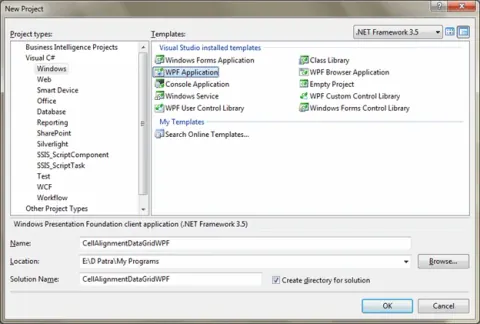
Cell Alignment in DataGrid in WPF
In this article we will see how we can change the Cell Alignment in DataGrid in WPF.
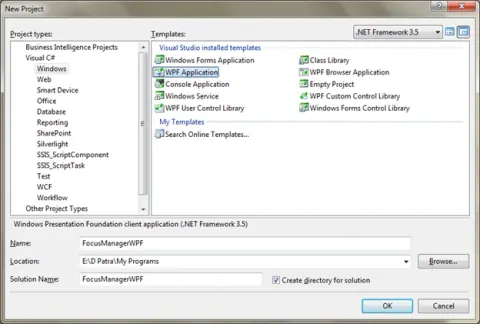
Focus Manager In WPF
In this article we will see how we can manage Focus of specific controls in WPF.
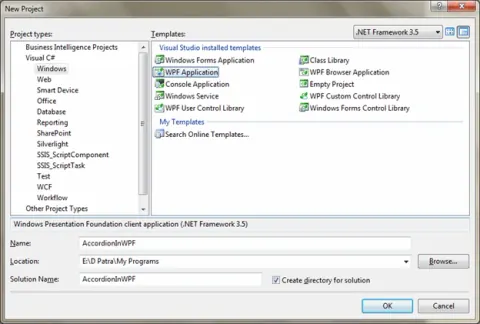
Accordion In WPF
Accordion is a Control added to the WPF Toolkit in February 2010 release. In this article we will see how we can use the control.
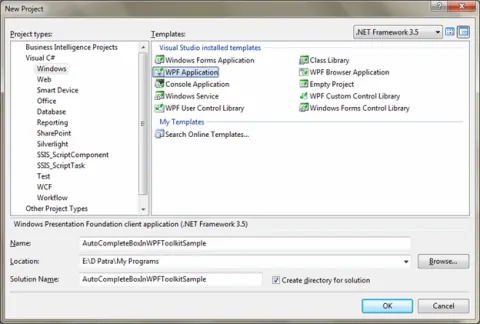
Auto Complete Box in WPF Toolkit
In this article we will see how to use Auto Complete Box in WPF Toolkit.
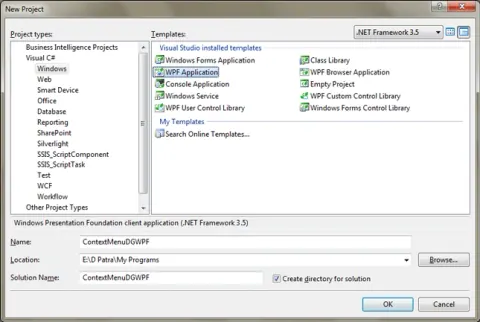
Hide/Un-Hide Columns using Context Menu in DataGrid in WPF
In this article we will see how we can add a ContextMenu for the Header and that will perform our Hide/Un-Hide function in Datagrid.
Full Screen View for Media Element in WPF
In this article we will see how we can make the Media Element to run FullScreen.
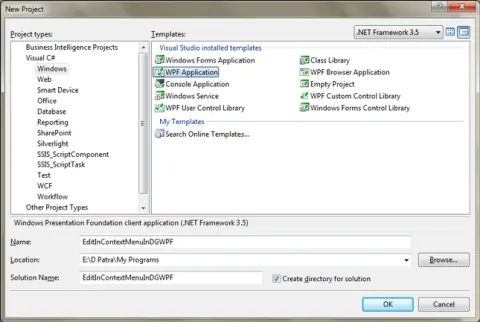
Edit Row Details in Context Menu in DataGrid in WPF
In this article we will see how to edit the selected row details in ContextMenu.
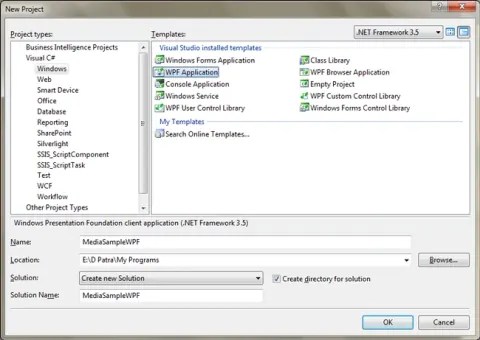
Media Element In WPF
In this article, we will see how to use Media Element in WPF and we will explore some of the basic functionalities such as Play, Pause, Stop, Back and Forward.
Seek Bar For Media Element in WPF
In this article we will see how we can add a Seek Bar that will seek to the desired position.
Take Screen Shot From Media Element in WPF
In this article we will see how can we take the screenshot of the Media (Video) we are playing.
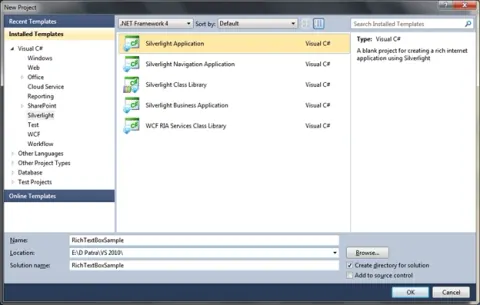
Rich Text Area in Silverlight 4 Using VS 2010 Beta - Part I
In this article we will see Rich Text Area, which came with Silverlight 4.
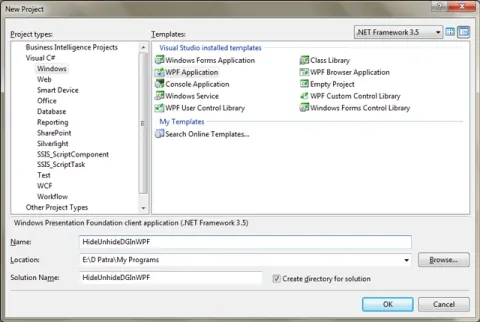
Hide & Un-Hide DataGrid Column(s) In WPF
In this article we will see how we can hide or unhide the columns in a DataGrid.
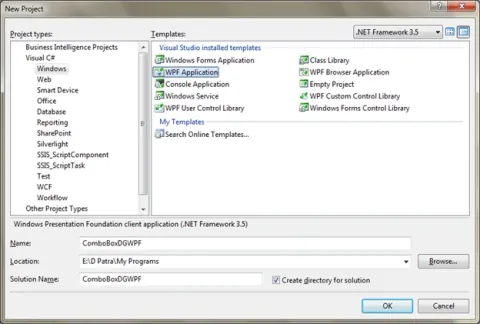
ComboBox in DataGrid in WPF
This article will describe the DataGrid in Edit mode while the edit cell requires a list of data.