Loading
Diptimaya Patra's contributions

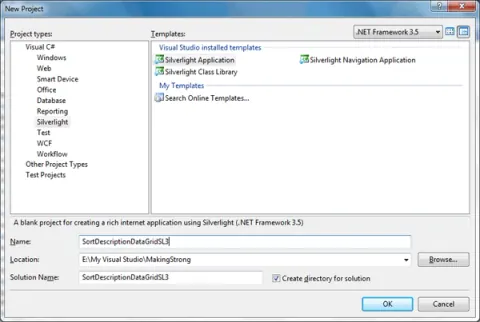
Sort Description in DataGrid in Silverlight 3 Application
Learn how to sort one or more Silverlight 3 DataGrid columns with PagedCollectionView and SortDescription.
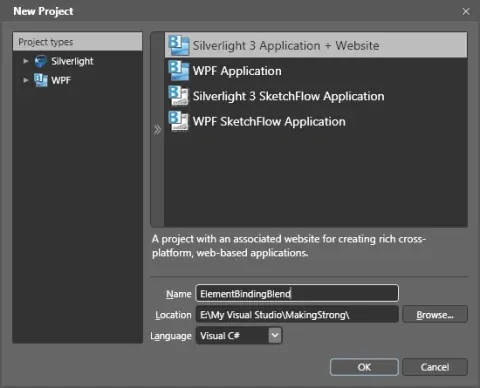
Element to Element Binding in Silverlight 3 using Blend 3
This article is all about element to element binding in Silverlight using Blend 3.
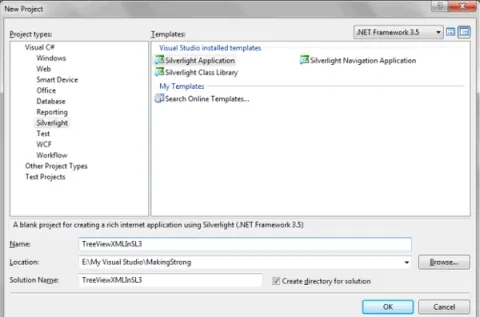
Generating Tree View Nodes from XML file in Silverlight 3 Application
This article tells us how to generate Tree View nodes from XML file in Silverlight 3 Application.
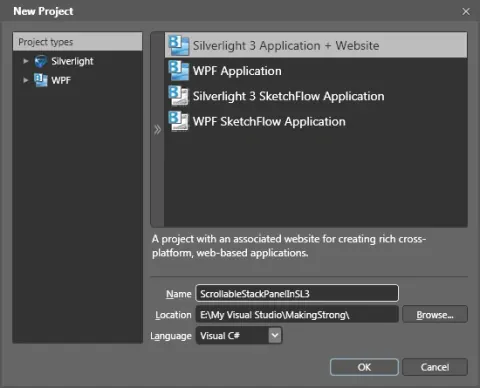
Scrollable Stack Panel in Silverlight 3 using Blend 3
In this article how to create scrollable Stack Panel in Silverlight 3 using Blend 3.
Customizing Check Box Control in Silverlight 3 using Blend 3
This article shows how to customize Check Box control in Silverlight 3 using Blend 3.
Selecting TreeView Nodes in Silverlight 3
We will see in this article about selecting TreeView nodes in Silverlight 3.
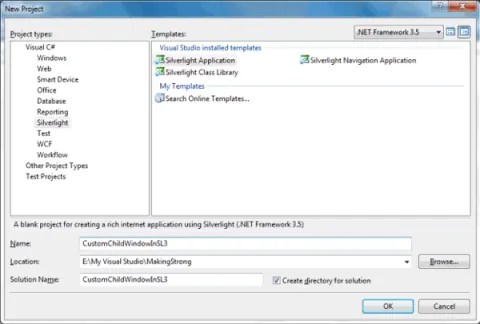
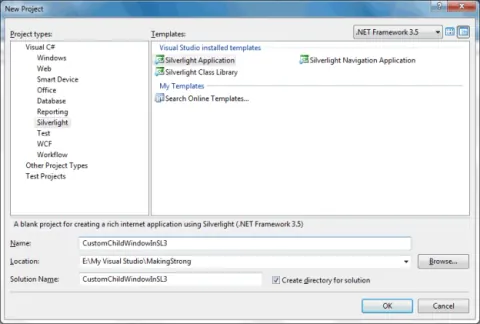
Custom Child Window in Silverlight 3
In this article we will see how can we change the Overlay Opacity and Overlay Brush for a Child Window.
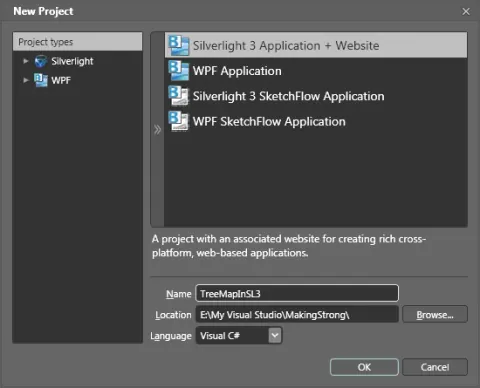
Tree Map Control In Silverlight 3
In this article demonstrates how to use and work with the TreeMap control available in Silverlight 3 using Expression Blend 3.
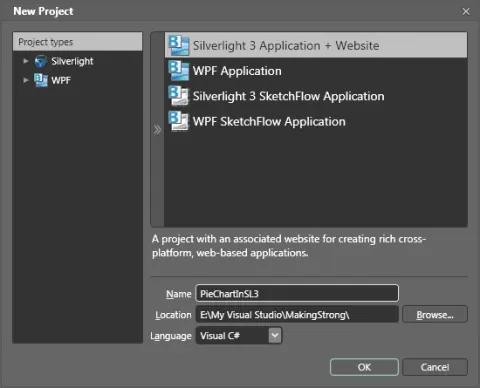
Pie Chart In Silverlight 3
This article and the attached source code shows how to create a pie chart in Silverlight using Expression Blend.
Grid Splitter In Silverlight 3 Using Blend 3
This article discusses how to use a Grid Splitter control in Silverlight 3 using Expression Blend 3.
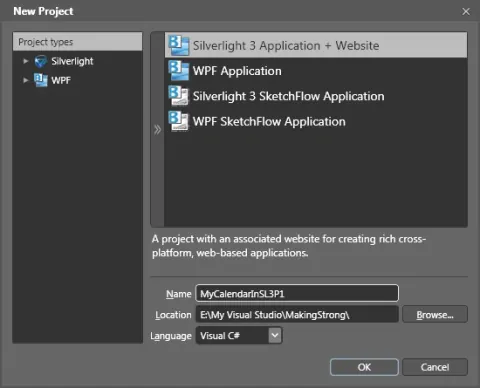
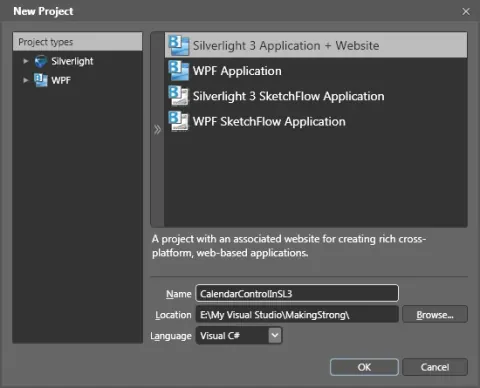
Customizing Calendar Control in Silverlight 3 Application: Part I
This article shows us to customize calendar control in Silverlight 3 application.
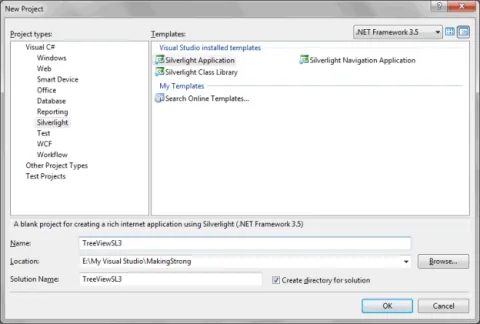
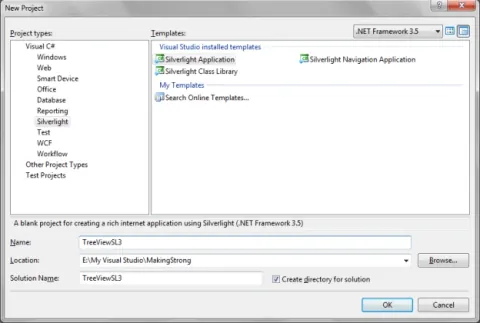
Tree View Control in Silverlight 3
In this article we will explore about Tree View control in Silverlight 3.
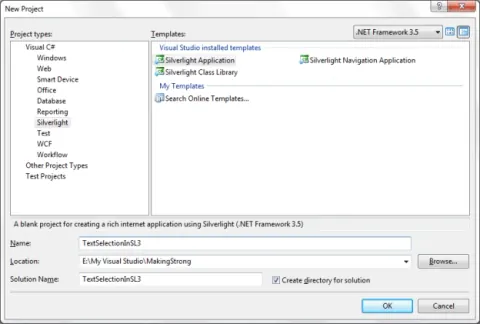
Text Selection in a TextBox in Silverlight 3 Application
Learn how to handle TextBox selection changes in Silverlight 3 and read SelectionStart, SelectionLength, and SelectedText values.
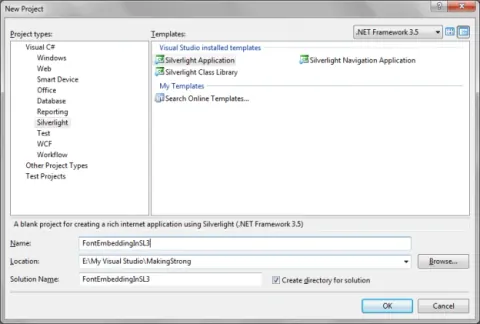
Font Embedding in Silverlight 3 Application
In this article we will see how to use Font Embedding in silverlight 3.
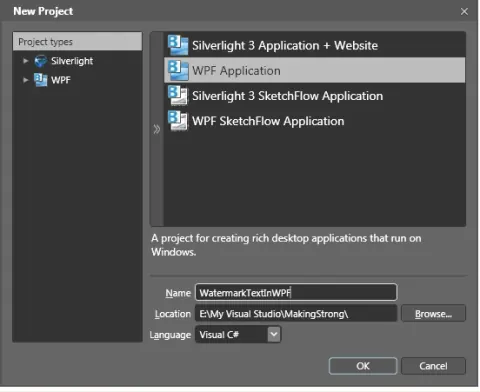
Watermark TextBox in WPF Application
In this article we will see how we can make a Watermark Textbox in WPF Application. Watermark is nothing but an information text, which helps the user to type according to that.
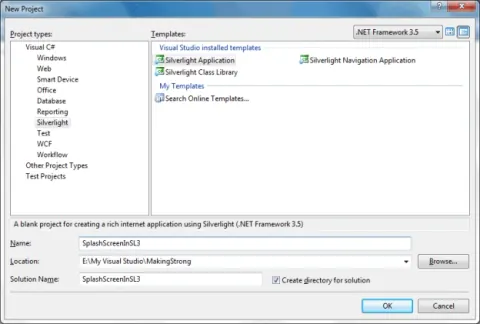
Splash Screen in Silverlight 3 Application
In this article we will see how the default Splash Screen can be changed in Silverlight 3 Application.
Calendar Control in Silverlight 3 Application
In this article we will see all properties related to Calendar control.
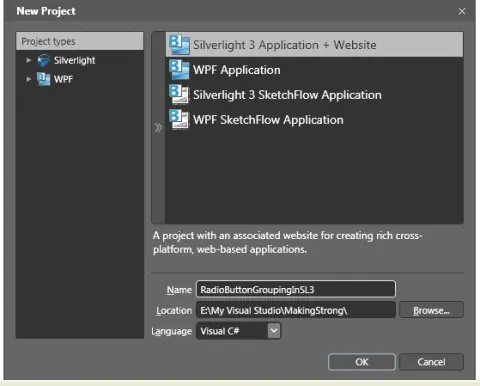
Radio Button Grouping in Silverlight 3 Application
In this article we will see how we can achieve multi grouping in Silverlight.
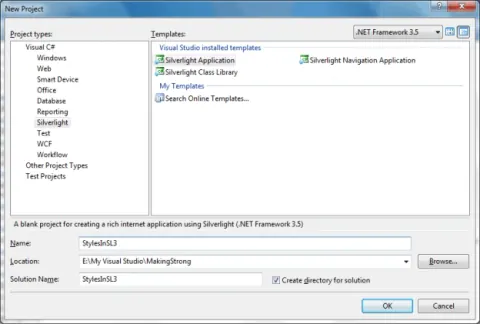
Styles in Silverlight 3 Application
In this article we will see how can we write simple styles for any control and use it effectively.
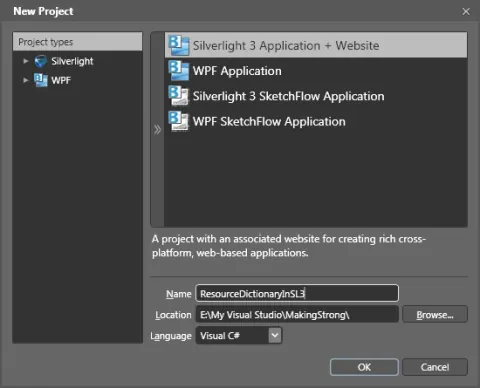
Resource Dictionary in Silverlight 3 Using Blend 3
In this article we will see how we can manage Styles in different files. Resource Dictionary is a cool feature available in Blend 3, where we can store our defined styles.
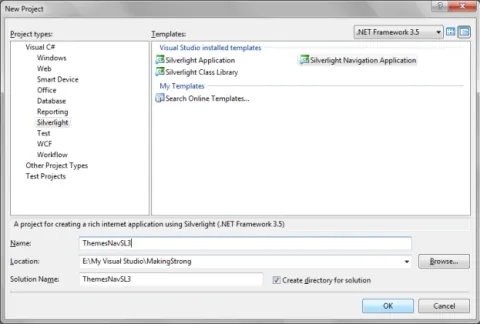
Themes for Silverlight 3 Navigation Application
In this article we will see how to use themes for Navigation Application in Silverlight 3.
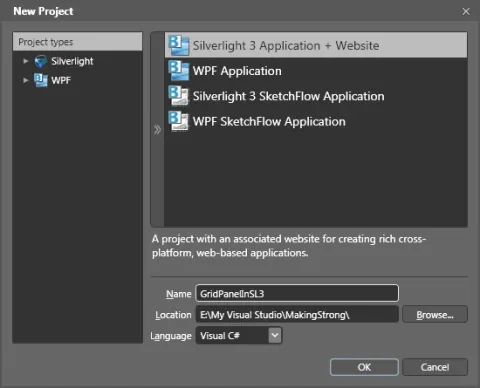
Exploring Grid Panel in Silverlight 3 Using Blend 3
In this article we will explore how can we add Rows and Columns in Silverlight 3 using Blend 3.
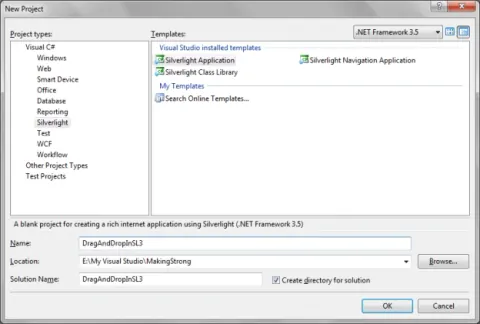
Drag and Drop in Silverlight 3 Application
In this article we will see how can we implement Drag and Drop in Silverlight 3 Application.
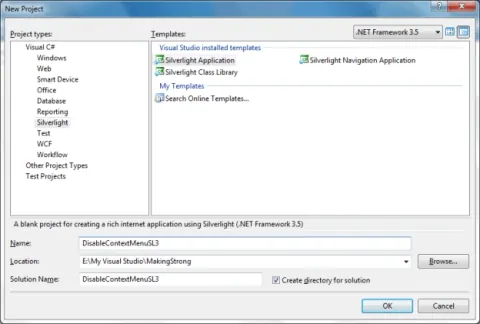
Disable Context Menu in Silverlight 3 Application
In this article we will see how can we disable the context menu in Silverlight 3 application