Loading
Articles by Gowtham Rajamanickam
- AI Agents
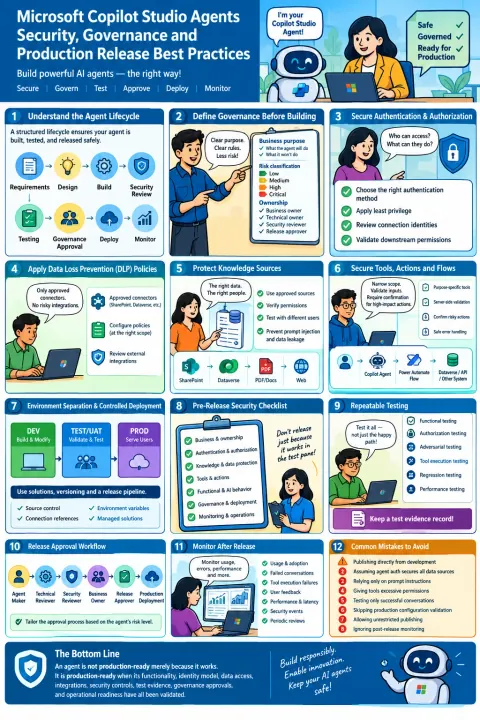
Microsoft Copilot Studio Agents: Security, Governance, and Production Release Best Practices
Learn how to secure, govern, test, approve, deploy, and monitor Microsoft Copilot Studio agents for enterprise production use.
- Copilot
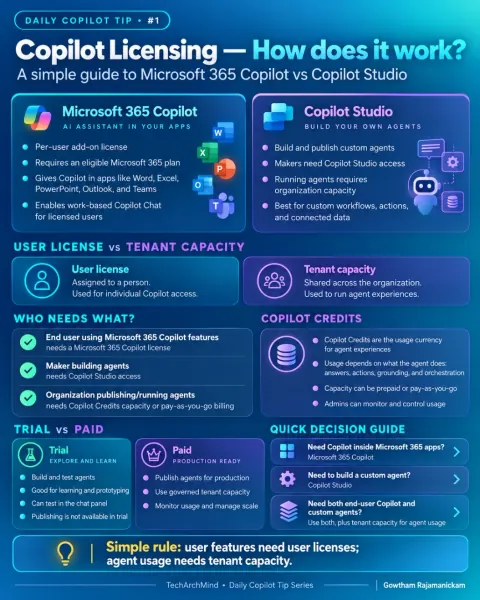
Microsoft 365 Copilot vs Copilot Studio: Understanding Licensing, Agents, and Copilot Credits
Compare Microsoft 365 Copilot and Copilot Studio, including user licensing, maker access, tenant capacity, AI agents, and Copilot Credits.
- Copilot
Day 1 – Understanding Microsoft Copilot Licensing: Microsoft 365 Copilot vs Copilot Studio
Understand the licensing differences between Microsoft 365 Copilot and Copilot Studio, including user licenses, tenant capacity, Copilot Credits, trials, and production agent usage.
- Copilot
How to Connect Jira Cloud to Microsoft 365 Copilot: A Step-by-Step Guide
Learn how to configure the Microsoft 365 Copilot Jira Cloud connector with OAuth, permission-aware indexing, pilot testing, and a separate Jira API-token flow.
- AI Agents
Application Insights & Copilot Studio, Monitor, debug, and analyze your AI agent
Unlock deep insights into your Copilot Studio agent with Application Insights. Monitor, debug, and analyze conversations for enhanced performance and user experience.
- AI Agents
Understanding System Topics vs Custom Topics in Microsoft Copilot Studio
Master Microsoft Copilot Studio: Understand System vs. Custom Topics for efficient bot development and enhanced user experiences.
- Copilot
Getting Started with Microsoft Copilot Studio - Introduction and Real-World Scenarios
Explore Microsoft Copilot Studio! Learn to build AI-powered chatbots with a low-code platform. Automate tasks, answer queries, and improve user experiences. Real-world scenarios included!
- Copilot
Power Platform Copilot Prompts: Examples & Language Detection in Action
Unlock the full potential of Power Platform Copilot! Discover practical prompt examples, language detection techniques, and tips for building smarter, automated solutions in Power Apps and Power Automate. Elevate your Power Platform skills today!
- Power Apps
Power Apps – Manage Public System Views with Security Role
Microsoft has been continuously enhancing Power Apps and the overall Power Platform experience for both makers and administrators. One of the latest improvements that went generally available (GA) on August 15, 2025, is the ability to manage access to public system views using security roles.
- Power Apps
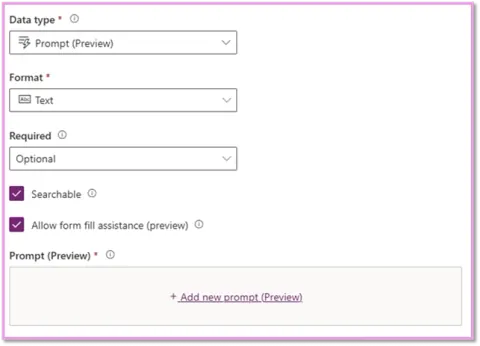
Dataverse Gets Smarter! Introducing Prompt Columns in Power Platform
If you're working with Microsoft Power Platform, especially Dataverse, here’s a cool update you should know about – a new column type called "Prompt" is now available (in preview as of writing this post).
- Power Pages
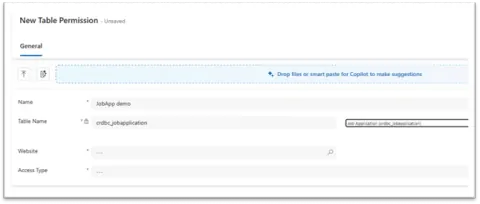
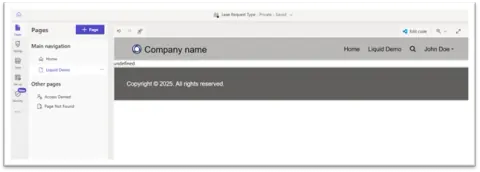
🔍 Power Pages: Fetch Data from a Dataverse Table and Display Using Liquid Template
Learn how to display Dataverse table records on your Power Pages home page using Liquid templates. This guide covers permissions, Liquid syntax, and secure dynamic content rendering for real-world scenarios.
- Power Pages
🔐 Power Pages: Display Current Logged-in User’s Full Name Using Liquid template
Learn how to display the full name of the currently logged-in user in Power Pages using Liquid templates. A step-by-step guide for Power Apps developers to personalize user experience.
- Copilot
🌐 What is Page Template in Power Pages and How to Create a New Page Template in Portal Management
?? What is Page Template in Power Pages and How to Create a New Page Template in Portal Management
- Copilot
🔐 How to Configure DLP Policy for Knowledge Sources in Copilot Studio Agents
Learn how to set up Data Loss Prevention (DLP) policies for Copilot Studio agents in Microsoft Power Platform to secure knowledge sources like SharePoint, OneDrive, and public websites across environments.
- Copilot
How to Enable Copilot in Power Apps: Step-by-Step Admin
Learn how to enable Microsoft Power Apps Copilot via the Admin Center and unlock AI-driven app building, natural language logic creation, and productivity features tailored for developers and business users.
- Copilot
✅ How to Set Up Copilot in Power Pages Studio in Power Platform Admin Center
Enable Copilot in Power Pages Studio to unlock AI-powered website building. This guide walks admins through setup steps, empowering teams to design, customize, and launch sites faster using natural language prompts.
- Copilot
Improve Your Copilot Studio Experience with Optimized Canvas
Learn how Copilot Studio’s Optimized Canvas keeps large, node-heavy conversational flows responsive and easy to manage. Boost performance, reduce UI lag, and work smoothly on complex chatbot designs.
- Copilot
Copilot Studio: Use of Adaptive Card Node with a Real-World Example
In this article, let’s understand the use of Adaptive Card Node in Copilot Studio, and walk through a practical example that you can try out in your own bot. Whether you're building internal tools, IT service bots, or HR assistants, this component can add serious polish to your user experience.
- RPA
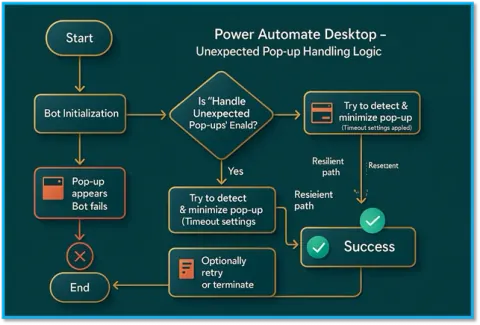
Handle Unexpected Pop-Ups in Power Automate Desktop Flow Like a Pro -PAD
Handle Unexpected Pop-Ups in Power Automate Desktop Flow Like a Pro -PAD
- Copilot
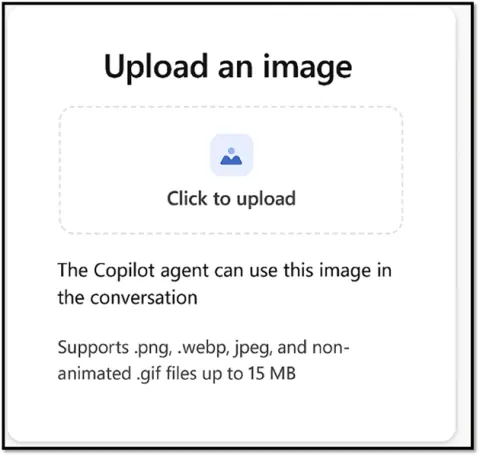
🔍 How to Enable Image Upload Capabilities in Copilot Agent Settings
Learn how to enable image uploads in your Copilot Agent using Copilot Studio, unlocking file processing for screenshots, receipts, and visual inputs—perfect for identity proofs, claims, or AI document automation.
- Copilot
How to Deploy Copilot Agents Using Copilot Studio – Step-by-Step for Beginners
Learn how to deploy Copilot Agents using Copilot Studio with this beginner-friendly, step-by-step guide. Ideal for newcomers looking to build, test, and launch their own AI-powered copilots.
- Power Automate
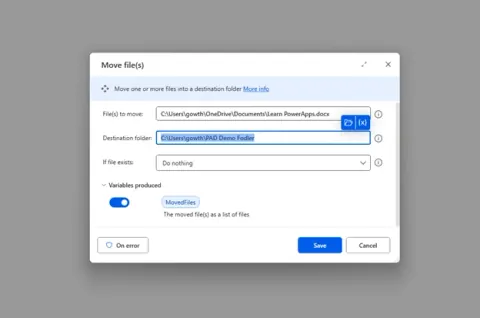
Move and Delete Files Like a Pro using Power Automate Desktop
How to move and Delete Files Like a Pro using Power Automate Desktop
- Power Automate
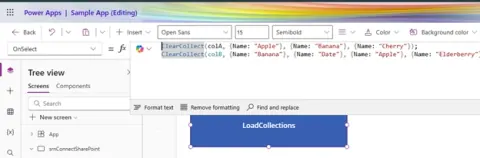
Combine Two Collections Without Duplicates in Power Apps Canvas App
Learn how to combine two collections in a Power Apps Canvas App without duplicates using simple logic and functions like Collect, ClearCollect, and Distinct for clean, efficient data merging.
- Power Automate
🔄 Power Automate Desktop: How to Copy the File to another location (PAD)
Learn how to automate file copying in Power Automate Desktop using the “Copy file” action. This article covers single and bulk file transfers, error handling, and practical workflow tips.
- Azure
Quickstart: Convert Text to Speech Using Azure AI Speech Service
Quickstart: Convert Text to Speech Using Azure AI Speech Service or Build a Text-to-Speech App with Azure AI Services in C#