Loading
Jean Paul's contributions

Windows Azure - Introduction of AppFabric Access Control Service
In this article we can explore the Access Control service of Windows Azure AppFabric.
Windows Azure - AppFabric Access Control Service Portal
Configure Windows Azure AppFabric Access Control Service by creating a namespace, adding identity providers, and generating rule groups in the ACS portal.
Windows Azure - AppFabric Caching Service Introduction
In this article I would like to list the features of the Caching Service in Windows Azure AppFabric.
Windows Azure - AppFabric Caching Service Programming
In the previous article we have seen the theories on AppFabric Caching service. In this article, we explore the programming aspects of it.
Windows Azure - WCF in Web Role
In this article I am going to demonstrate the following Creation of a WCF service in Web Role Deployment to the cloud and testing with a client.
Windows Azure - WCF Hosting Methods
In this article I would like to summarize the important points of WCF service exposing in Windows Azure.
Windows Azure - AppFabric Service - Server Creation
In this article we are focusing on creating a WCF service which uses the Service Bus facilities.
Windows Azure - AppFabric Service - Client Creation
In this article you will see how to create a client to connect to the WCF Service using the AppFabric Service Bus feature.
Windows Azure - AppFabric Service Bus Application
In this article we are starting with an application that uses the AppFabric Service Bus service.
Windows Azure - Summary of Storages
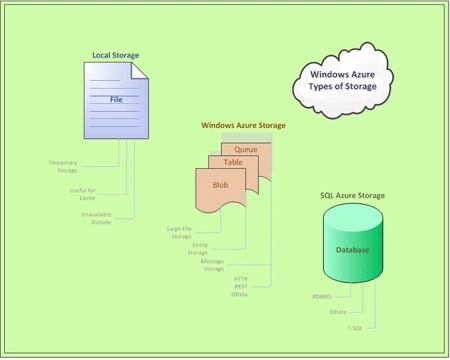
In this article I would like to summarize the storage methods we learned in Windows Azure. The advanced features are also discussed here.
Windows Azure - AppFabric Introduction
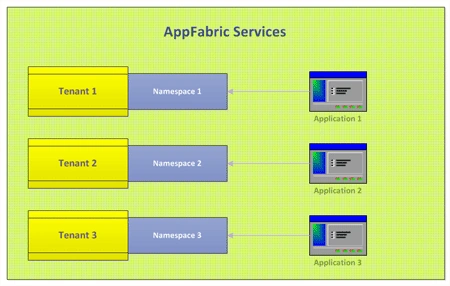
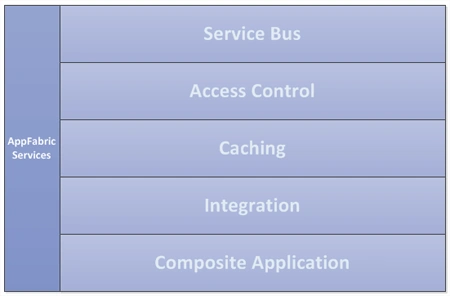
In this article I would like to introduce AppFabric which is another important component in the Windows Azure arena.
Windows Azure - SQL Azure Management Portal - Create Database and Table
In this article we can explore how to create create tables, views, and run sql queries in SQL Azure Management Portal.
Windows Azure - SQL Azure - Using ADO.NET Entity Framework - Data Operations
In this article we are going to explore data operations using ADO.NET Entity Framework over our SQL Azure database.
Windows Azure - SQL Azure Management Portal Introduction
Here you will see how to connect and create database using the SQL Azure Management Portal.
Windows Azure - Connect to SQL Azure
Here you will learn how to get the database server name, get the connection string and connect it using c# code.
Windows Azure - Connecting to SQL Azure using Management Studio
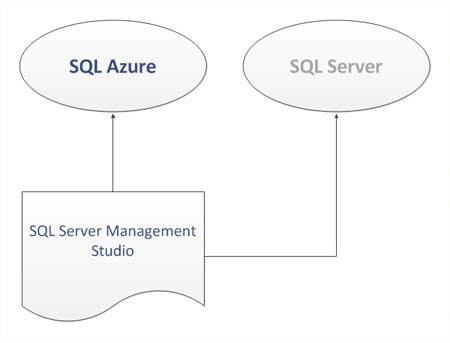
In this article I will explore how to connect to an online SQL Azure database.
Windows Azure - SQL Azure - Using ADO.NET Entity Framework - Creating DataModel
ADO.NET Entity Framework is an ORM (Object Relational Mapping) framework from Microsoft. In this article we have explored the scope of using ADO.NET Entity Framework on SQL Azure.
Windows Azure - Adding Certificate in Portal
In this tutorial we are following the steps to create a certificate which will be used in the next article.
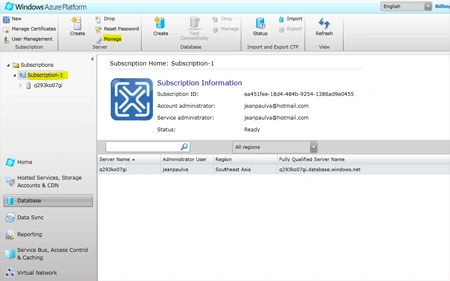
Windows Azure - Create new SQL Azure Server and Database
Here you will learn how to create a database server and database in SQL Azure.
Windows Azure - Platform Management Tool (MMC)
In this article, I would like to introduce a tool useful while developing Windows Azure applications.
Windows Azure - SQL Azure Introduction
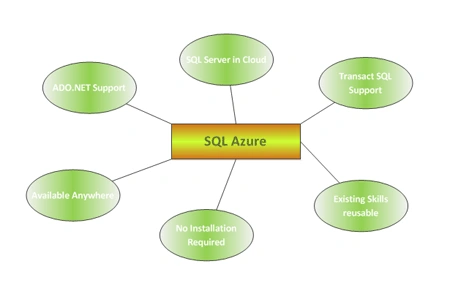
In this article we are emphasizing on SQL Azure Storage. The important features are listed and we will be creating an database in the online storage account.
Windows Azure - Data Definition and Manipulation in SQL Azure
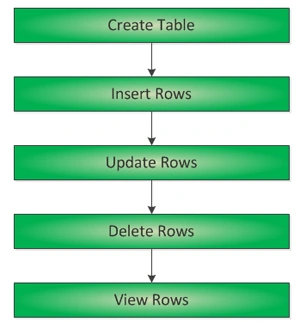
In this article I will explore the table creation, insert, update, delete database operations and selecting of rows on SQL Azure using ADO.NET classes.
Windows Azure - Create Blob in Storage Emulator
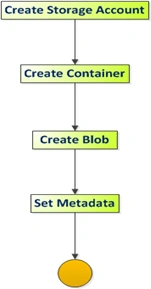
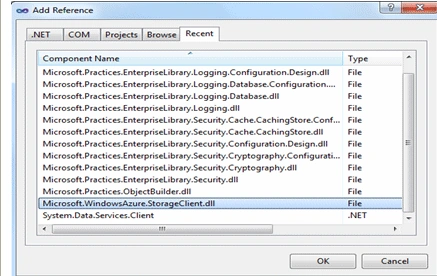
In this article we are trying to create a blob in the storage emulator. The same blob creation can be done on storage account too.
Windows Azure - Create Table in Storage Account
In this article we can explore the table creation in storage account.