Loading
Articles by Kaveendra Dhilhan

Automatically Manage Blocked Users with Dynamic Distribution Groups and Transport Rules
Configure a dynamic distribution group for disabled Microsoft 365 mailboxes and an Exchange Online transport rule to reject incoming mail with a custom explanation.
🔐 CSP Partners: Can’t Access Customer Tenants?
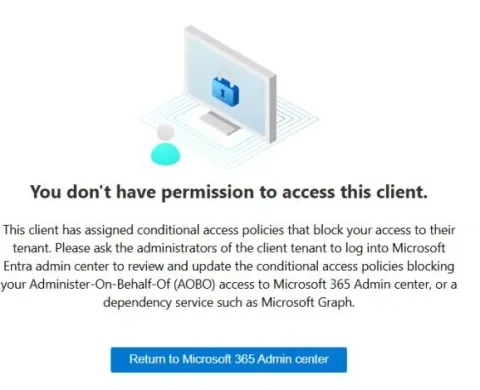
CSP partners locked out of customer tenants? Conditional Access policies in Microsoft Entra ID could be the culprit! Policies blocking unmanaged or non-domain-joined devices often flag CSP logins as "Service provider users," preventing access to Microsoft 365 Admin Center, subscription management, and critical support ticket creation. Learn how to exclude "Service provider users" to restore access and avoid disruptions.
How to Add or Change the Owner of a Synchronized Microsoft 365 Group
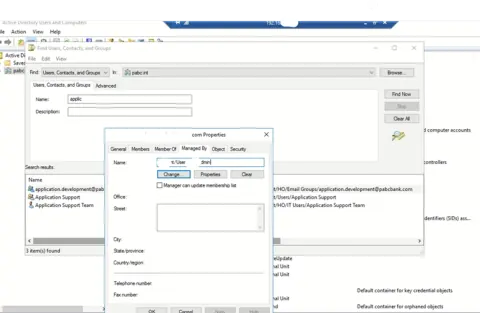
Add or change the owner of a synchronized Microsoft 365 group by updating the Active Directory Managed By attribute and running an Entra Connect sync.

Is it possible to restrict Copy Link in Microsoft Meetings?
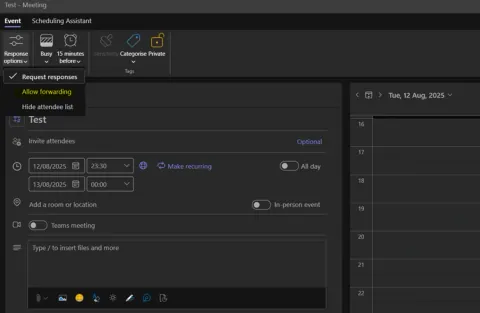
Learn if Microsoft Teams allows restricting the "Copy Link" feature in meetings, explore Outlook limitations, discover workarounds, and apply best practices to enhance meeting security and prevent unauthorized link sharing.
Fix Outlook Error CAA90063: Encrypted Server Response
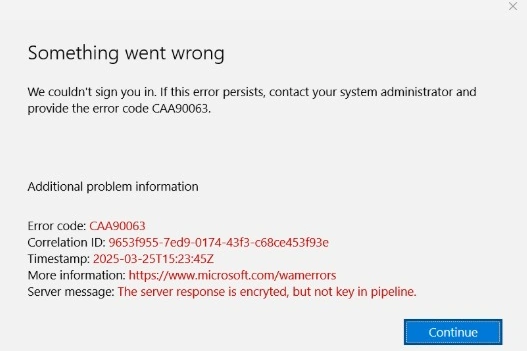
Facing Outlook sign-in issues? It may be due to AAD Broker Plugin cache, outdated updates, or token errors. Clear cache, update software, or use the SaRA tool to fix authentication problems quickly.
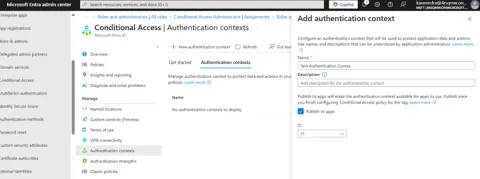
Strengthening Security Posture with Authentication Contexts in Microsoft Entra Conditional Access
Enhance security in Microsoft Entra with Authentication Contexts—enabling precise, context-aware Conditional Access policies for sensitive actions, balancing Zero Trust protection with user-friendly experiences across Microsoft 365 and custom apps.
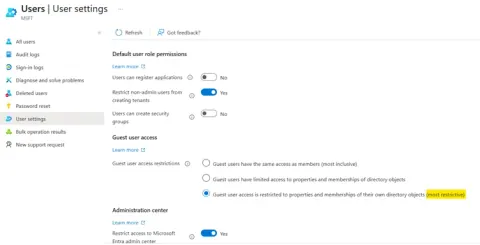
Is Your Organization Secure from Guest Users? Get to Know About How to Control Guest Access in Microsoft 365
Learn how to secure Microsoft 365 from guest user risks with best practices, admin settings, and PowerShell scripts to manage, restrict, and audit external access across Teams, SharePoint, and OneDrive.
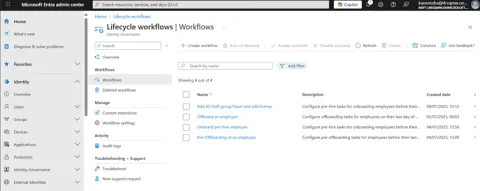
Understanding Lifecycle Workflows in Microsoft 365
Learn how Microsoft 365 Lifecycle Workflows automate joiner, mover, and leaver processes, streamline user identity management, improve security, ensure compliance, and reduce manual tasks with templates, tasks, and schedules.
Get to know about Email Encryption Ways in Microsoft 365
Learn the different ways to encrypt emails in Microsoft 365, from built-in options like Office Message Encryption to advanced tools like sensitivity labels and IRM for secure communication.
Stay Ahead of Data Risks with Microsoft Purview On-Demand Classification
Stay ahead of data risks using Microsoft Purview On-Demand Classification — scan, classify, and protect sensitive data across your organization with AI-powered insights and control.
How to Use Teams as Telephone System
Learn how to use Microsoft Teams as a full-featured telephone system. This guide covers setup, call plans, PSTN integration, and tips for making and receiving calls directly from Teams.
Understanding the Set-CalendarProcessing Cmdlet in Exchange Online
Learn how to use the Set-CalendarProcessing cmdlet in Exchange Online to manage calendar settings, auto-accept meetings, configure booking options and streamline scheduling with PowerShell.
How to Enable Meeting Rooms in Room Finder in Microsoft 365
Learn how to enable Meeting Rooms in Room Finder in Microsoft 365 by creating a Room List in Exchange Online using PowerShell. Easily manage and book meeting rooms in Outlook and Microsoft Teams with proper room configurations.
Sensitivity Labels in Microsoft 365
?Microsoft Sensitivity Labels classify and protect data across Microsoft 365 services, ensuring consistent enforcement of protection policies for documents, emails, and collaboration spaces like OneDrive and SharePoint.
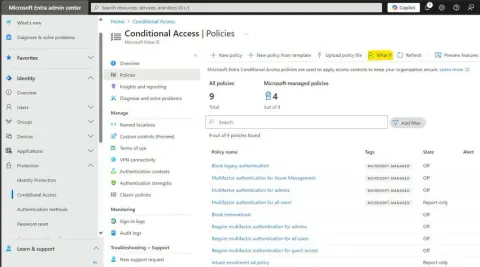
Use What If Tool to Troubleshoot Conditional Access in M365
The 'What If' tool in Microsoft 365's Entra AD helps administrators simulate user sign-ins, troubleshoot Conditional Access policies, and optimize security by diagnosing access issues and ensuring policies align with organizational needs.
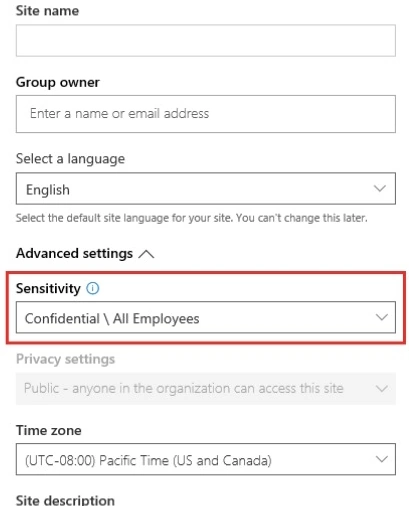
Sensitivity Labels in Teams 365 Groups and SharePoint Sites
Extending sensitivity labels to Microsoft Teams, Microsoft 365 groups and SharePoint sites enhances data protection and compliance across collaboration platforms. It ensures that sensitive information is properly managed, classified, and secured according to organizational policies.
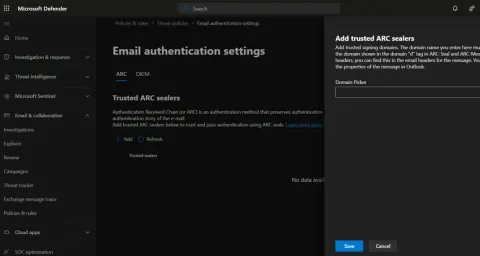
Understanding ARC in Email Authentication
Email authentication is crucial for preventing spoofing and phishing attacks, and ensuring secure communication. Authenticated Received Chain (ARC) helps mitigate failures caused by message modifications from trusted intermediaries.
Best Practices for Microsoft 365 Admins when User Offboarding
Learn how to effectively manage user accounts, ensure data security, and maintain compliance while revoking access. Implementing structured workflows and documentation will streamline the process, minimizing risks and ensuring a smooth transition for your organization.
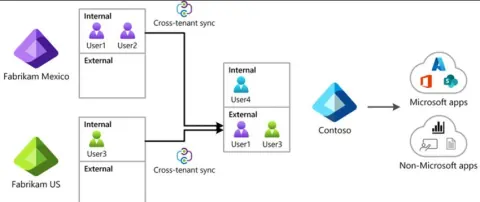
Get to know about Cross Tenant Synchronization
In this article, we will learn that tenant Synchronization enables seamless identity and data synchronization between multiple tenants, often used in cloud environments like Azure AD.
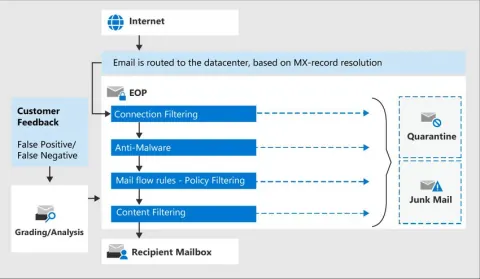
Get to know about Microsoft Defender for Office 365
Microsoft Defender XDR, advanced threat protection suite within Microsoft 365 Defender. Focus on Microsoft Defender for Office 365, offering robust email security through features like Exchange Online Protection, Safe Attachments, Safe Links, and Zero-Hour Auto Purge (ZAP) to guard against phishing, malware, and spam.
554 5.2.2 mailbox full Error
Encountering a 554 5.2.2 mailbox full error can disrupt email communication. This SMTP error occurs when the recipient's mailbox reaches its storage limit, preventing further message delivery.
Use and Manage Microsoft Viva Engage
Yammer was rebranded to Viva Engage, and would now be part of the Microsoft Viva employee experience platform. So Yammer is now called as Viva Engage as it rebranded. This article is about Viva Engage.
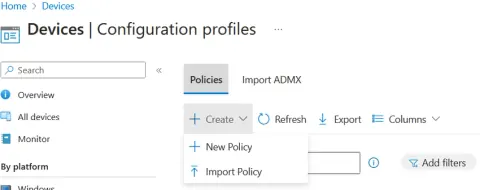
Device Endpoint Protection settings configuration in Microsoft Intune
Steps to create configuration profile of Endpoint protection in Microsoft Intune.
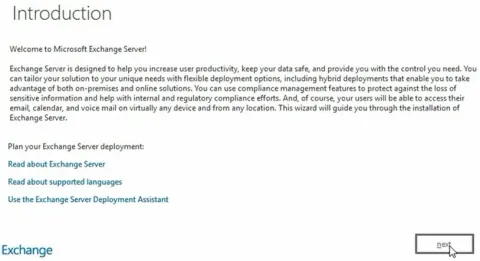
Installation of Microsoft Exchange Server
Here in this article I have given steps to install Microsoft Exchange Server 2019. Efficiently install Exchange Server 2019 with this step-by-step guide. Learn pre-requisites, server and software requirements, and execute commands for a smooth installation.

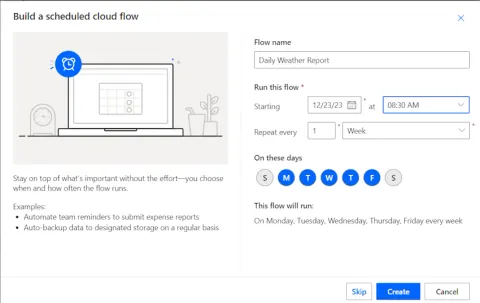
Get Daily Weather Forecast using Power Automate
Here, I'm guiding the steps to create a flow to get daily weather forecasts to an email. In today's fast-paced world, staying updated with the weather forecast is crucial for planning our daily activities, whether it's scheduling outdoor events, commuting, or preparing for weather-related changes.