Loading
Praveen Kumar's contributions
- Blog · Visual Studio
What is PerfWatson extension?
The extension was developed to look into the bottlenecks in Visual Studio IDE.
- Blog · Internet & Web
Internet Explorer 10 Platform Preview 2: Web Workers Demo
This blog provides a quick look at a demo of Web Workers.
- Blog · Microsoft Phone
Windows Phone Tips for Optimizing Image Quality
Here we see how to optimize images in your Windows Phone Applications.
- Blog · Visual Studio
Creating and Using Code Snippets
In this video we see how to create our own code snippets.
- Blog · Silverlight
Multitouch Development in Silverlight
In this short video, Jennifer Marsman gives a quick introduction to multitouch development in Silverlight. She briefly discusses the major differences between multitouch development in Silverlight and WPF, and then demonstrates a Silverlight multitouch code sample where an "Ouch" will appear wherever your finger touches the screen.
- Blog · Microsoft Phone
Make a Windows Phone Application with Appmakr
Some easy steps to make your own Windows Phone application.
- Blog · Silverlight
Balder - 3D engine for Silverlight, Windows Phone 7, Xna and OpenGL
3D graphics engine, targetting Silverlight, Windows Phone 7, Xna and OpenGL.
- Blog · Silverlight
Kit3D - a 3D C# graphics engine for Microsoft Silverlight
Kit3D is a 3D graphics engine for Microsoft Silverlight.
- Article · Microsoft Phone
Text Rendering in Windows Phone Game
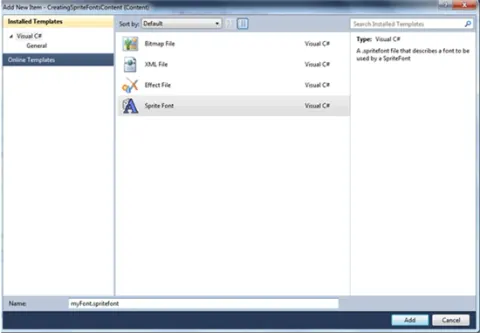
Learn how to create, load, and draw sprite fonts in a Windows Phone game using XNA Game Studio and SpriteBatch.
- Article · ASP.NET using VB.NET
slideToggle() in jQuery
Here I am going to explain slideToggle() method in jQuery.
- Article · Silverlight
Accessing webcam in Silverlight application
In this article, we will see how to access the webcam from silverlight application.
- Article · Silverlight Controls
Accordion Control in Silverlight 3
In this article I will show you how to design the Accordion Control in Silverlight 3.
- Article · Silverlight
Right click event in Silverlight 4
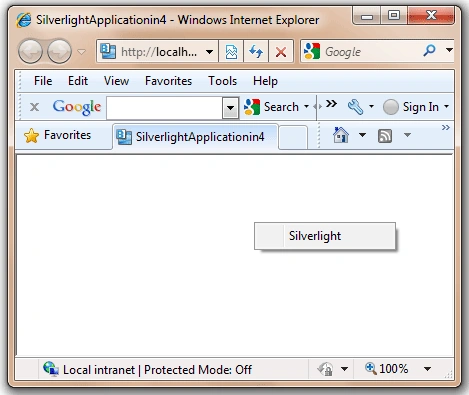
In this article you will learn how to use Right click event in Silverlight 4.
- Article · Silverlight
Simple Animation in Silverlight 4
In this article you will learn how to use Simple Animation in Silverlight 4.
- Article · WPF using VB.NET
WPF Image Slideshow in VB.NET
In this article, I will create a simple image slideshow using WPF and VB.NET.
- Article · Silverlight
Hangman game in Silverlight
All work and no play makes Jack a dull boy. It means that without time off from work, a person becomes both bored and boring. So come and play the hangman game.
- Article · LINQ
Select Items with Where in LINQ and C#
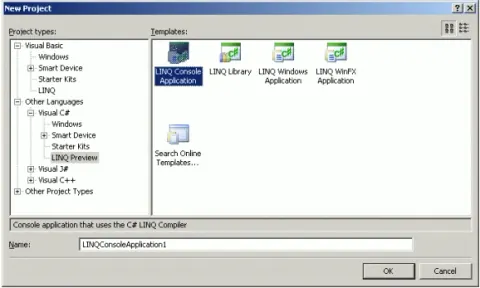
This article shows how to select exact match and in between items from a collection using LINQ and C#.
- Article · LINQ
Data Binding using LINQ to SQL in C#
LINQ to SQL allows developers to work with databases using LINQ. This article discusses how to get, add, update, and delete data in a DataGridView control using LINQ to SQL.
- Article · Silverlight
Hangman game in Silverlight
All work and no play makes Jack a dull boy. It means that without time off from work, a person becomes both bored and boring. So come and play the hangman game.
- Article · Custom Controls
Pivotviewer control in Silverlight
A simple demonstration of the PivotViewer control in Silverlight.
- Article · Silverlight
Simple Animation in Silverlight 4
In this article you will learn how to use Simple Animation in Silverlight 4.
- Article · Silverlight
Right click event in Silverlight 4
In this article you will learn how to use Right click event in Silverlight 4.
- Article · GDI+ in VB.NET
WPF Image Brush
An image brush paints an area with an image. The ImageSource property represents the image to be used during the painting by an image brush. The ImageBrush object represents an image brush.