Loading
Rick Malek's contributions

Data Access With ADO.NET In Micro Focus Visual COBOL
In this article, you will learn about data access with ADO.NET in Micro Focus Visual COBOL.
Calling Managed COBOL From Unmanaged COBOL With Micro Focus Visual COBOL
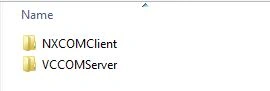
In this article you will learn about calling managed COBOL from un-managed COBOL with Micro Focus Visual COBOL.

Printing Duplex In Micro Focus Visual COBOL For .NET
Learn how to enable duplex printing in Micro Focus Visual COBOL for .NET using PrintDocument and PrinterSettings.
Adding Cultural Information To The DateTimePicker In Micro Focus Visual COBOL For .NET
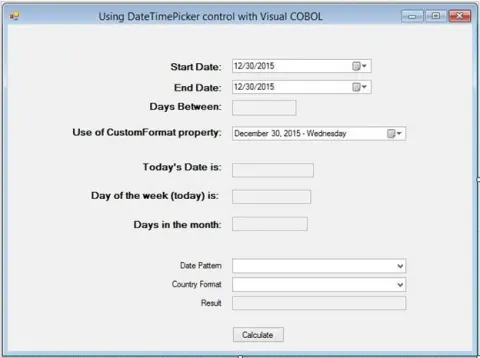
In this article you will learn how to add cultural information to the DateTimePicker in Micro Focus Visual COBOL for .NET.
Working with the DateTimePicker in Micro Focus Visual COBOL for .NET
Working with the DateTimePicker in Micro Focus Visual COBOL for .NET.
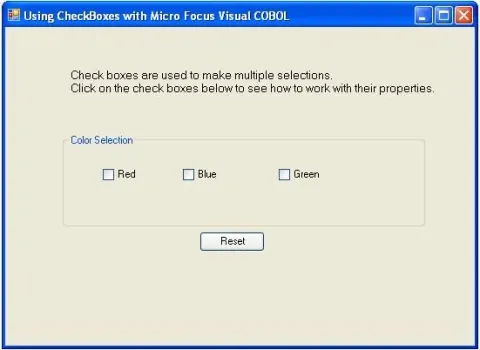
Working With CheckBoxes in Micro Focus Visual COBOL
This article reviews the common properties of the CheckBox control. These are the name, text, checked and checkstate properties. We’ll also review the use of events associated with a CheckBox.
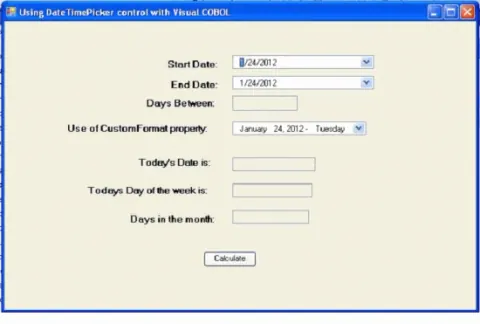
Working with the DateTimePicker in Micro Focus Visual COBOL
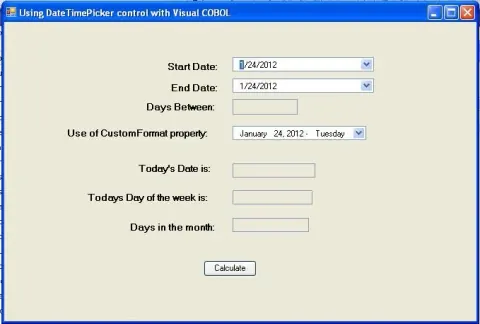
This article is about the DateTimePicker control. Our examples will focus on a single control. We’ll show you how to manipulate the properties of that control programmatically. We may have to include one additional control but the focus on each project will be on a single control with a supporting role for the additional control.

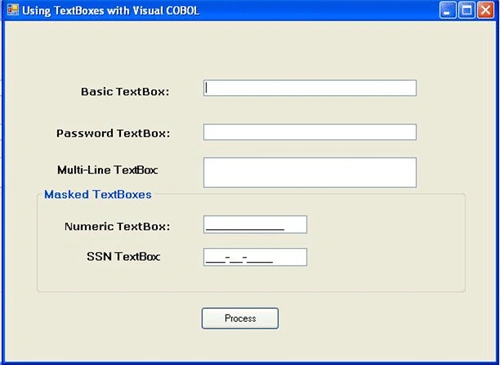
Working with TextBoxes in Micro Focus Visual COBOL
Learn how to use TextBox and MaskedTextBox controls in Micro Focus Visual COBOL WinForms, including key properties, input masks, and moving input into COBOL PIC fields.
Working with buttons in Micro Focus Visual COBOL
Micro Focus released Visual COBOL R4 earlier this year and it has turned out to be an awesome addition to Visual Studio 2010. The development teams have done a great job in delivering a very usable product.
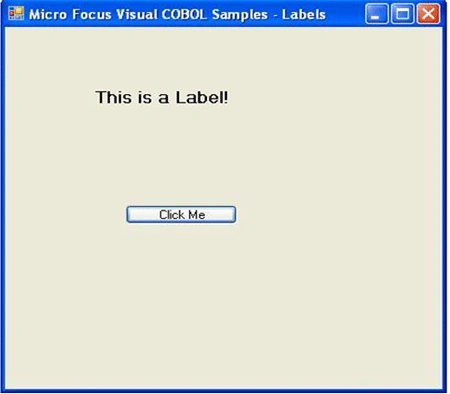
Using Labels with Visual COBOL
Our examples will focus on a single control. We’ll show you how to manipulate the properties of that control programmatically.
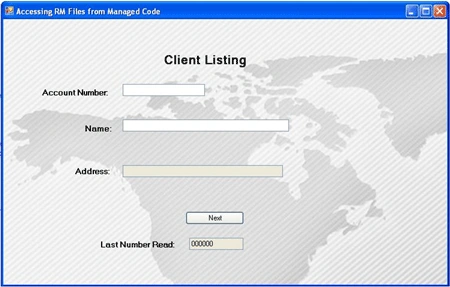
Accessing RM Data files from managed Visual COBOL
The purpose of this article is to provide the reader with an example of how to read the RM file system from a native COBOL program and have it display on a managed WinForm.

How to Access Environment Variables in VisualCOBOL
The purpose of this article is to provide the reader with an example of how to read and set environment variables from within a managed COBOL environment. We will utilize a WinForm to provide our user interaction.
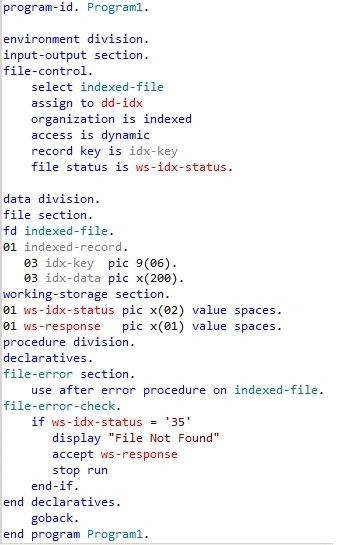
Exception Handling in Visual COBOL.NET
Let's start by taking a look at a simple and pretty standard COBOL way of handling exceptions. We’ll then see how that same example would be coding in a managed environment utilizing Visual COBOL.NET.
COBOL Snippets
Beginning with this article all projects will be created using the Micro Focus Visual COBOL environment.
TreeView/ListView object in COBOL.Net
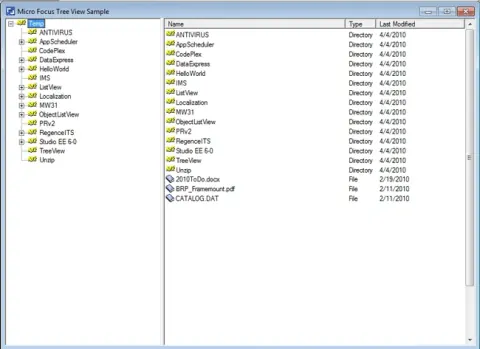
In this article I will show how to work with the TreeView object and ListView object.
Utilizing COBOL Property in C#
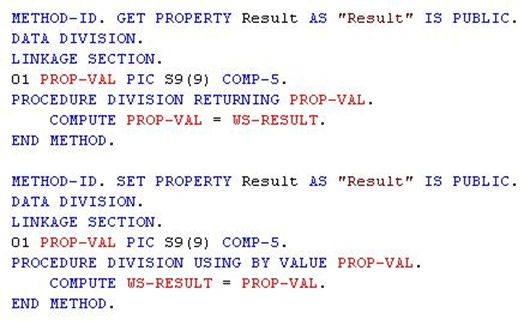
In another article we discussed the use of creating a COBOL interface class to interact between your existing COBOL applications and the languages in the .NET Framework. This article will review a new option for exposing those assets via the use of Properties.
Converting C# to COBOL
. This article is intended to be used as a model for you to follow when you run into a C# example and need to convert it to COBOL.
Windows Form using COBOL
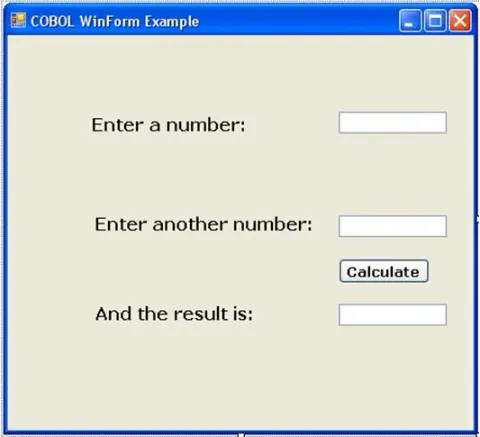
Learn how to refine a COBOL Windows Forms application by showing and hiding controls, resetting fields, setting focus, aligning numeric input, and configuring tab order.
Creating Forms with COBOL
We've done numerous articles on how to interface COBOL with other .NET languages. Here is something a little different, creating a form using only COBOL. This is part 1 or the article and it will cover creating the form, adding controls and enabling them and calling .NET classes. Part 2 will show you how to make things disappear!
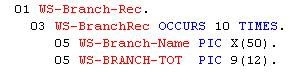
Working with COBOL Data Groups
COBOL programmers have used data groups to package data together for a long time. How though does a non-COBOL user access the data being used by the COBOL programs?
COBOL Calling C#
Last month we had an article describing how C# could a COBOL class. Well this month we present a user provided example of COBOL calling C#!
COBOL: It's Everywhere
COBOL is Dead!...COBOL is dying... COBOL won't last another 5 years...how many times have we heard these lines or similar in the past 20 years? Guess what... Ain't true!

Converting C# to COBOL
Converting C# to COBOL? Why would anyone want to do that? Is it possible? What are the reason? Actually there are some very good reasons explained in the article.