Loading
Articles by Vijayaragavan S
- Power Apps
Exp Function from Power Fx Using Power Apps
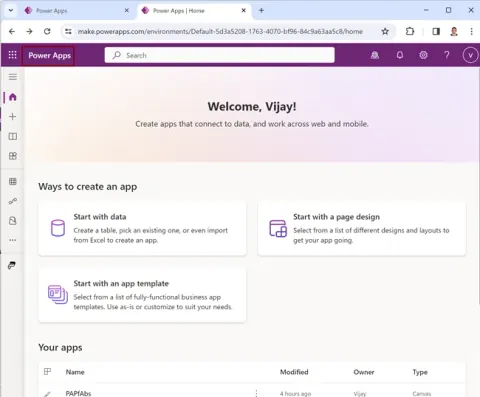
Reading this article, you can learn how to perform Exp function from Power Fx using in Microsoft Power Apps. Also, you will be able to learn Button control, Label control and TextInput control in the Power Apps environment.
- Power Apps
Abs function from Power Fx using Power Apps
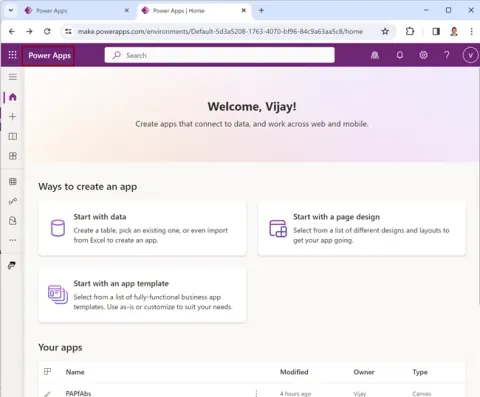
Reading this article, you can learn how to perform Abs function from Power Fx using in Microsoft Power Apps. Also, you will be able to learn Button control, Label control and TextInput control in the Power Apps environment.
- Power Automate
Execute XPath expression Action in Desktop flow using Microsoft Power Automate
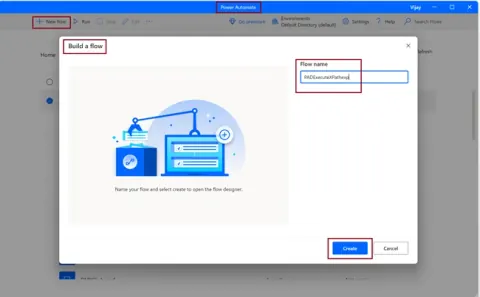
Reading this article, you can learn how to use Execute XPath expression in Desktop flow using Microsoft Power Automate
- Power Automate
Get XML element value Action in Desktop flow using Microsoft Power Automate
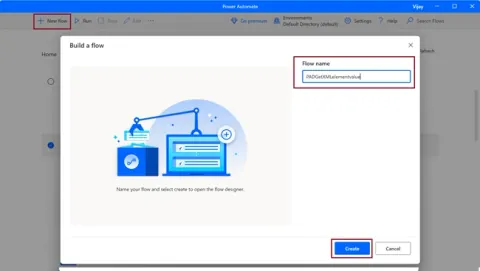
Reading this article, you can learn how to Get XML element value in Desktop flow using Microsoft Power Automate.
- Power Automate
Write XML to File Action in Desktop Flow using Microsoft Power Automate
Reading this article, you can learn how to Write XML to file in Desktop flow using Microsoft Power Automate. Reading this article, you can learn how to Write XML to file in Desktop flow using Microsoft Power Automate.
- Power Automate
Read XML From File Action in Desktop Flow using Microsoft Power Automate
Learn how to use the Read XML from file action in Power Automate Desktop to load an XML file into a desktop flow variable.
- Power Automate
CMD Session action in Desktop flow using Microsoft Power Automate
Reading this article, you can learn how to execute the windows commands, Using Open CMD session action, Read from CMD session, Write to CMD session action and Close CMD session action with Desktop flow in Microsoft Power Automate.
- Power Automate
Cryptography actions with Hashing in Desktop flow using Microsoft Power Automate
Reading this article, you can learn how to apply hashing using Hash text action, Hash from file action, Hash text with key action and Hash from file with key action with Desktop flow in Microsoft Power Automate.
- Power Automate
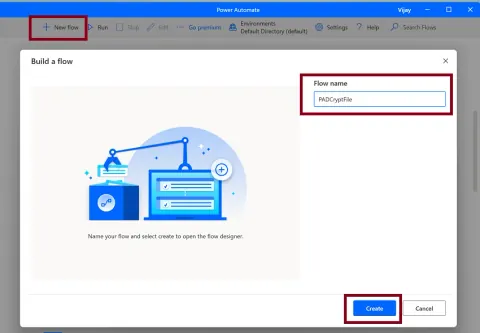
Cryptography actions with File in Desktop flow using Microsoft Power Automate
Reading this article, you can learn how to encrypt or decrypt a file using Encrypt from file with AES action and Decrypt to file with AES action with the Desktop flow in Microsoft Power Automate
- Power Automate
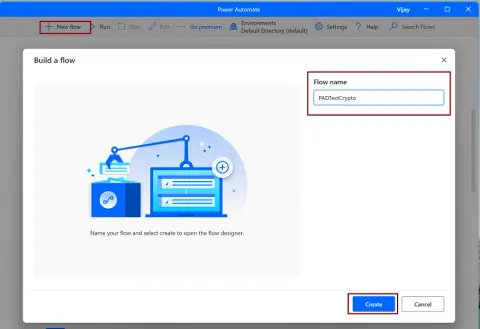
Cryptography Actions with Plain Text in Desktop Flow using Microsoft Power Automate
Reading this article, you can learn how to encrypt or decrypt plain text using Encrypt text with AES action and Decrypt text with AES action with Desktop flow in Microsoft Power Automate.
- Power Automate
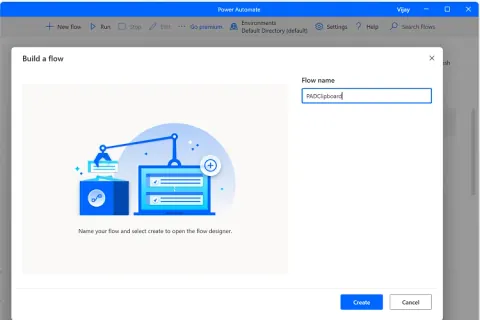
Clipboard actions in Desktop flow using Microsoft Power Automate
Reading this article, you can learn how to manipulate or extract the contents of your machine's clipboard using Clipboard actions with Desktop flow in Microsoft Power Automate.
- Power Automate
Execute DOS Command in Desktop flow using Microsoft Power Automate
Learn how to use the Run DOS command action in Power Automate Desktop to execute a command, capture its output, and display the results.
- Power Automate
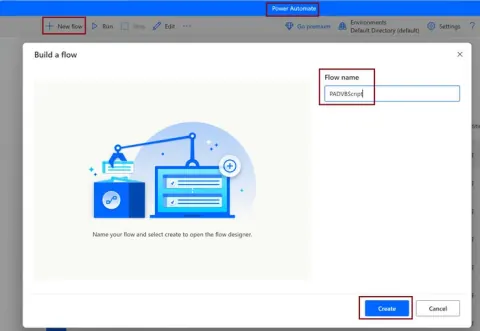
Execute VB Script in Desktop flow using Microsoft Power Automate
Learn how to run VBScript with the Run VBScript action in Power Automate Desktop flows and display the script output or errors.
- Power Automate
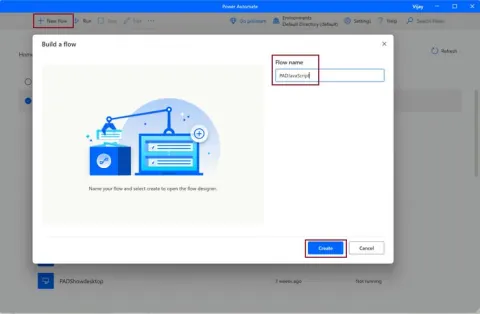
Execute JavaScript in Desktop flow using Microsoft Power Automate
Reading this article, you can learn how to Execute the JavaScript scripts using Run JavaScript actions with Desktop flow in Microsoft Power Automate.
- Power Automate
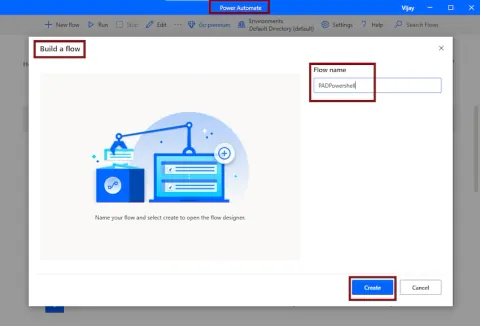
Execute PowerShell Script in Desktop flow using Microsoft Power Automate
Reading this article, you can learn how to Execute the PowerShell scripts using Run PowerShell script actions with Desktop flow in Microsoft Power Automate.
- Power Automate
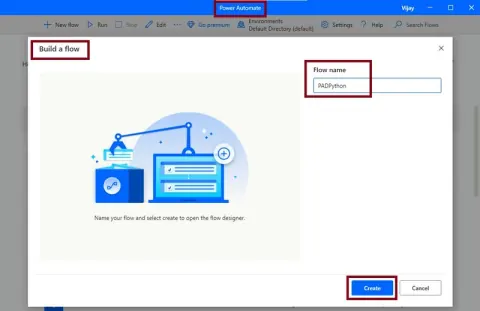
Execute Python Script in Desktop flow using Microsoft Power Automate
Reading this article, you can learn how to Execute the Python scripts using Run Python script action with Desktop flow in Microsoft Power Automate
- Power Automate
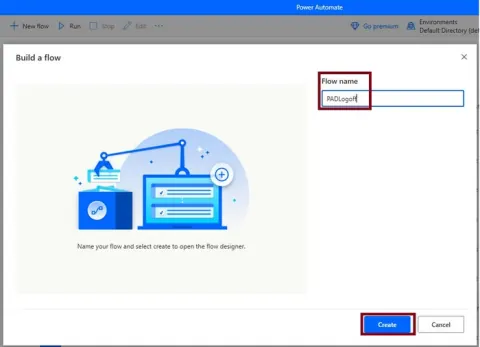
Log off user action in Desktop flow using Microsoft Power Automate
Reading this article, you can learn how to logging off the current user, we can use the Log off user action in a workstation group of actions with Desktop flow using Microsoft Power Automate.
- Power Automate
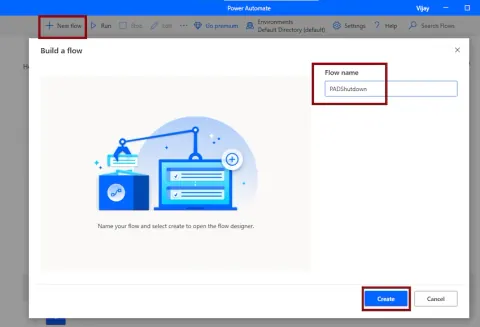
Shutdown Computer Action in Desktop Flow using Microsoft Power Automate
Reading this article, you can learn how to Shutdown, Restart, Suspend or Hibernate the system using Shutdown Computer action in a workstation group of actions with Desktop flow using Microsoft Power Automate.
- Power Automate
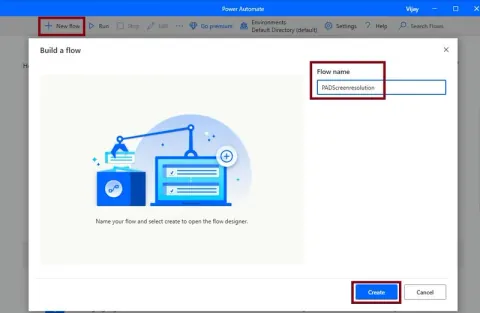
Screen Resolution in Desktop flow using Microsoft Power Automate
Reading this article, you can learn how to get or set the screen resolution using the Get screen resolution action and Set screen resolution action in a workstation group of actions with Desktop flow using Microsoft Power Automate.
- Power Automate
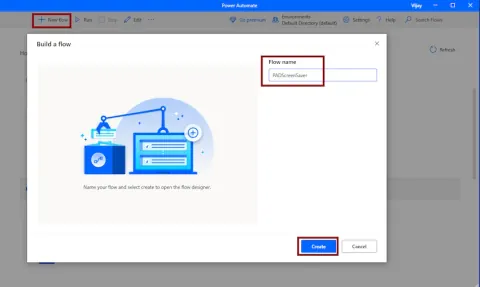
Control Screen Saver Action in Desktop Flow using Microsoft Power Automate
Reading this article, you can learn how to control the screen saver using the Control screen saver action in a workstation group of actions with Desktop flow using Microsoft Power Automate.
- Power Automate
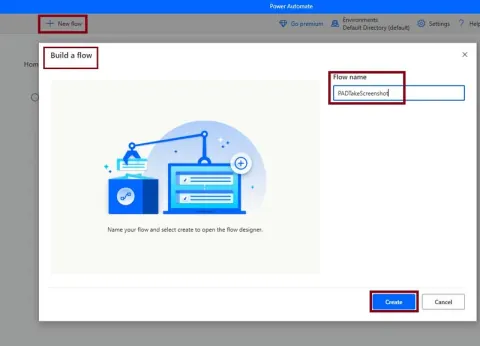
Take Screenshot Action in Desktop Flow Using Microsoft Power Automate
Reading this article, you can learn how to takes a screenshot of the foreground window or the specified screen, using the Takes a screenshot action in a workstation group of actions with Desktop flow using Microsoft Power Automate.
- Power Automate
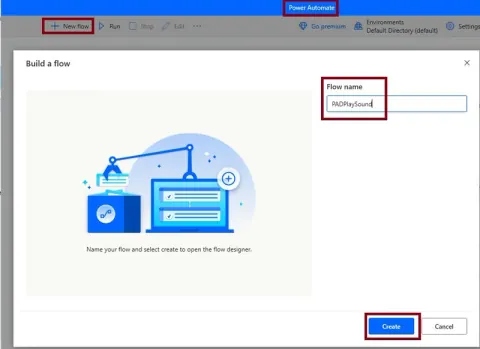
Playsound action in Desktop flow using Microsoft Power Automate
Reading this article, you can learn how play a sound, using the Playsound action in a workstation group of actions with Desktop flow using Microsoft Power Automate.
- Power Automate
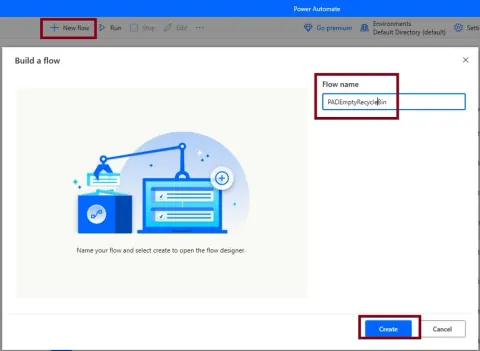
Empty Recycle Bin Action in Desktop Flow Using Microsoft Power Automate
Reading this article, you can learn how to Deletes all files from the windows recycle bin, using Empty recycle bin action in a workstation group of actions with Desktop flow using Microsoft Power Automate.
- Power Automate
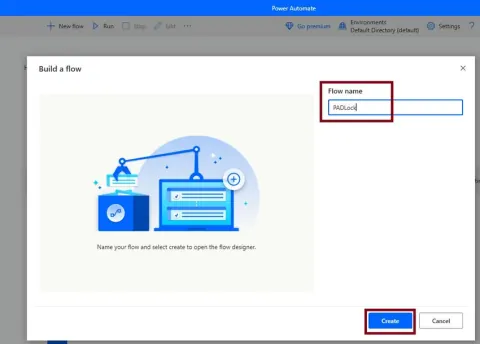
Lock Workstation in Desktop flow using Microsoft Power Automate
Reading this article, you can learn how to Lock the workstation, using the Lock workstation action in a workstation group of actions with Desktop flow using Microsoft Power Automate.
- Power Automate
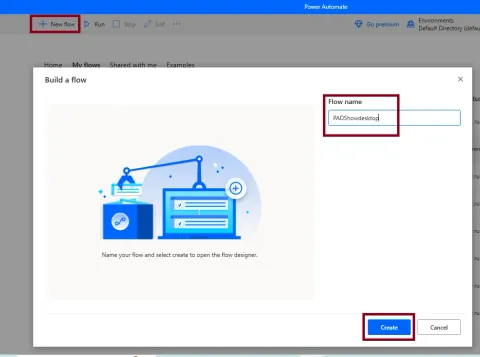
Show desktop in Desktop flow using Microsoft Power Automate
Reading this article, you can learn how to show the desktop, using the Show desktop action in a workstation group of actions with Desktop flow using Microsoft Power Automate.