Loading
Vijayaragavan S's contributions
- Article · RPA
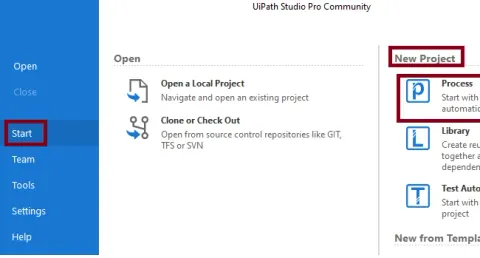
Display Welcome Message Using UiPath Studio
Learn how to create and run a UiPath Studio workflow that displays a welcome message using the Message Box activity.
- Article · Salesforce
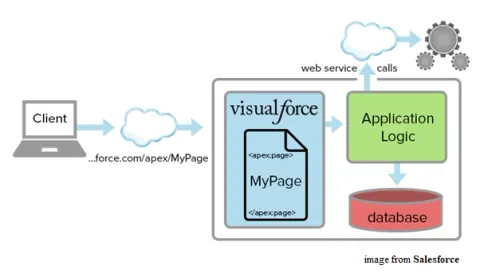
Visualforce Pages In SalesForce
Reading this article, you can learn and test the simple Visualforce Page in SalesForce.
- Article · Salesforce
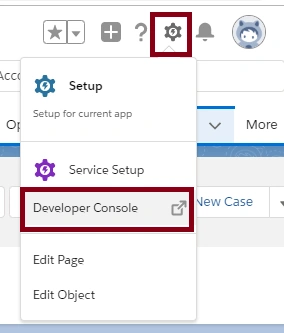
Apex Triggers In SalesForce
Reading this article, you can learn and test the simple Apex Trigger in SalesForce.
- Article · Salesforce
Apex Map In SalesForce
Reading this article, you can learn and test the Apex Map and its methods in SalesForce.
- Article · Salesforce
Apex Set In SalesForce
Reading this article, you will learn and test the Apex Set and Methods in SalesForce.
- Article · Salesforce
Apex List In SalesForce
Reading this article, you can learn and test the Apex List and Methods in SalesForce.
- Article · Salesforce
Apex Introdction In SalesForce
Reading this article, we can learn how to create and test Apex code in SalesForce.
- Article · Salesforce
Apex Data Types In SalesForce
Reading this article, you can learn and test the Apex primitive datatypes in SalesForce.
- Article · Salesforce
PageLayout In SalesForce
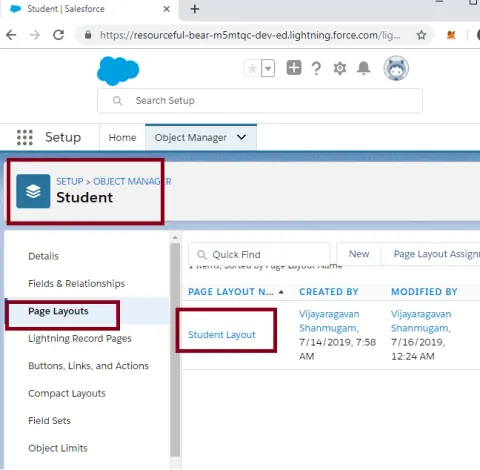
Reading this article, you can learn how to create and edit pagelayout in SalesForce.
- Article · Salesforce
Creating A Many-To-Many Relationship In SalesForce
Reading this article, you will learn how to create Many-to-Many relationships between Student and ActivityGroup objects using StudActive (Junction Object) in SalesForce.
- Article · Salesforce
Creating A Master Detail Relationship In SalesForce
Reading this article, you can learn how to create a Master Detail Relationship between student and department objects in SalesForce.
- Article · Salesforce
Creating A Custom Field In SalesForce
Reading this article, you will learn how to create and use a Custom Field (Customer Name) in SalesForce.
- Article · Salesforce
Creating A Custom Object In SalesForce
Reading this article, you can learn how to create and use a Custom Object (Customer) in SalesForce.
- Article · Xamarin
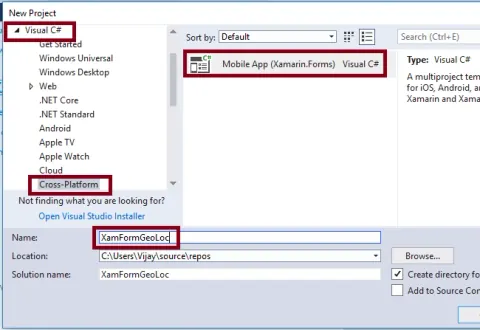
Retrieve Geo Location Coordinates In Xamarin Forms Application Using Xamarin Essentials For Android And UWP
Reading this article, we can learn how to retrieve the device's current geolocation coordinates (Latitude, Longitude, Altitude) in Xamarin Forms application using Xamarin Essentials for Android and Universal Windows Platform with XAML and Visual C# in cross-platform application development.
- Article · Xamarin
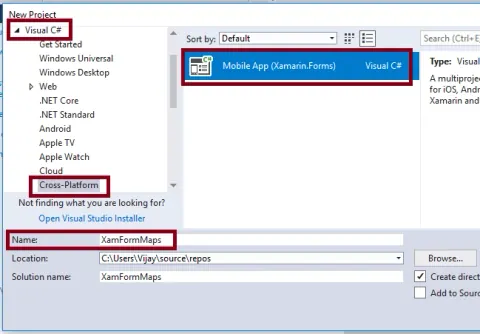
Open A Specific Location Using Maps In Xamarin.Forms Application Using Xamarin.Essentials
Reading this article, you can learn how to open the installed maps application to a specific location or placemark in Xamarin Forms application using Xamarin Essentials for Android and Universal Windows Platform with XAML and Visual C# in cross platform application development.
- Article · Xamarin
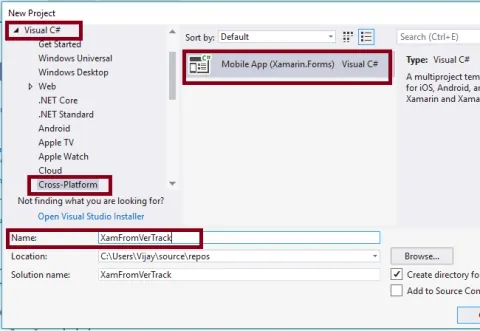
Version Tracking In Xamarin.Forms Application Using Xamarin.Essentials For Android And UWP
Learn to use Xamarin.Essentials VersionTracking in a Xamarin.Forms app to retrieve version and build details, launch status, and version history on Android and UWP.
- Article · Xamarin
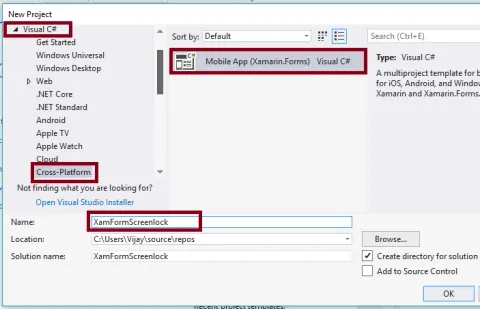
Screen Lock Active Or Release In Xamarin Forms Application Using Xamarin Essentials For Android And UWP
Reading this article, we can learn how to How to Keep your screen asleep while your application running in Xamarin Forms application using Xamarin Essentials for Android and Universal Windows Platform with XAML and Visual C# in cross-platform application development.
- Article · Xamarin
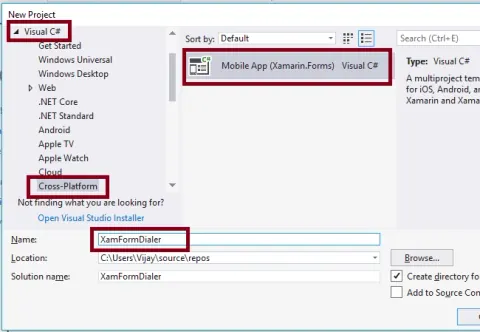
How To Open A Phone Number In The Dialer In Xamarin Forms Application Using Xamarin Essentials For Android And UWP
Reading this article, we can learn how to How to Open a phone number in the dialer in Xamarin Forms application using Xamarin Essentials for Android and Universal Windows Platform with XAML and Visual C# in cross-platform application development.
- Article · Xamarin
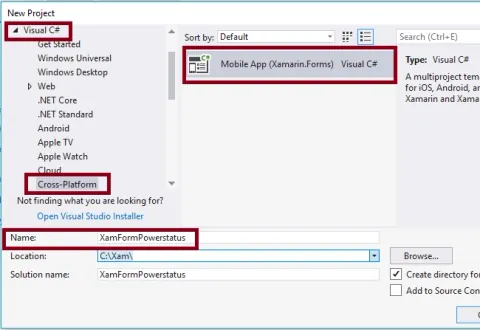
Find The Device's Power Energy-Saver Status In Xamarin Forms Application Using Xamarin Essentials For Android And UWP
Reading this article, you can learn how to Find the device Power Energy-Saver status in Xamarin Forms application using Xamarin Essentials for Android and Universal Windows Platform with XAML and Visual C# in cross platform application development.
- Article · Xamarin
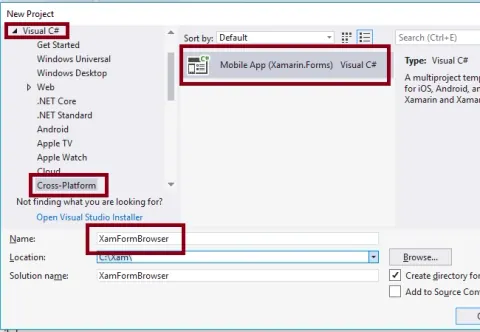
Open A Web Link With Default Browser In Xamarin Forms Application Using Xamarin Essentials For Android And UWP
Reading this article, we can learn how to Open a web link using default Browser in Xamarin Forms application using Xamarin Essentials for Android and Universal Windows Platform with XAML and Visual C# in cross-platform application development.
- Article · Xamarin
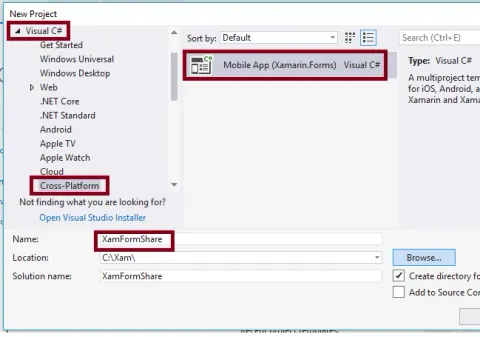
Share Data And URI In Xamarin Forms Application Using Xamarin Essentials For Android And UWP
Reading this article, we can learn how to share data and URI in Xamarin Forms application using Xamarin Essentials for Android and Universal Windows Platform with XAML and Visual C# in cross platform application development.
- Article · Xamarin
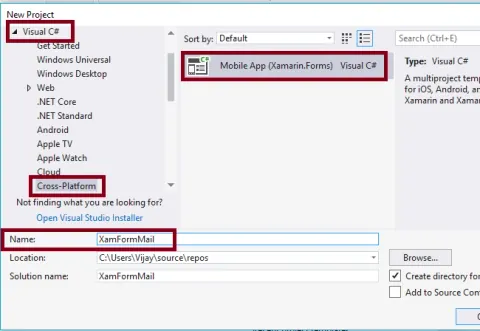
How To Send Content With Default Email Application In Xamarin Forms Application Using Xamarin Essentials For Android And UWP
Learn to open the default email app from a Xamarin.Forms app using Xamarin.Essentials on Android and UWP, with recipient, subject, and message body fields.
- Article · Xamarin
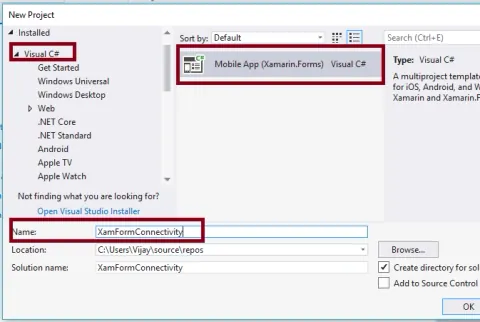
Monitor The Network Connectivity Changes In Xamarin Forms Application Using Xamarin Essentials For Android And UWP
Reading this article, we can learn how to Check the changes of network connectivity conditions and current network access in Xamarin Forms application using Xamarin Essentials for Android and Universal Windows Platform with XAML and Visual C# in cross-platform application development.
- Article · Xamarin
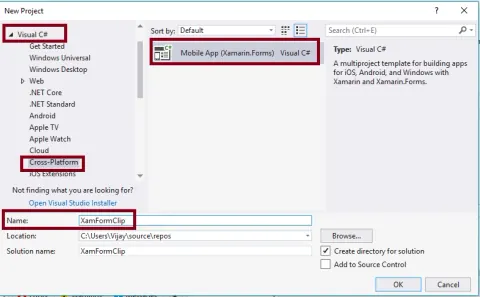
How To Use Clipboard In Xamarin Forms Application Using Xamarin Essentials For Android And UWP
Reading this article, you can learn how to copy and paste the text using Clipboard in Xamarin Forms application using Xamarin Essentials for Android and Universal Windows Platform with XAML and Visual C# in cross platform application development
- Article · Xamarin
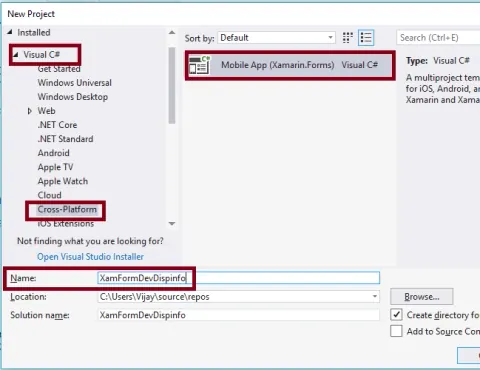
Retrieving Device Display Information In Xamarin Forms Application Using Xamarin Essentials For Android And UWP
Reading this article, we can learn Retrieving Device Display Information like Device orientation, rotation, width, height, density in Xamarin Forms application using Xamarin Essentials for Android and Universal Windows Platform with XAML and Visual C# in cross-platform application development.