
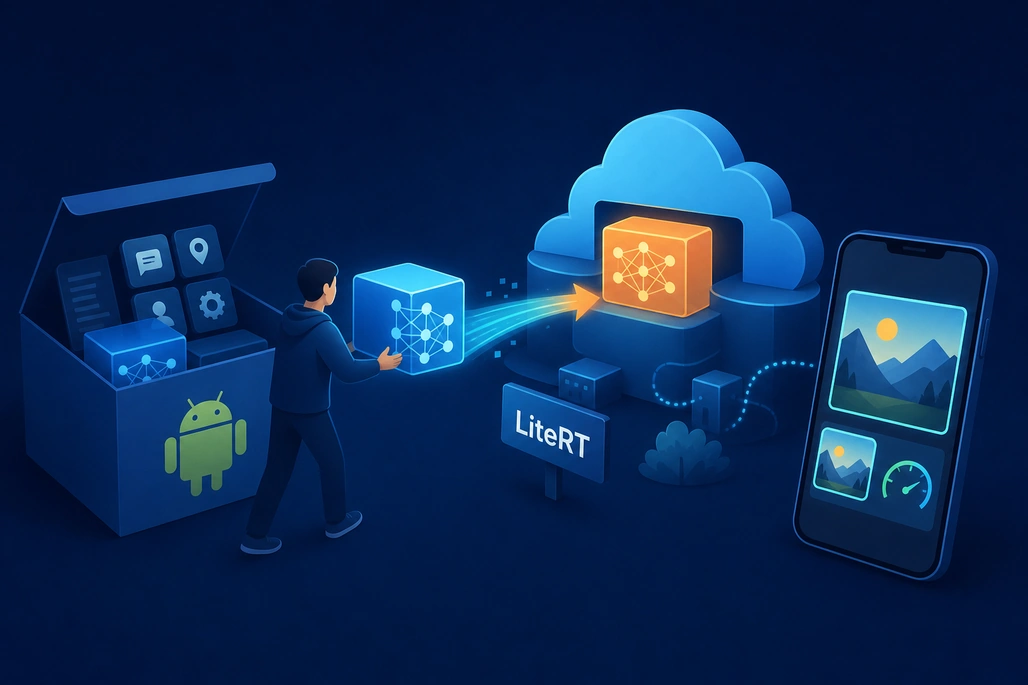
LiteRT in Google Play services moves the on-device ML runtime out of individual Android APKs.
LiteRT in Google Play services lets Android developers run custom .tflite machine-learning models without packaging the LiteRT runtime in every APK. Google introduced the play-services-litert SDK on October 28, 2026; it adds the recommended CompiledModel API, GPU execution with CPU fallback, and Google reports that apps moving from a bundled runtime can be about 8 MB smaller and can see GPU inference run about 1.4x faster than the legacy TensorFlow Lite GPU delegate.
For a beginner, the practical decision is straightforward: use LiteRT in Google Play services for a standard Android app that needs on-device CPU or GPU inference and can depend on Google Play services. Use standalone LiteRT instead when the app needs NPU acceleration, custom operators, or support for devices that do not include Google Play services.
Key takeaways
- Google Play services LiteRT SDK version 17.0.0 provides the
CompiledModelAPI for Kotlin, Java, and C++. - The runtime is supplied by Google Play services rather than bundled into the APK, which can reduce a migrated app by approximately 8 MB.
- GPU acceleration is enabled during LiteRT initialization, then requested through
CompiledModel.Optionswith a CPU fallback. - Existing Play services Interpreter code can continue to run on CPU, but new GPU work should use
CompiledModel. - LiteRT in Google Play services supports Android 7.0 and later (API level 24), Wear OS 4 and later, and Android Automotive OS 11 and later.
What did Google announce for LiteRT in Google Play services?
In its October 28, 2026 announcement, Google introduced com.google.android.gms:play-services-litert:17.0.0. It is the new Google Play services package for LiteRT, the on-device runtime formerly known as TensorFlow Lite.
The release replaces the older Play services packaging approach centered on play-services-tflite-java and play-services-tflite-gpu. The Google Play services release notes state that the new SDK updates the Play services LiteRT runtime from LiteRT 2.1.2 to LiteRT 2.3.2 and introduces CompiledModel APIs for Kotlin, Java, and C++.
LiteRT still consumes the familiar .tflite model format. That matters because a team can keep its converted model file while changing how the Android app loads the runtime and selects hardware acceleration.
| Area | Older Play services approach | LiteRT in Google Play services 17.0.0 |
|---|---|---|
| Main API | Interpreter API | CompiledModel API is recommended |
| GPU path | Legacy GPU delegate | CompiledModel with ML Drift GPU acceleration |
| CPU compatibility | Supported | Supported, including a migration path for Interpreter code |
| APK runtime | Separate older Play services artifacts or bundled runtime | Runtime is loaded from Google Play services |
| NPU in Play services | Not the focus of this release | Not available yet; use standalone LiteRT if NPU is required now |
How does LiteRT in Google Play services work?
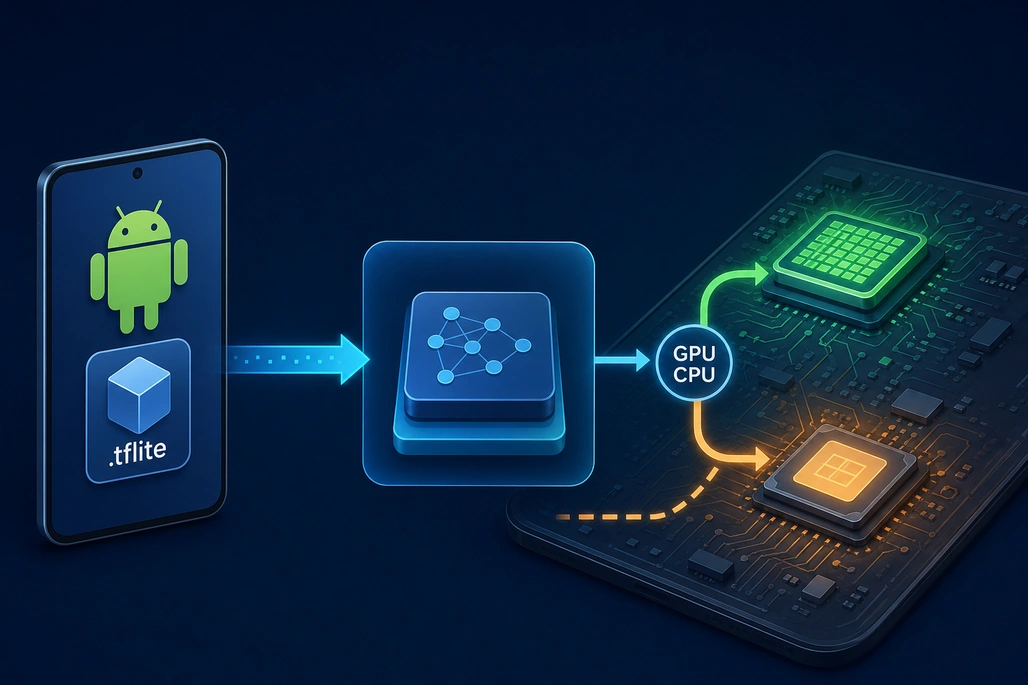
CompiledModel can request GPU execution while retaining a CPU fallback path.
Normally, an Android app that uses a bundled ML runtime ships native runtime libraries along with its model. With LiteRT in Google Play services, the app keeps the model but relies on the LiteRT runtime distributed through Google Play services. The app adds a lightweight client dependency, asynchronously initializes an Environment, and creates a CompiledModel against that environment.
This architecture is why the APK can be smaller: the app no longer includes its own full LiteRT runtime and GPU binaries. Google estimates an approximately 8 MB reduction for apps that switch from a bundled runtime, but that is a test result rather than a guaranteed saving for every app; the actual change depends on the dependencies already packaged by that app.
The other benefit is update delivery. Google can roll out runtime performance improvements, fixes, and accelerator-compatibility changes through Google Play services rather than requiring every app developer to publish a new APK. However, that also means the app depends on the availability of Google Play services on the device.
What is the CompiledModel API?
CompiledModel is LiteRT’s newer high-level inference API. A developer provides a model, chooses one or more accelerators, obtains input and output TensorBuffer objects, writes input values, runs inference, and reads the result.
For a beginner, “compiled” does not mean that the .tflite file becomes an Android executable. It means LiteRT prepares the model for the selected runtime and hardware. Google advises creating the environment, compiled model, and buffers once off the main thread, reusing them for repeated predictions such as camera frames, and closing them when they are no longer needed.
How does GPU fallback work?
The app enables GPU support when it initializes LiteRT, then creates the model with Accelerator.GPU followed by Accelerator.CPU. LiteRT uses the GPU on a compatible device and falls back to CPU when a usable GPU is unavailable.
Google says this GPU path is powered by ML Drift, its open-source GPU inference engine. The reported 1.4x figure is a comparison with the legacy TensorFlow Lite GPU delegate, not a promise that every model, phone, tensor shape, or workload will improve by the same amount. Model type, device GPU, input size, and preprocessing often dominate real application performance.
How do developers add LiteRT to a beginner Android app?
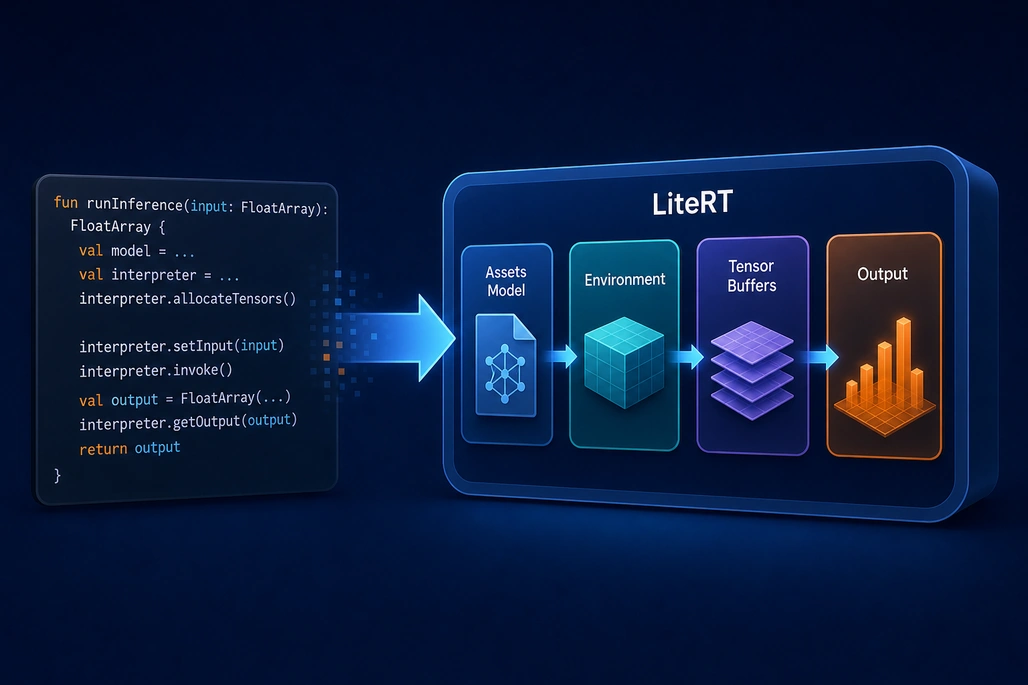
The beginner workflow is initialize, create a model, reuse buffers, run inference, and close resources.
Start with an Android app whose minSdk is 24 or higher. Put a compatible .tflite model in the app’s assets directory; the example below assumes the file is named model.tflite.
Add the Play services LiteRT dependency and the coroutine bridge used to await the Google Play services Task. Do not add bundled LiteRT runtime dependencies such as com.google.ai.edge.litert:litert or litert-gpu alongside this migration path.
// app/build.gradle.kts
android {
    defaultConfig {
        minSdk = 24
    }
}

dependencies {
    implementation("com.google.android.gms:play-services-litert:17.0.0")
    implementation("org.jetbrains.kotlinx:kotlinx-coroutines-play-services:1.10.2")
}
The following Kotlin example creates a reusable runner. It asks for GPU execution with a CPU fallback, writes a float array into the first model input, invokes the model, and returns the first float-array output. It is intentionally model-agnostic: before using it in production, the input array length, element type, tensor order, normalization, and output interpretation must match the specific model.
import android.content.Context
import com.google.ai.edge.litert.Accelerator
import com.google.ai.edge.litert.CompiledModel
import com.google.ai.edge.litert.Environment
import com.google.ai.edge.litert.TensorBuffer
import com.google.android.gms.litert.LiteRt
import com.google.android.gms.litert.LiteRtDsl.initializationOptions
import kotlinx.coroutines.tasks.await

class LiteRtRunner private constructor(
    private val environment: Environment,
    private val model: CompiledModel,
    private val inputBuffers: List<TensorBuffer>,
    private val outputBuffers: List<TensorBuffer>
) : AutoCloseable {

    companion object {
        suspend fun create(context: Context): LiteRtRunner {
            val options = initializationOptions {
                setEnableGpu(true)
            }

            val environment = LiteRt.initialize(context, options).await()

            val model = CompiledModel.create(
                context.assets,
                "model.tflite",
                CompiledModel.Options(
                    Accelerator.GPU,
                    Accelerator.CPU
                ),
                environment
            )

            return LiteRtRunner(
                environment,
                model,
                model.createInputBuffers(),
                model.createOutputBuffers()
            )
        }
    }

    fun predict(input: FloatArray): FloatArray {
        inputBuffers[0].writeFloat(input)
        model.run(inputBuffers, outputBuffers)
        return outputBuffers[0].readFloat()
    }

    override fun close() {
        inputBuffers.forEach { it.close() }
        outputBuffers.forEach { it.close() }
        model.close()
        environment.close()
    }
}
Call LiteRtRunner.create(context) from a background coroutine, not from the Android UI thread. The initialization call is asynchronous because it returns a Google Play services task, and model preparation can be expensive. Keep the runner for as long as the feature needs it, such as the lifetime of a ViewModel, then close it.
What must developers validate before using this code?
The example is a runtime pattern, not a complete image classifier or object detector. Every ML model defines its own input and output contract. An image model may need a resized RGB tensor, normalized floating-point values, or quantized bytes; a text model may require token IDs and an attention mask; an audio model may need a precisely sized waveform window.
Developers should inspect the model’s tensor metadata and test the same known inputs before and after migration. Validate both the numerical outputs and the user-visible result, because a syntactically successful inference call can still use the wrong preprocessing or output interpretation.
Also measure the complete feature flow, not inference alone. Camera capture, bitmap conversion, image resizing, tensor writes, model execution, output parsing, and UI rendering all contribute to end-to-end latency. GPU acceleration can improve the model-execution segment while leaving an application’s overall responsiveness largely unchanged if the other stages dominate.
When should an app use Play services LiteRT instead of standalone LiteRT?
Play services LiteRT is a strong fit for an app distributed to Google Play services devices that uses standard LiteRT operations and wants smaller APKs, automatic runtime updates, and CPU/GPU execution through one API. It is also a sensible choice for teams migrating from the old Play services Interpreter APIs because they can first switch the dependency and keep CPU inference working while planning a later CompiledModel migration.
Standalone LiteRT remains necessary for several cases. Google’s documentation says to use the bundled runtime when an app needs NPU acceleration today, custom operators, a required support-library capability not yet available with the Play services runtime, or operation on devices without Google Play services.
There are current feature boundaries worth planning around. The release notes say NPU support in Play services is forthcoming, custom-op CompiledModel APIs are not supported by the Play services runtime, and the older GPU delegate and custom delegate APIs are deprecated in favor of the newer APIs. Teams with native custom operations should not assume the smaller-APK path is immediately compatible.
How should developers migrate from TensorFlow Lite Interpreter?
For a low-risk transition, separate dependency migration from API migration. First, replace the old Play services dependency with play-services-litert:17.0.0. Google states that existing Interpreter code remains supported for CPU execution through the new package, so this step can verify packaging and runtime availability without immediately changing prediction logic.
Second, rewrite GPU-oriented paths to use CompiledModel. The new API replaces delegate-specific configuration with accelerator choices in CompiledModel.Options. Finally, compare results, latency, memory use, cold-start behavior, and fallback behavior on a representative set of physical Android devices.
Do not combine the old GPU artifact with the new package. Google’s release notes specifically state that play-services-tflite-gpu and play-services-tflite-acceleration-service cannot be used together with play-services-litert, because they depend on removed delegate APIs.
What should beginners do next?
- Confirm that the app supports Android 7.0/API 24 or later and is intended for devices with Google Play services.
- Choose a small, known-good
.tflitemodel and document its exact tensor shapes and preprocessing rules. - Add
play-services-litert:17.0.0, initialize LiteRT off the main thread, and first run the model on CPU. - Add GPU initialization and request
Accelerator.GPUplusAccelerator.CPUfallback. - Test correctness and end-to-end performance on several devices before removing the bundled runtime from a production build.
The CompiledModel Kotlin and Java guide provides the authoritative setup and migration examples, while the Google Play services release notes document the version-specific limitations. Beginners should treat the GPU improvement and APK reduction as measurements to validate in their own app, not as universal guarantees.
Frequently asked questions
What is LiteRT in Google Play services?
It is a Google Play services runtime for running custom LiteRT .tflite models on Android without packaging the full LiteRT runtime in the application APK.
Does LiteRT in Google Play services support GPU inference?
Yes. With the CompiledModel API, an app enables GPU support during LiteRT initialization and can request Accelerator.GPU with Accelerator.CPU as a fallback.
Can an existing TensorFlow Lite Interpreter app migrate gradually?
Yes. Google states that Interpreter code can continue to run on CPU after an app moves to play-services-litert, allowing the CompiledModel migration to happen separately. GPU acceleration requires the CompiledModel API.
When should developers avoid LiteRT in Google Play services?
Use standalone LiteRT when the app needs NPU acceleration or custom operators now, requires unsupported support-library functionality, or must run on devices without Google Play services.
How much smaller will an APK become after migration?
Google reports that apps switching from a bundled LiteRT runtime to LiteRT in Google Play services were about 8 MB smaller in its testing. The actual reduction depends on the runtime and accelerator binaries the app currently packages.
Based on reporting by developers.googleblog.com, Google AI Edge, Google for Developers and CVPR Workshops.




Join the conversation! Your thoughts help the community grow.