Loading
Topic
Busy Indicator
3 posts about Busy Indicator by 3 contributors.
Know Busy Indicator? Share what you know with developers who are learning it.
+ Follow Busy IndicatorBe the first to follow this
- Articles
- 3
- Contributors
- 3
Everything about Busy Indicator
- Article · Silverlight
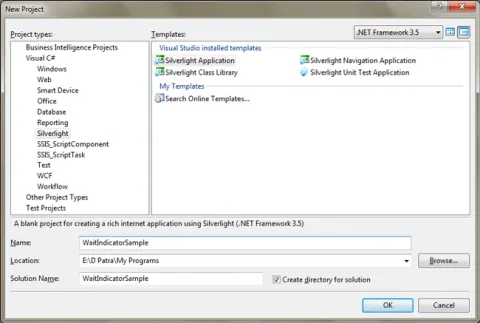
Custom Progress Bar/ Busy Indicator in Silverlight
The Silverlight toolkit comes with Busy Indicator control, but some time you may need to develop custom Busy Indicator for your application. Here are the steps to create Busy Indicator using Silverlight StoryBoard.
- Article · WPF
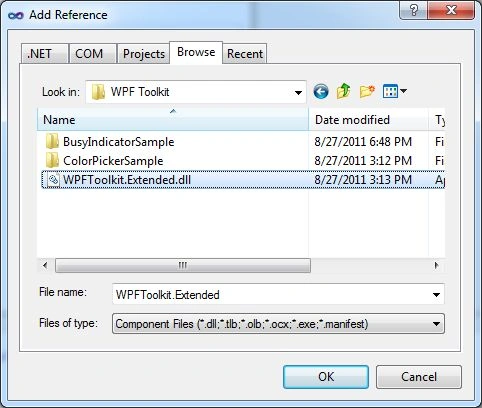
WPF BusyIndicator
A BusyIndicator control provides an alternative to a Windows wait cursor to show user an indication that an application is busy doing some processing. It is a combination of the wait cursor and the ProgressBar control.
- Article · Silverlight
Busy Indicator Control In Silverlight 3
Busy Indicator is a control that is added in Silverlight 3 Toolkit November 2009 Release. In this article we will see how to use it.