Loading
Topic
Carousel
7 posts about Carousel by 7 contributors.
Know Carousel? Share what you know with developers who are learning it.
+ Follow CarouselBe the first to follow this
- Articles
- 7
- Contributors
- 7
Articles about Carousel
- Article · SharePoint
Creating Carousel Using SharePoint Out-Of-The-Box WebPart
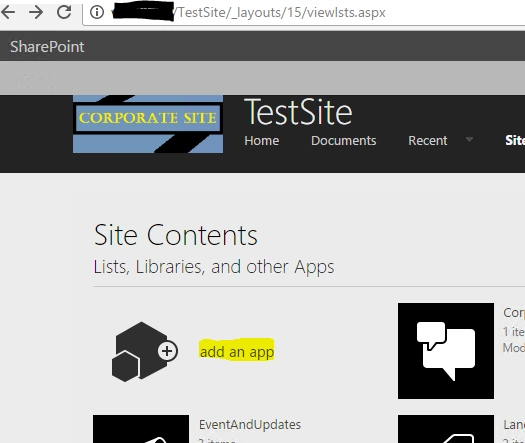
To create a carousel on SharePoint, start by creating a Picture Library and uploading 3-4 images. Next, go to "Site Pages" and add a new page. Edit the page, add the "Picture Library Slideshow WebPart" from the "Media and Content" category, and configure the settings such as time delay and display mode.
- Article · Power Apps
How To Create An Infinite Scrolling Image Carousel In PowerApps
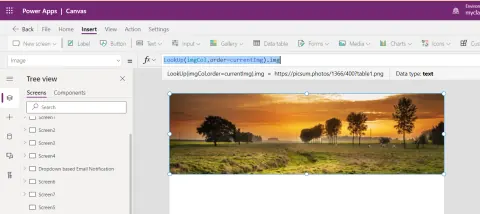
In this article, we will learn how to create an infinite image carousel in the canvas app. In powerapps, we can easily implement the infinite scrollable image gallery.
- Article · SharePoint
Implement React Elastic Carousel With SharePoint Framework (SPFx)
Build a React Elastic Carousel in a SharePoint Framework (SPFx) web part, retrieve event data from a SharePoint list, and customize the carousel styles.
- Article · SharePoint
Bootstrap Carousel in SPFX (ReactJS)
In this article, we learn about how to implement bootstrap carousel in SPFx
- Article · SharePoint
SharePoint Framework - React-based Carousel
Carousel is a widely used functionality in the SharePoint world. Modern SharePoint does not provide Carousel as a ready web part to use, however, we can utilize any third-party controls to meet the business needs.