6 posts about Collaboration Tools by 5 contributors.
Know Collaboration Tools? Share what you know with developers who are learning it.
Microsoft 365, Google Workspace, & Zoho Workplace compared! Find the best productivity suite for your needs: features, pricing, collaboration, & more. Updated for India!
Microsoft Teams offers Standard, Private, and Shared Channels to meet various communication needs. Standard Channels are open to all team members for general discussions. Shared Channels enable cross-team collaboration, including external partners.
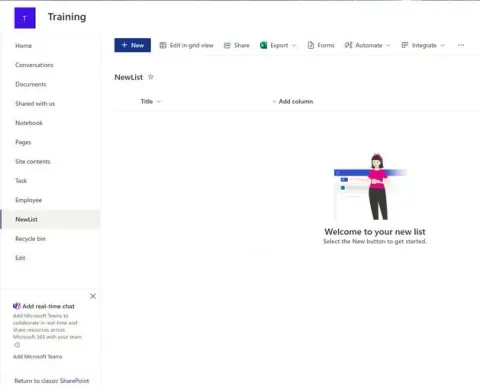
Learn how to create and manage lists effectively, enhancing your team's collaboration and productivity. With step-by-step instructions and best practices, this resource is perfect for beginners and those looking to optimize their SharePoint experience.
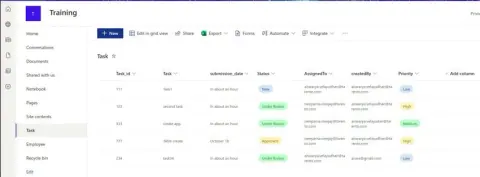
Approval workflows are a crucial part of managing business processes, ensuring that the right people review and approve important items. With Power Automate, you can easily create automated approval workflows for SharePoint lists.
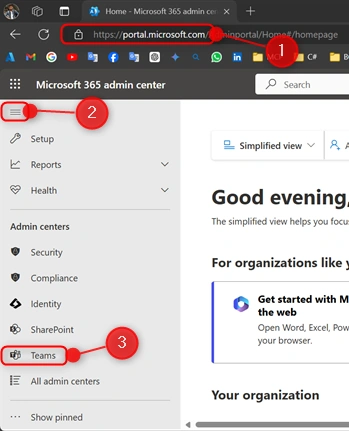
Setting up and managing teams in Microsoft Teams through the Admin Center simplifies collaboration and enhances productivity. This guide covers creating teams, configuring settings, and adding members, ensuring your organization works seamlessly together with the right tools and permissions for efficient teamwork.
The new video page templates in SharePoint Pages and News enable authors to easily create video-centric content. Starting in the Stream Web App, you can craft and customize video news posts with video metadata automatically included.
DevSocialUpcoming · 3rd editionAI Agents ConferenceNov 23–27, 2026Live onlineMembers only16days leftRegisterPublish an article in this category and earn +1,000 SHARP when it is approved.
Write an article