Loading
Topic
Column Formatting
8 posts about Column Formatting by 6 contributors.
Know Column Formatting? Share what you know with developers who are learning it.
+ Follow Column FormattingBe the first to follow this
- Articles
- 8
- Contributors
- 6
Everything about Column Formatting
- Article · SharePoint
Add Data Bars UI in SharePoint List Column Formatting in SharePoint List
This article walks you through the process of customizing your SharePoint list columns for better data visualization and enhancing the current view with conditional formatting to display dynamic, visually appealing data bars.
- Article · SharePoint
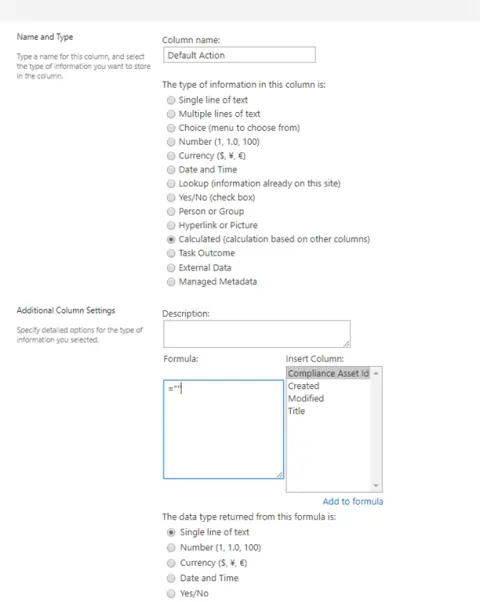
Trigger Approval flow with SharePoint Column Formatting
To trigger a workflow with a button using column formatting in SharePoint, you can create a column that uses JSON formatting to display a button that, when clicked, initiates a workflow.
- Article · SharePoint
Add Custom Row Actions In SharePoint List Items With Column Formatting
In this article, you will learn how to add custom row actions in SharePoint list items with column formatting.
- Article · SharePoint
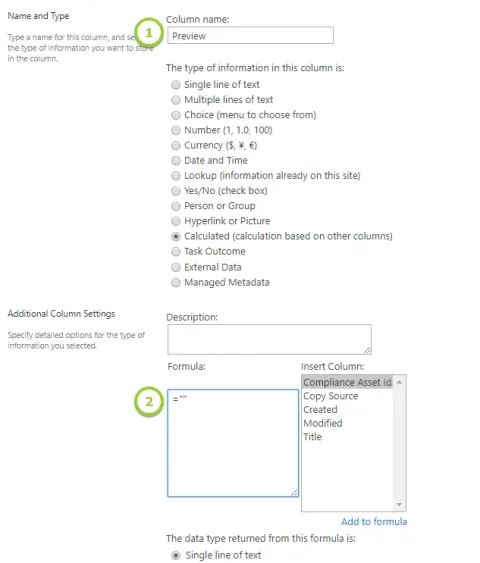
Thumbnail Or Preview Of Files In SharePoint Document Library Using Column Formatting
In this article, you will learn about thumbnail or preview of files in the SharePoint document library using column formatting.
- Article · SharePoint
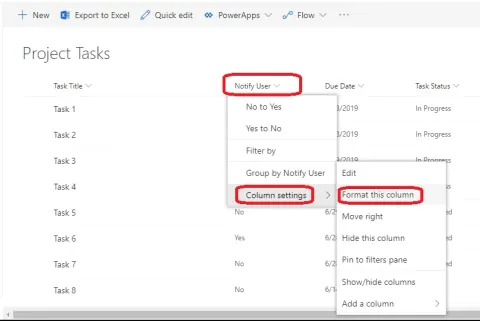
Column Formatting In SharePoint Online - No Coding
In this article, we will see how to format the list/library View columns in SharePoint Online.
- Article · SharePoint
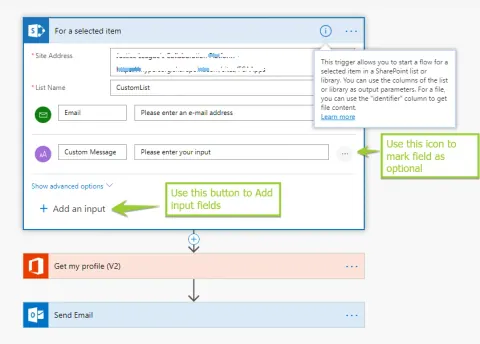
Trigger MS Flow On SharePoint List Items Based On Column Formatting
In this article, you will learn how to trigger an MS Flow on SharePoint list items based on column formatting.
- Article · SharePoint
How To Enable Digital Signature In Digital Signed PDF Using Column Formatting
Enable or show the digital signature from a digital signed PDF with the power of column formatting.
- Article · SharePoint
SharePoint Modern UI - Column Formatting
Microsoft is focusing more on Modern UI in SharePoint online. Microsoft is releasing new and very nice features to Office 365 on a frequent basis. SharePoint in its online version is also experiencing the addition of new useful features.