CRM Customizations
5 posts1 contributor
Articles about CRM Customizations

Show And Hide Form Header With Webresource In Dynamics CRM
In Dynamics 365 CRM, at times we must show or hide form header,header command bar,header body,Header tab navigator for a selected entity. This can be achieved by using client API Reference. As an example, contact record was taken to show this functionality.
Creation Of Web Resource JavaScript Type In Dynamics CRM
In Dynamics 365 CRM, any functionality cannot be achieved through OOB [Out of Box] functionality, then first thing comes into mind was customizations. So, basic customizations can be achieved starting with Web resources (js type) under code especially through JavaScript. As a business case, a new web resource will be created in Contact Customizations Solution.
Automatic Stage Movement Using CRM Plugin In BPF
During some scenarios we must automatically move BPF Stages based on server-side code. This can be achieved by CRM Plugin. As an example, on update of a title field for a selected contact record BPF will automatically moves to next stage.
How To Move CRM Customizations Between Dynamics 365 CRM Environments
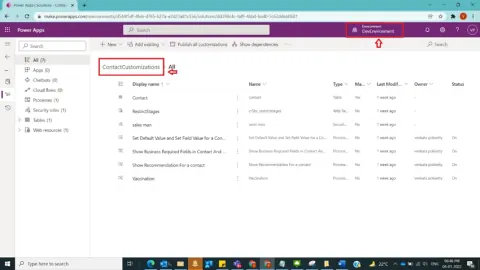
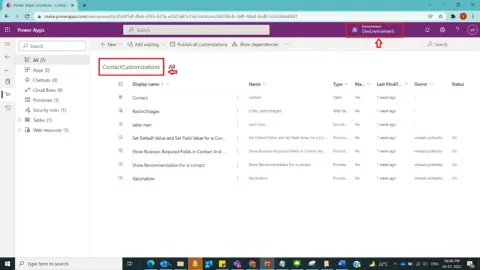
In Dynamics 365, CRM Customizations need to be moved between CRM Environments for example from Development environment to Testing environment in the form of CRM solutions. And we are going to see about how to move crm Customizations in the form of solutions between Dynamics CRM Environments as unmanaged solution in Dynamics CRM using classic mode and through Power Apps Maker Poral. In this post , I did customizations in Contact Entity and created a field and included this field in the form. So, we are going to see how these customizations will be moved between different environments.
How To Create A Solution In Dynamics 365 CRM Using Classic Mode And Power Apps Maker Portal
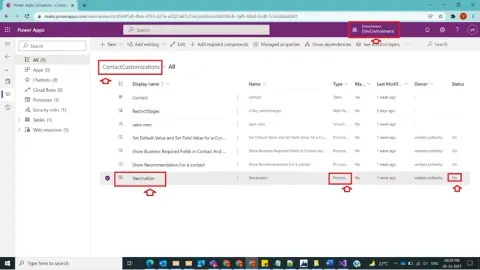
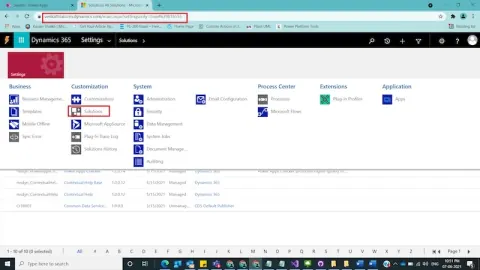
In Dynamics 365, a solution component represents something that you can customize. So, we have 2 types of solutions in Dynamics CRM- Managed solutions where most of the product related Out of Box related functionalities will be present, but as per the customer requirements we have to extend product behaviour with the help of Un-Managed Solutions where all the custom components can be kept. And we are going to see about how to create a custom or unmanaged solution in Dynamics CRM using classic mode and through Power Apps Maker Poral