8 posts about Dataverse Accelerator by 4 contributors.
Know Dataverse Accelerator? Share what you know with developers who are learning it.
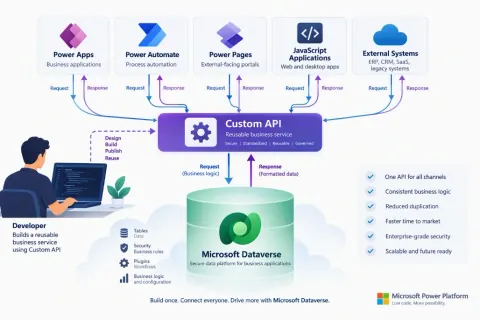
Learn how to create your first Dataverse Custom API step by step. This hands-on tutorial covers Custom API creation, request and response parameters, plug-in development, assembly registration, testing with Dataverse Accelerator.
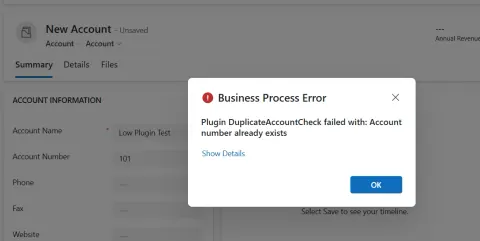
Learn how to create and use Dataverse low-code plug-ins with Power Fx for server-side validation, event-based business logic, solution deployment, and ALM.
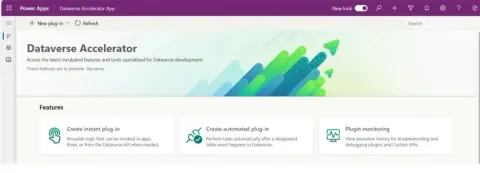
Discover the essentials of Microsoft Dataverse Accelerator in this beginner-friendly guide. Learn how this powerful tool enhances your Dataverse experience by streamlining development, offering API exploration, debugging tools, and efficient environment management, all while simplifying complex data tasks.
Learn how to integrate Instant Plugins in Power Automate using Dataverse Accelerator, Microsoft's experimental feature. Follow step-by-step instructions for creating Automated plugins, specifying details like name, table, and Power Fx code. Ensure prerequisites are met and be cautious as it's experimental.
Integrating instant plugins in Power Automate Flow enables seamless automation. Utilize connectors and triggers to link diverse apps and processes, enhancing efficiency with real-time actions and custom workflows tailored to your needs.
Learn how to call a Dataverse Accelerator Instant Plugin from a Power Apps canvas app using Power Fx and display the returned result.
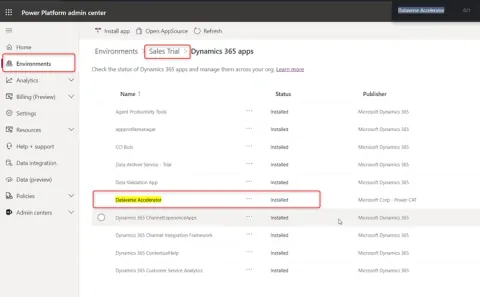
Follow our guide to install the Dataverse Accelerator App step-by-step. Ensure you have set up a Microsoft Edge or Google Chrome profile and created a Power Apps trial.
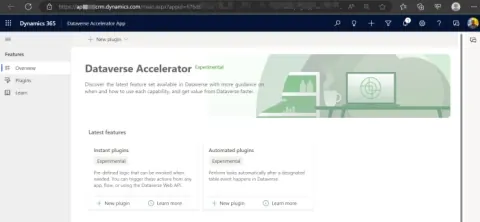
The power of Low Code Plugins in Dataverse—no .Net custom code needed. Explore Instant and Automated plugins for seamless server-side business logic. Transform data effortlessly with Dataverse Accelerator.
DevSocialUpcoming · 3rd editionAI Agents ConferenceNov 23–27, 2026Live onlineMembers only16days leftRegisterPublish an article in this category and earn +1,000 SHARP when it is approved.
Write an article