Dynamics 365 Portals
4 posts1 contributor
Everything about Dynamics 365 Portals

Access Entity Based On N:N Relationship For Dynamics 365 Portal
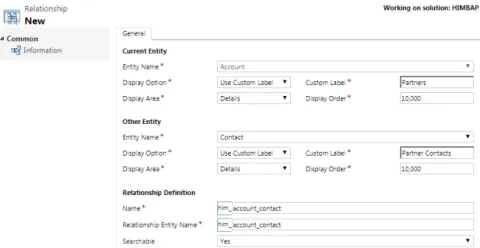
Securely access entities based on N: N relationships in Dynamics 365 Portals by configuring appropriate security roles and permissions. Customize relationship behavior to ensure efficient data management and user access within your portal environment.
Page Redirect Options In Entity Form Dynamics 365 Portals
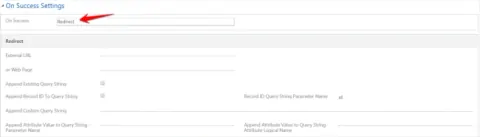
Explore page redirect options in Dynamics 365 Portals' entity forms, enabling seamless navigation for users. Utilize redirect URLs, web links, and JavaScript for custom redirection, enhancing user experience and optimizing portal workflows.
Datetime Zone Issue In Liquid - Dynamics 365 Portal
This article is about the date time format and zone issue in Dynamics 365 Portal. Dynamics 365 CE store date time in UTC format in CRM DB and when you will display date field on Dynamics 365 Portals it will display same date which sometime leads to incorrect date & time. If you are facing same issue this article can help you to fix it.

Comparing Dates In Dynamics 365 Portals Using Liquid
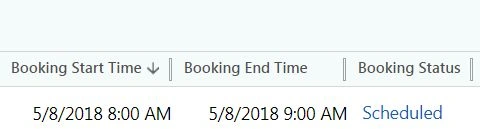
Learn how to compare a Dynamics 365 Portal appointment date with the current date using Liquid, FetchXML, date formatting, and integer conversion in a web template.