Loading
Topic
File sharing
4 posts about File sharing by 3 contributors.
Know File sharing? Share what you know with developers who are learning it.
+ Follow File sharingBe the first to follow this
- Articles
- 4
- Contributors
- 3
Everything about File sharing
- Article · .NET
Upload a File Using File Transfer Protocol (FTP)
Learn how to seamlessly upload files using File Transfer Protocol (FTP) in this comprehensive guide. Discover the step-by-step process, from setting up your FTP client to navigating directories and transferring files securely.
- Article · Windows
How To Share Files Between Ubuntu And Windows 10
In this article, I have described how to share files between Ubuntu and Windows 10 effortlessly by leveraging cross-platform solutions like Samba. Utilize SMB protocol for seamless network sharing, enabling easy file transfer and collaboration across Linux and Windows environments.
- Article · Windows
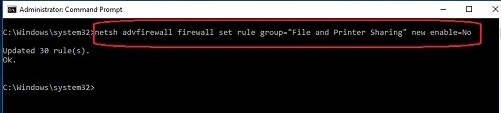
How to Enable or Disable File and Printer Sharing in Windows 10
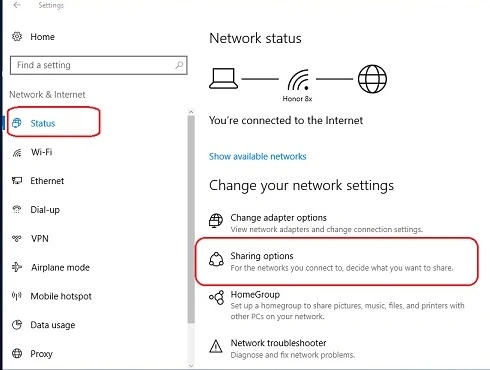
To enable or disable file and printer sharing in Windows 10, navigate to "Settings" > "Network & Internet" > "Network and Sharing Center." From there, select "Change advanced sharing settings" and customize sharing options based on network profiles (private or public).
- Article · C#
FileSharing Server in C# and .NET
The server acts as a File Sharing Server, it listens for multiple clients to connect to it. The Clients have a option to either Download any of the Files available with the server for download.