Loading
Topic
Form Customization
7 posts about Form Customization by 7 contributors.
Know Form Customization? Share what you know with developers who are learning it.
+ Follow Form CustomizationBe the first to follow this
- Articles
- 7
- Contributors
- 7
Articles about Form Customization
- Article · Power Apps
Understanding SharePoint Integration Properties
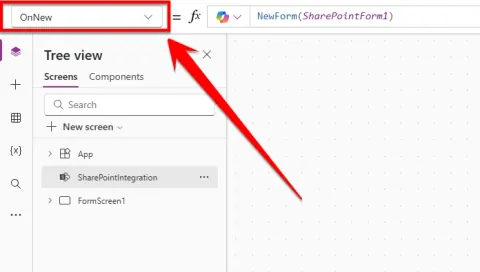
Unlock the power of SharePoint Integration properties in Power Apps! This guide explains how to customize SharePoint forms for seamless user experiences. Learn how to control form behavior when creating, editing, viewing, saving, or canceling items. Master the OnNew, OnEdit, OnView, OnSave, and OnCancel properties to ensure your forms function flawlessly and data is handled correctly. Elevate your Power Apps skills and modernize your SharePoint forms today!
- Article · SharePoint
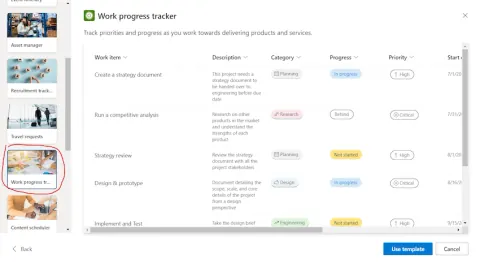
How to Use New Modern Microsoft Lists Forms Experience in SharePoint
Streamline data collection in SharePoint using the new Microsoft Lists forms! Customize fields, apply themes, and easily share forms for efficient data management.
- Article · Power Apps
Showing Restricted or Role-based Users in PowerApps Form Dropdown
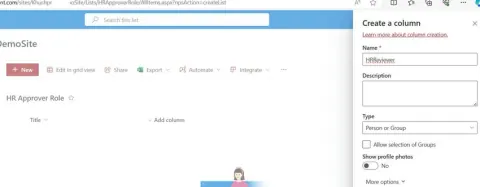
Security of their app or data or functionality everyone demands. Most of requirements require approval process and if we have limited approvers listed what could be asked for more.
- Article · Power Apps
How To Deploy Power App List Form From One Tenant To Another Tenant
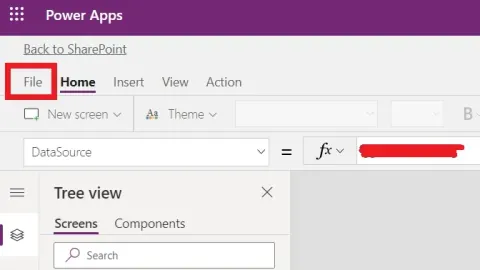
Learn how to move a customized Power Apps SharePoint list form between tenants by exporting the package, updating its JSON configuration, importing it, and reconnecting the list data source.
- Article · SharePoint
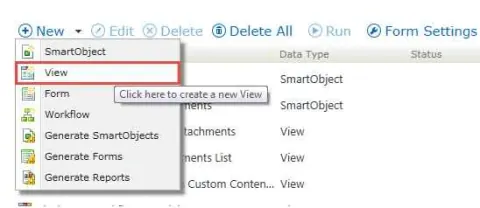
Create Item View Using K2 Designer In SharePoint Online
Learn to craft dynamic item views in SharePoint 2013 Online using K2 Designer. Enhance data presentation, customize forms, and integrate workflows for efficient business processes. Unlock the power of SharePoint with seamless UI design and workflow automation.
- Article · SharePoint
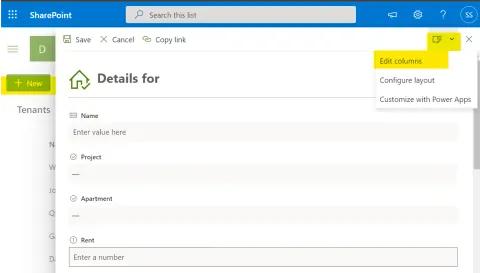
Customize Modern SharePoint List Forms using JSON
Normally we use SPFx or Power Apps to customize the forms in SharePoint online. In this article we will see how you can customize out of box SharePoint list form using JSON. You don’t need to customize the form using SPFx or Power Apps. Some simple JSON can be used to customize header, footer and body of the SharePoint list form. You can create different sections inside the form body as well as apply some validations to show and hide form fields based on the value of other form fields. Advantage of these JSON customized forms are that it is responsive by default. You don’t have to do any work for making these forms responsive. So, you can use same form in desktop and mobile both.
- Article · SharePoint
Conditionally Show/Hide Fields In SharePoint Online List Forms
In this article, we will learn to show or hide the fields on SharePoint list forms using simple formulas.