Loading
Topic
Gestures
4 posts about Gestures by 4 contributors.
Know Gestures? Share what you know with developers who are learning it.
+ Follow GesturesBe the first to follow this
- Articles
- 4
- Contributors
- 4
Articles about Gestures
- Article · Power Apps
Introduction to 3D Object Control in Power Apps
Learn how to add and configure 3D object controls in Power Apps, import 3D models, customize interactions, and account for performance and compatibility limitations.
- Article · Xamarin
Xamarin.Android - Gesture Detector
The gesture detector means finger movement in the touchscreen interface. The gesture types are Tab, Drag, Flick, Swipe, Double Tab, Pinch, Three Finger Pinch, Three Finger Swipe, Touch, Hold, Rotate, and Shake. In this article, we are going to learn how to implement these gestures in our application.
- Article · HoloLens
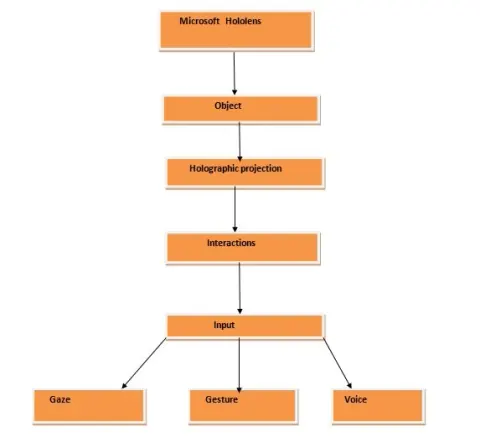
Introduction To Microsoft Hololens
In this article you will learn about an introduction to Microsoft Hololens.
- Article · Microsoft Phone
Learn what is Gestures to Transforms in Windows Phone 7
The primary means of user input to a Windows Phone 7 application is touch. A Windows Phone 7 device has a screen that supports at least four touch points, and applications must be written to accommodate touch in a way that feels natural and intuitive to the user and the XNA programmers have two basic approaches to obtaining touch input.