Loading
Topic
Ignite UI
7 posts about Ignite UI by 3 contributors.
Know Ignite UI? Share what you know with developers who are learning it.
+ Follow Ignite UIBe the first to follow this
- Articles
- 7
- Contributors
- 3
Everything about Ignite UI
- Article · Infragistics
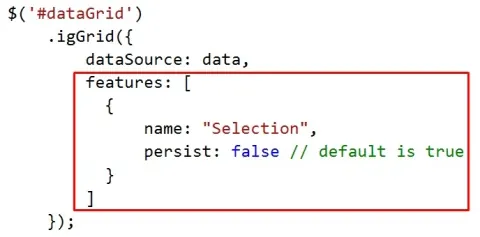
Working With Ignite UI igGrid Selection Feature
Explore Ignite UI's igGrid selection feature for seamless interaction with tabular data. Enhance user experience by enabling row selection, highlighting, and multi-selection functionalities to streamline data manipulation and analysis workflows.
- Article · Infragistics
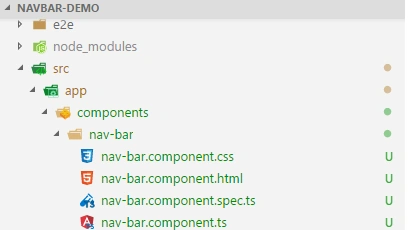
Nav Bar In Angular Using Ignite UI
Today, navigation is one of the most common functionalities in websites. A poor Web navigation may lead to a user frustration and leave your website without engaging in a productive manner. Research proves that if your website can’t engage a user without 2 minutes, that user may never visit your website again.
- Article · Angular
Data Export In Angular Using Ignite-UI
Export to Excel or CSV file is very common need in every web project which is mostly used for reporting purposes but to export data in excel from data source takes a huge code. Infragistics provide a very simple way to achieve this in Angular which takes either data source or IgxGrid data grid as source and convert it to excel, csv or tsv file very easily. IgxGrid data grid is a vast concept in itself so in this article, we will use the data source to export the file.
- Article · Infragistics
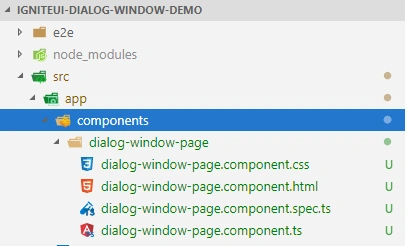
Dialog Window In Angular Using Ignite-UI
The dialog window is a graphical control element or a small window that communicate information between application and user. It is very helpful to prompt the information, warning and other messages within the application. For an example in a web application when a user tries to access any restricted resource system can prompt a warning message in a dialog window.
- Article · Angular
Combobox In Angular Using Ignite UI
A Combo box control is very commonly use in Web applications where we need to select one item from a list of available items.
- Article · Infragistics
Create Charts In ASP.NET MVC Using Ignite UI jQuery
In this article, you will learn to represent Data using Ignite UI jQuery Charts with MVC.
- Article · Products
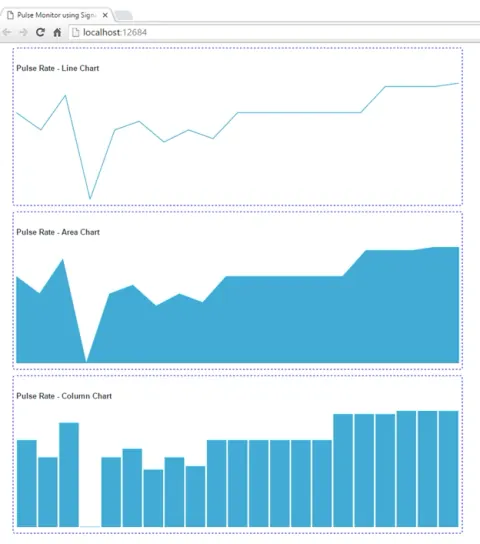
RealTime Pulse Monitor Using SignalR And Ignite UI igSparkline
In this article, you will learn about realtime pulse monitor using SignalR and Ignite UI igSparkline.