Loading
Topic
Inbox Organization
2 posts about Inbox Organization by 2 contributors.
Know Inbox Organization? Share what you know with developers who are learning it.
+ Follow Inbox OrganizationBe the first to follow this
- Articles
- 2
- Contributors
- 2
Everything about Inbox Organization
- Article · Microsoft 365
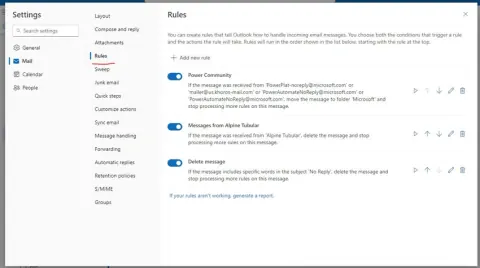
Configuring Outlook Rules to Identify and Manage External Emails
Master Outlook email management! Learn to create rules that automatically filter external emails, decluttering your inbox and prioritizing internal communications. Streamline workflow now!
- Article · Microsoft 365
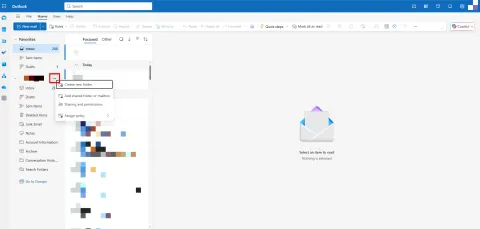
Outlook Automation Features To Master Your Inbox
Outlook, a widely used email and productivity tool, offers an array of automation features designed to enhance your email management efficiency. Mastering these features empowers users to streamline their inbox management, boost productivity, and achieve better organization. Explore automation tools like rules, filters, and quick steps to automate repetitive tasks such as sorting emails, flagging important messages, and categorizing incoming mail. Learn how to utilize Outlook's advanced search capabilities and intelligent filtering options to swiftly locate specific emails, attachments, or conversations, saving valuable time. Additionally, delve into Outlook's integration with calendars and scheduling tools, enabling seamless coordination of meetings and appointments. By mastering Outlook's automation features, users can optimize their email workflow, stay organized, and respond promptly to important communications.