Loading
Topic
Ink
7 posts about Ink by 3 contributors.
Know Ink? Share what you know with developers who are learning it.
+ Follow InkBe the first to follow this
- Articles
- 7
- Contributors
- 3
Articles about Ink
- Article · UWP
Using the Tablet PC as a Flashing Restaurant Menu in C# and .NET
This is a simple application written for a restaurant using Tablet PC that allows you to list such things as lunch specials and have the colors on the board change randomly to produce an interesting flashing sign effect.
- Article · XAML
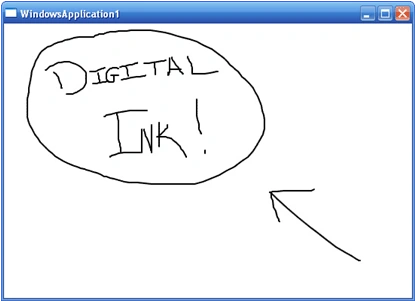
Digital Ink in WPF
Digital ink used to only be available as part of the Tablet PC SDK. Now it is bundled with Windows Presentation Foundation. This tutorial demonstrates how easy it is to integrate digital ink into your Avalon applications using XAML and C#.
- Article · UWP
Saving and Loading Ink on InkPicture Control in C#
This article shows a real-world usage of Tablet PC InkPicutre control and ink. The attached file is a Visual Studio 2003 project, which allows you to load an image file, write on the image using ink and save the ink. It also allows you to load and view the saved ink on the image.
- Article · UWP
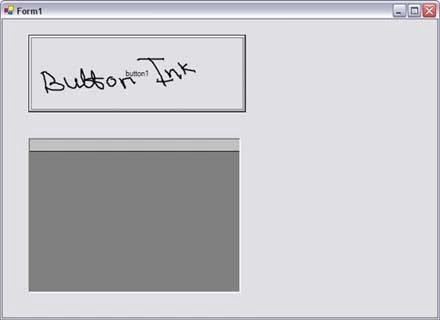
Using Tablet PC Ink on Windows Controls
You can use any control as a surface for the ink and can write on these controls using a Tablet PC pen. To make a control ink enabled, you must have to assign the handle of the control to InkOverlay handle.
- Article · UWP
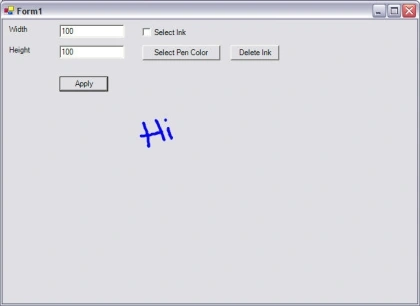
Tablet PC Ink Editing Modes - Select and Delete Ink
In my previous articles, I discussed how to use Ink and set its properties to draw on a Windows Forms and Windows controls. In this article, I will discuss some more features of Tablet PC Ink including selecting and deleting ink, Ink collection, and Ink object.
- Article · UWP
Working with Tablet PC InkPicture Control in C#
Tablet PC SDK provides two very powerful but easy to use Ink controls for Ink recognition. These two controls are - InkEdit and InkPicture. This article discusses how to work with InkPicture control. See Working with Tablet PC InkEdit control to work with InkEdit control.
- Article · Windows Forms
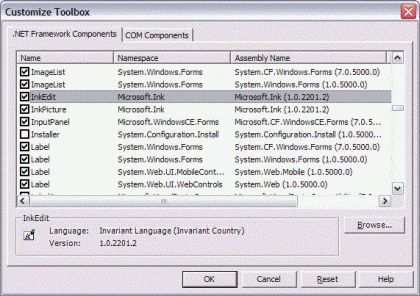
Working with Tablet PC InkEdit Control in C#
Tablet PC SDK provides two very powerful but easy to use Ink controls for Ink recognition. These two controls are - InkEdit and InkPicture. This article discusses how to work with InkEdit and InkPicture controls.